

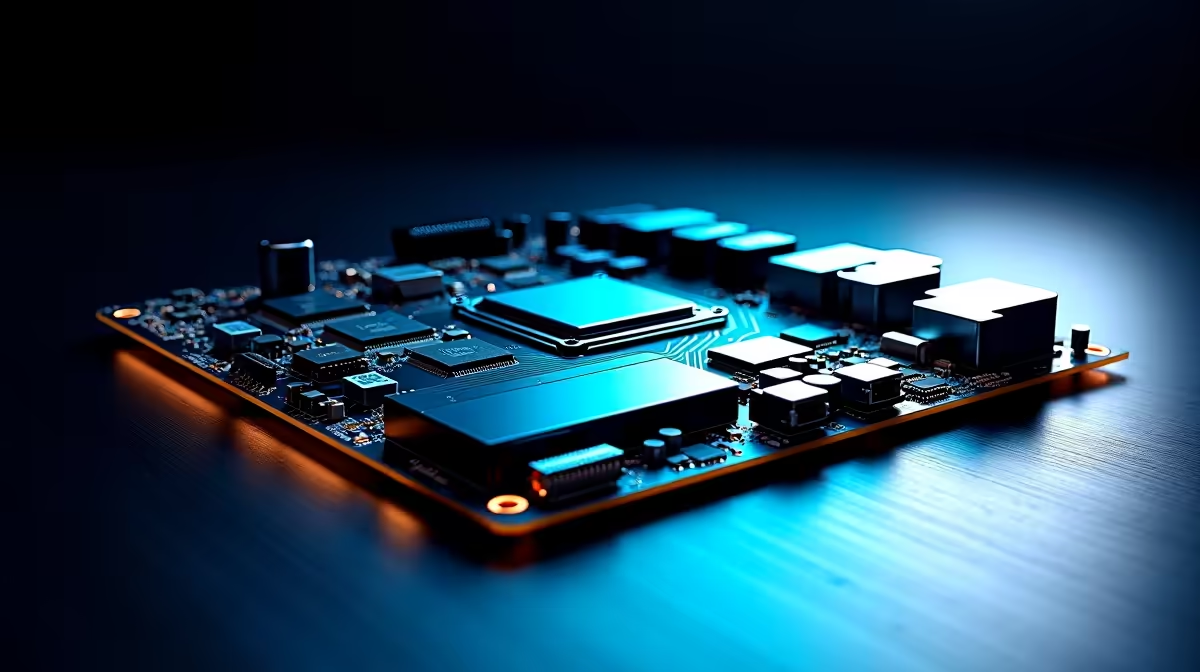
Working from home in South Africa means battling more than just the occasional power cut. If you edit massive 4K video files or render heavy 3D assets, your PC needs serious muscle. The foundation of that power? Your motherboard. Let us explore the best motherboard features for South African work-from-home creators handling large media files. This ensures your workflow stays smooth and your renders finish on time.
High-Speed Storage Connections ⚡
When dealing with massive files, slow storage is a workflow killer. You need PCIe 4.0 or PCIe 5.0 M.2 slots. These allow NVMe SSDs to read and write at blistering speeds. Moving a 100GB video file takes seconds instead of minutes.
It is vital to explore the latest motherboard options that support multiple M.2 slots. This lets you keep your OS, cache, and active project files on separate, ultra-fast drives. Upgrading your setup does not have to cost R10,000 just for a board... but good connectivity pays off daily.
Robust Power Delivery for Heavy Rendering
Rendering pushes your CPU to the absolute limit. A board with a strong VRM (Voltage Regulator Module) ensures stable power delivery. This prevents thermal throttling when your processor runs at 100% for hours.
If you prefer Team Blue, checking out reliable ASUS Intel motherboards guarantees you get top-tier power stages. Alternatively, Ryzen fans can find incredible multi-core stability within the range of ASUS AMD motherboards. Both platforms offer incredible performance for local creators.
Massive RAM Capacity 🚀
Large media files eat memory for breakfast. You cannot afford to run out of RAM while colour grading 4K footage. Look for boards with four DIMM slots supporting at least 128GB of DDR5.
Pairing a solid board with high-speed desktop memory kits ensures scrubbing through timelines feels instant. More RAM means fewer crashes and a much smoother editing experience.
Storage Pro Tip 🔧
When setting up your workstation, always dedicate a smaller NVMe SSD purely as a scratch disk for Adobe Premiere or DaVinci Resolve. This prevents your main Windows drive from bogging down during heavy cache reads... saving you hours over a project's lifespan.
Plentiful High-Speed Ports ✨
Creators need to plug in a lot of external gear. Think card readers, external hard drives, and audio interfaces. Your ideal motherboard should have plenty of USB Type-C ports. Thunderbolt 4 support is an incredible bonus for moving massive media files quickly.
Having these ports on the rear I/O saves you from crawling under your desk. It keeps your creative space tidy and efficient. Every second saved on file transfers is a second you can spend creating. Do not underestimate the value of a high-speed front panel USB header, either.
Fast Networking for Cloud Backups
South African creators often collaborate globally. Uploading gigabytes of data requires stable, fast networking. Look for built-in Wi-Fi 6E or 2.5GbE LAN ports on your rear I/O panel.
Fibre internet is great, but a weak Wi-Fi receiver on your PC will bottleneck your upload speeds. A premium motherboard ensures you get every megabit you pay for. Fast local networking also helps if you use a NAS (Network Attached Storage) to back up your heavy media files.
If building a rig from scratch feels daunting, you can always grab one of our best gaming PC deals. These pre-built machines already feature high-end creator specs.
Ready to Upgrade Your Creator Studio? Finding the perfect foundation for your workstation is crucial for handling massive media files. Browse our full range of motherboards today and build a PC that works as hard as you do.











