

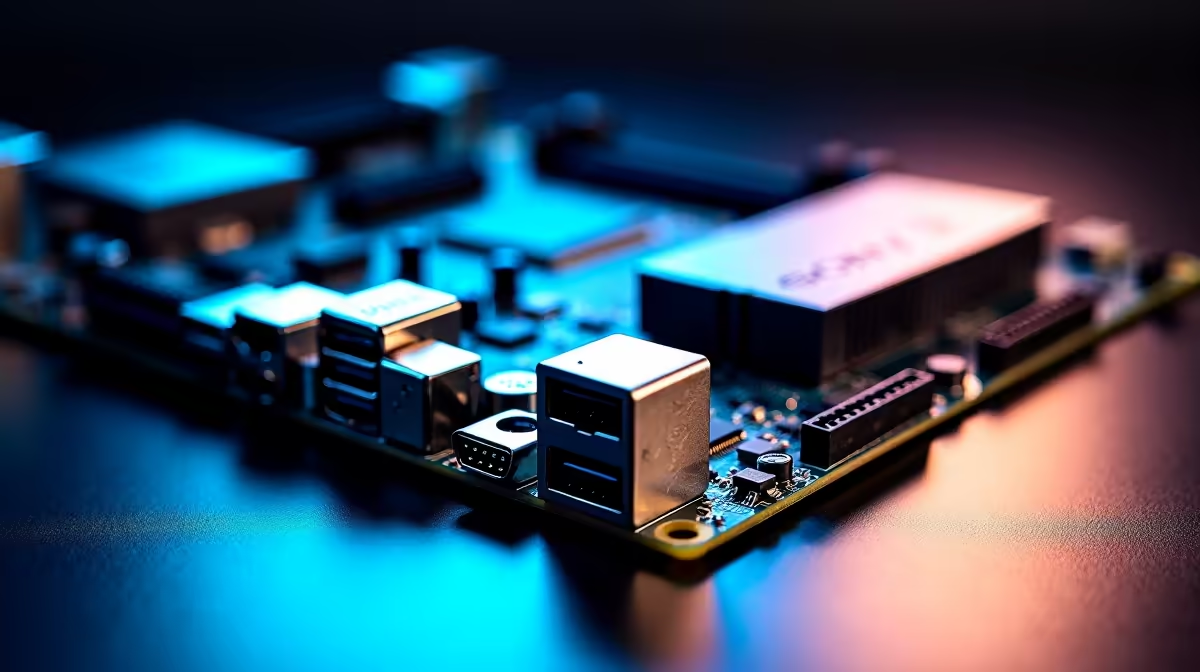
Let's be honest. Building a PC is thrilling until you have to wrestle thick power cables into a tiny cutout. South African gamers know the struggle. You want your rig to look clean but end up hiding a massive rat's nest of wires. Enter hidden-connector motherboards. This brilliant design shifts bulky plugs to the back... giving your setup a flawless aesthetic.
The Magic of Hidden-Connector Motherboards 🚀
For years, standard PC builds followed the exact same rules. You plug your 24-pin power, SATA cables, and fan headers directly into the front of the board. Hidden-connector motherboards flip this script entirely.
Manufacturers have boldly moved all the ugly headers to the rear side of the printed circuit board. When you look through your tempered glass side panel, you only see your premium core components. There are no messy wires blocking your graphics card. If you are currently browsing the latest motherboards, you will notice this sleek trend is growing incredibly fast.
What Changes During the Build Process?
Building a PC with a hidden-connector layout feels completely different. Instead of routing cables to the front and bending them awkwardly, you do all your plugging in at the back. This saves massive amounts of time and frustration.
Top-tier brands are heavily investing in this clean aesthetic. Whether you want the raw multi-core power of ASUS Intel motherboards or the gaming efficiency of ASUS AMD motherboards, routing cables is now effortless. You just plug your power supply cables straight into the rear cutouts.
Compatibility Pro Tip 🔧
Hidden-connector motherboards require specific PC cases with exact rear cutouts. Always double-check that your chosen chassis officially supports the ASUS BTF or MSI Project Zero standard before spending your hard-earned ZAR!
Better Airflow and Stunning Aesthetics ✨
Beyond just looking incredible, hiding your cables actually improves your system cooling. Thick braided wires often block fresh air from your front intake fans. Removing them creates a direct wind tunnel over your processor. This is especially useful during hot South African summers.
This pristine layout also makes your RGB components stand out beautifully. When you install stunning high-speed memory kits, their lights reflect perfectly. There are no ugly black wires ruining your carefully chosen colour scheme.
Every single component shines. You get a premium, professional look that used to require hours of meticulous zip-tying. Of course, building from scratch is not for everyone. If you want absolute perfection without the effort, exploring pre-built custom gaming PCs is a very smart alternative. Many modern pre-builts now feature expert cable management right out of the box.
Is the Investment Worth Your ZAR?
Upgrading to a hidden-connector ecosystem requires buying both a compatible board and a supported case. While this might add to your initial upgrade budget, the long-term payoff is massive.
You get an ultra-clean interior that gathers less dust. You get better thermal performance for high-end gaming. Most importantly, you get a system that looks like a true masterpiece. Hidden-connector motherboards are completely redefining how we approach PC building.
Ready to Build Your Dream Machine? Creating a flawless, cable-free setup has never been easier. Explore our massive range of PC components and find the perfect hardware to bring your ultimate vision to life.











