

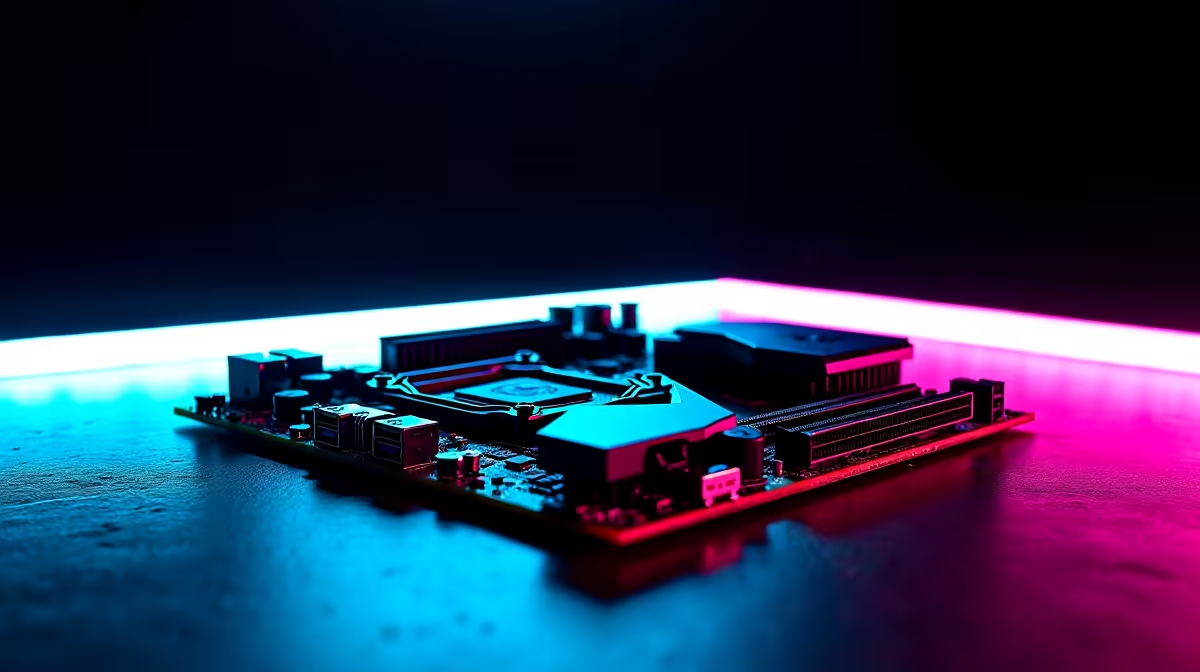
Building a rig in South Africa? You probably obsess over the graphics card. But what about the nervous system connecting it all? If you ignore your networking and display ports, you are leaving performance on the table. Let's dive into the full breakdown of Wi-Fi 7, 2.5Gb LAN, DisplayPort and HDMI on a gaming motherboard to ensure your next ZAR 30,000 build actually performs like one.
Networking Dominance: Wi-Fi 7 and 2.5Gb LAN ⚡
South African fibre networks are getting faster every year. To keep your ping low during intense competitive matches on local servers, you need serious bandwidth. A 2.5Gb LAN port offers 2.5 times the speed of standard gigabit Ethernet. It allows you to easily max out local 1000Mbps fibre lines while leaving plenty of overhead for local network file transfers. It is the ultimate hardwired connection for zero packet loss.
But if running long cables across your house is not an option, Wi-Fi 7 is the new wireless standard. Operating across the 2.4GHz, 5GHz, and 6GHz bands simultaneously via Multi-Link Operation (MLO), it significantly lowers latency and rivals wired connections. Whether you lean towards team blue and are browsing ASUS Intel motherboards or prefer team red with ASUS AMD motherboards, securing a board with these modern networking standards is non-negotiable for future-proofing your setup.
Visual Perfection: DisplayPort and HDMI Explained 🖥️
Having a monstrous GPU is useless if your connection bottlenecks the frame rate. This is where understanding DisplayPort and HDMI on a gaming motherboard becomes crucial... especially if you ever need to run integrated graphics while troubleshooting your PC.
HDMI 2.1 supports massive 4K gaming at 120Hz with an impressive 48Gbps bandwidth. This makes it perfect for connecting your PC to large OLED TVs in the lounge for couch gaming. Meanwhile, DisplayPort 1.4 and the newer 2.1 standard (which boasts up to 80Gbps) are the undisputed kings of PC monitors. They effortlessly push 240Hz and beyond for competitive esports titles. When you shop for the latest motherboards, always check the rear I/O specifications to properly match your high-end monitor.
Cable Quality Matters 🔧
Never use a cheap, generic cable for a high-end monitor. To actually experience the bandwidth of DisplayPort 2.1 or HDMI 2.1, ensure your cable is VESA-certified or ultra-high-speed certified. A bad cable is the number one cause of flickering screens and capped refresh rates.
Tying the System Together 🚀
Fast ports need fast data delivery. Your fancy new Wi-Fi 7 module and high-resolution display outputs rely heavily on the rest of your system architecture. Pairing your board with high-speed DDR5 desktop memory kits ensures that data flows to your CPU without annoying bottlenecks.
If picking individual parts, managing ZAR budgets, and checking compatibility sounds like a headache, you can always skip the hassle. Grab one of the best gaming PC deals available locally. These rigs come pre-configured with top-tier connectivity right out of the box, saving you time and stress.
Ready to Upgrade Your Connection? Don't let outdated ports bottleneck your gameplay. Whether you need the lightning-fast speeds of Wi-Fi 7 or the rock-solid stability of 2.5Gb LAN, Evetech has you covered. Explore our massive range of gaming motherboards and build a rig that never drops a frame.











