

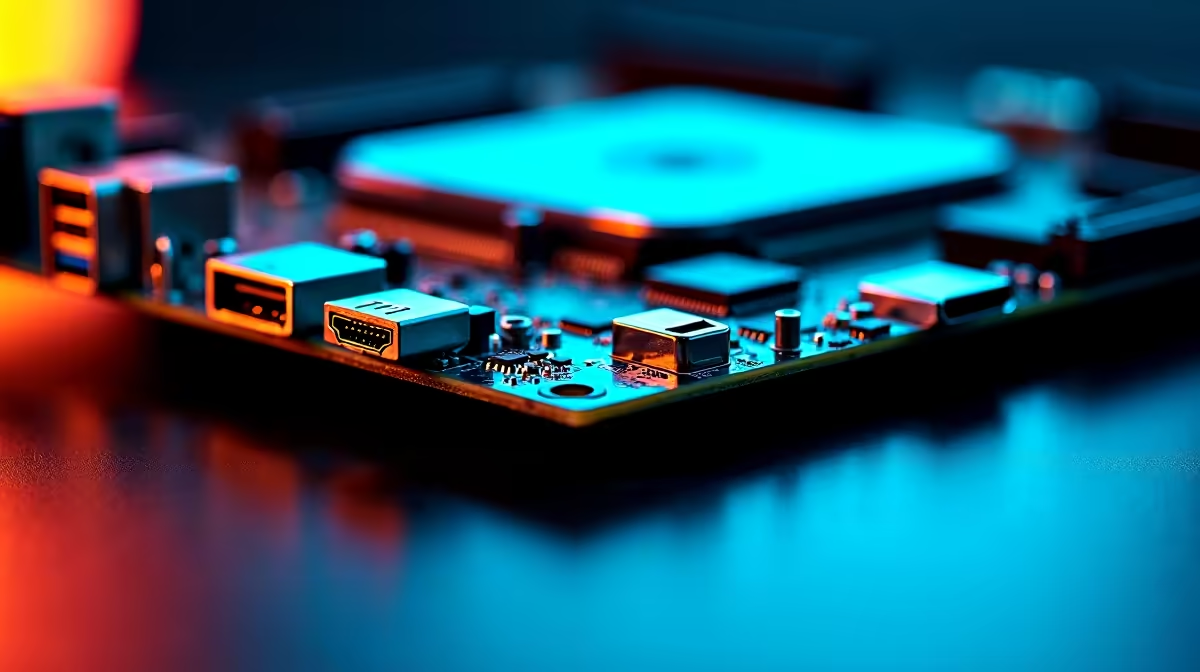
Building a rig in South Africa means making every ZAR count. You finally unbox your hardware, look at the rear I/O, and stare at a maze of ports. Which one actually gives you 144Hz? Where does your rapid external drive plug in?
If you are looking for the single best explanation of DisplayPort, HDMI and USB Type-C 20Gbps on a modern motherboard... you have found it. Let us decode that back panel so you can optimise your setup.
DisplayPort and HDMI for Peak Visuals 🖥️
Gamers often wonder which display output reigns supreme. The answer depends heavily on your screen. DisplayPort is generally the gold standard for high-refresh-rate PC gaming. It easily pushes 144Hz and beyond at crisp 1440p or 4K resolutions. If you want tear-free gaming with G-Sync or FreeSync monitors, DisplayPort is your best friend.
HDMI has evolved massively over the last few years. The newer HDMI 2.1 standard offers incredible bandwidth. It is absolutely perfect if you connect your PC to a large OLED TV in the lounge. When you browse the latest motherboards, you will notice most offer both options. This dual-setup ensures maximum compatibility for any display.
If you prefer skipping the complex build process... check out our pre-built gaming PC deals. They come with all the right ports ready to go straight out of the box.
The Raw Speed of USB Type-C 20Gbps ⚡
USB Type-C is not just a reversible connector anymore. It has become a massive data pipeline. When you see USB Type-C 20Gbps on a spec sheet, it refers to the USB 3.2 Gen 2x2 standard. This specific port can transfer data at a blistering 2000 megabytes per second.
Why does this matter for the average user? If you edit 4K video directly from an external SSD, this port prevents annoying timeline lag. It is also perfect for rapid game backups before load-shedding hits. You will find this ultra-fast connection on top-tier hardware... including many premium ASUS Intel boards.
Team Red fans are certainly not left out. Many high-end ASUS AMD motherboards feature this exact same 20Gbps technology. It ensures your massive files move as fast as your processor can handle them.
Cable Quality Matters 🔧
Always ensure your cables are certified for the bandwidth you need. A cheap unbranded cable might bottleneck your expensive monitor, causing flickering or capping your refresh rate at 60Hz. Buy certified cables to optimise your visual experience.
Bandwidth Needs Fast Memory 🚀
Having the fastest external ports is only half the battle. Your motherboard must route all this incoming data through your CPU and system memory. If your RAM is too slow... those incredible 20Gbps transfer speeds will immediately hit a bottleneck.
To keep your system running smoothly, you need adequate memory bandwidth. Pairing your modern motherboard with high-speed RAM kits ensures your entire system stays responsive under heavy loads. Fast memory feeds data to your processor without delay. This means your high-end display outputs and ultra-fast USB ports perform exactly as advertised.
Understanding these critical connections helps you buy the right gear. It ensures you get the most vibrant colours, the fastest frames, and the quickest file transfers possible.
Ready to Find Your Perfect Match? The port selection debate is complex, but for maximum power, choice, and value in South Africa, Evetech is hard to beat. Explore our massive range of motherboards and find the perfect foundation to conquer your digital world.











