Quick Answer
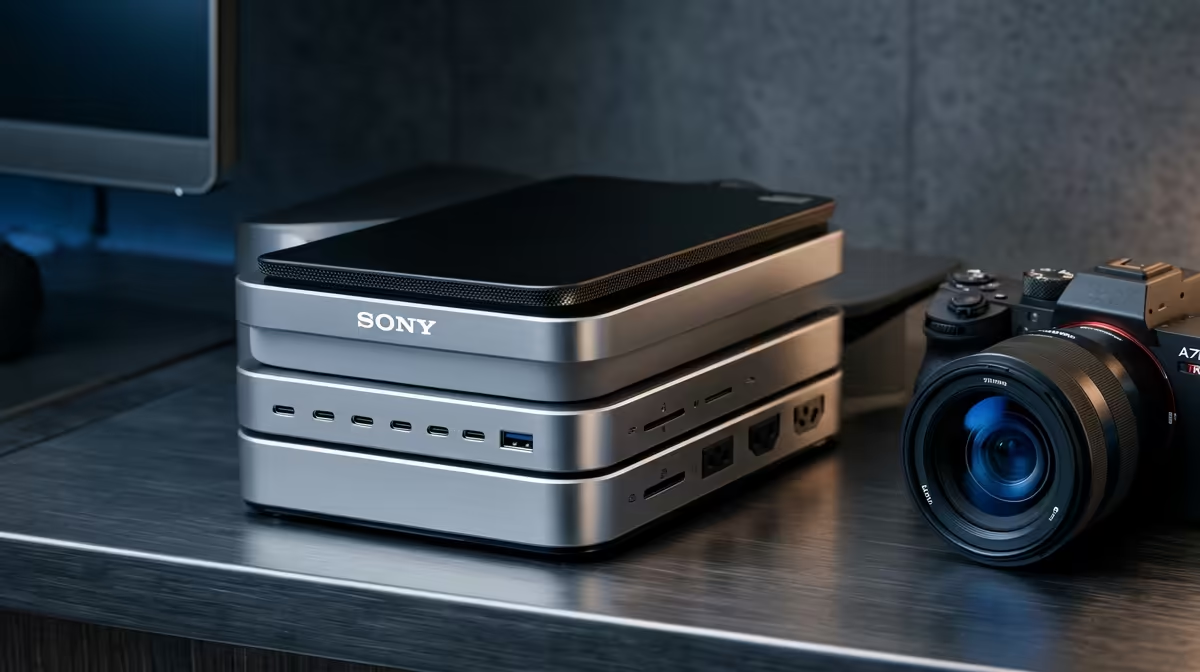
For DaVinci Resolve editing the dock's bottleneck is data bandwidth, since timelines pull from fast external SSDs that a weak hub will throttle. Prioritise a high-bandwidth USB-C or Thunderbolt-class dock that holds external SSD speeds and drives dual displays; these sit around R2,000 to R3,500 at Evetech.
Power Delivery: Match Wattage To Your Laptop
A dock's USB-C power delivery decides whether it charges your laptop while connected. Thin ultrabooks usually need 60W to 65W, while 16-inch and gaming laptops want 90W to 100W or their own charger. Buying a 45W dock for a laptop that needs 90W means it slowly drains while you work. Whether you study at Wits, UCT, Stellenbosch, or UJ, the same rule holds: buy the part that fixes your current bottleneck first.
Display Outputs And Real Bandwidth
Check exactly what the dock drives: a single 4K at 60Hz, dual 4K at 60Hz, or a fallback to 30Hz on the second screen. USB-C and Thunderbolt-class docks differ sharply here, and a cheap hub may list two outputs but only run them at low refresh. If you need two crisp 60Hz monitors, confirm the spec rather than trusting the port count.
Storage Bandwidth For Resolve Timelines
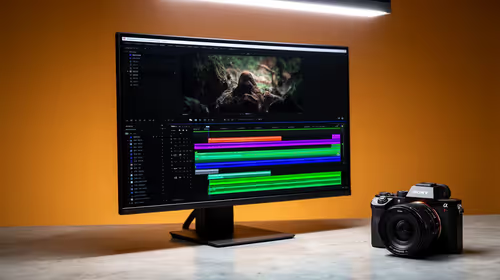
DaVinci Resolve scrubs and renders straight off your media drives, so a dock that throttles an external SSD below its rated speed adds lag to every playhead move and export. Look for a high-bandwidth USB-C or Thunderbolt-class dock, keep your fastest SSD on the top port, and confirm it sustains real-world SSD speed under load, not just on paper.
FAQ
How much should a good docking station cost in SA?
Basic USB-C hubs start around R800, while a capable dock with strong charging and dual display output sits at R1,500 to R3,500. Pay for the wattage and outputs you actually need rather than the longest port list.
How much power delivery does my laptop need?
Thin ultrabooks usually charge fine on 60W to 65W, but 16-inch and gaming laptops often need 90W to 100W or their own brick. Check your laptop's charger wattage and match or exceed it.
Can one dock run two 4K monitors at 60Hz?
Only higher-bandwidth docks can; many budget hubs drop the second screen to 30Hz or a lower resolution. Confirm the dock explicitly lists dual 4K at 60Hz before relying on it for two monitors.
dock's power-delivery wattage to your laptop charger, then confirm it lists your exact display setup (single or dual 4K at 60Hz) before you buy.