

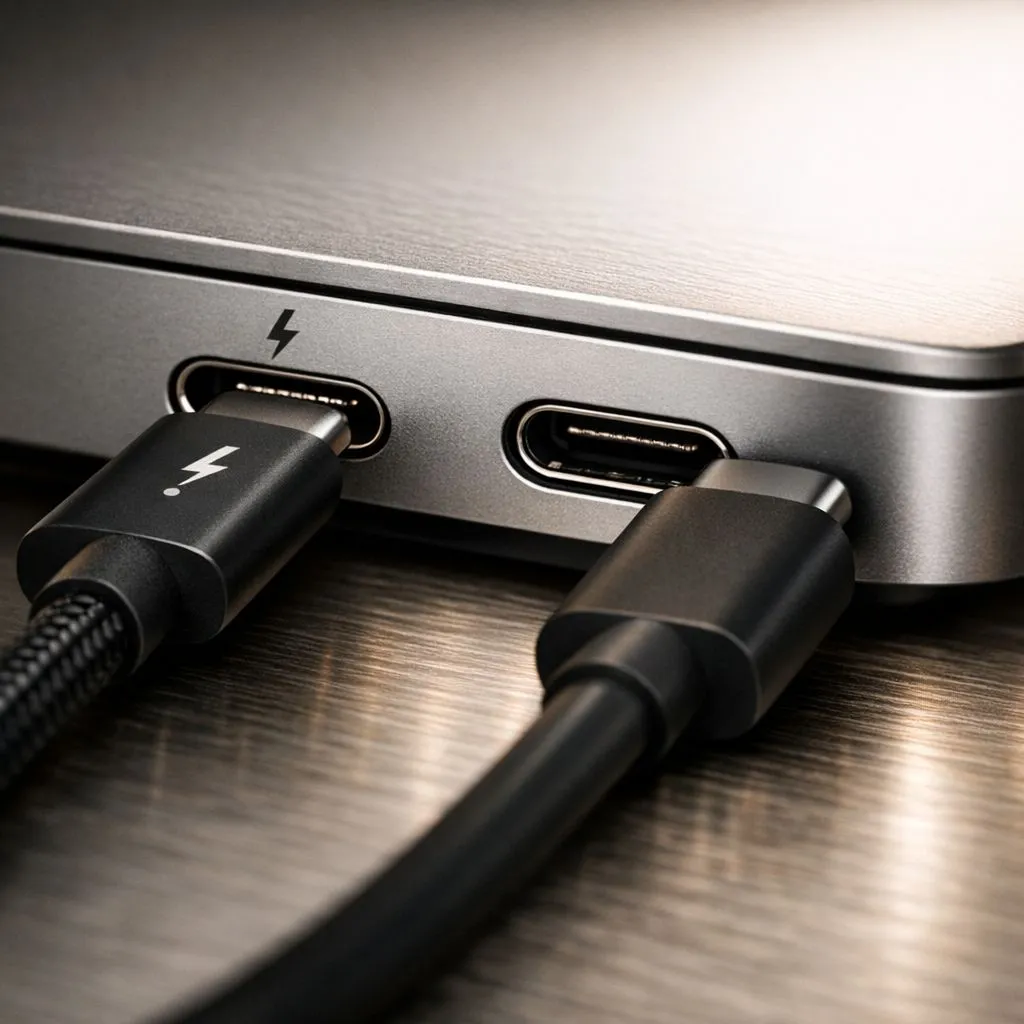
Staring at the ports on your new laptop can be confusing. They look identical... yet one handles a 4K monitor while the other barely charges your phone. Navigating the Thunderbolt 4 vs USB-C: Complete Guide to Laptop Connectivity is essential for any South African gamer looking to future-proof their setup without wasting hard-earned Rands on the wrong cables. Let’s demystify these ports once and for all. ⚡
Understanding the Connector Confusion
The first thing to understand is that USB-C is the physical shape. It is the oval plug we all love. Thunderbolt 4 is the "brain" inside that plug. While all Thunderbolt 4 ports use the USB-C shape... not all USB-C ports support Thunderbolt speeds. Many of our latest Intel laptops on special feature these high-speed ports to ensure you get the best performance out of your peripherals.
Speed and Bandwidth Breakdown
Thunderbolt 4 offers a guaranteed 40Gbps bandwidth. This is massive for creators and gamers alike. Standard USB-C ports can vary wildly... sometimes offering only 5Gbps or 10Gbps. If you are looking at Ryzen laptop deals, you will often find USB4 or high-spec USB-C ports that rival these speeds. Always check the little icon next to the port. A lightning bolt usually indicates Thunderbolt... while a "SS" or battery icon indicates standard USB speeds or charging capabilities.
Cable Quality Matters 🔧
Not all cables are created equal. Even if your laptop and monitor both support Thunderbolt 4, using a cheap "charging-only" USB-C cable will throttle your data speeds to USB 2.0 levels. Always look for the '4' or the lightning bolt symbol on the cable housing to ensure you are getting the full 40Gbps bandwidth for your external drives and displays.
Thunderbolt 4 vs USB-C: Complete Guide to Laptop Connectivity for Gamers
For the local gaming community, the difference is felt in the peripherals. Thunderbolt 4 allows you to daisy-chain monitors or connect high-speed external NVMe drives. This is why our best gaming laptop deals often highlight port specifications. You do not want your external gear lagging because of a bandwidth bottleneck during a competitive match. 🚀
Power Delivery and Budget Constraints
You do not always need the most expensive port to have a great experience. If you are browsing gaming laptops under R20k, you will likely find very capable USB-C ports. These often support "DisplayPort Alt Mode" and "Power Delivery". This means you can still run a monitor and charge your laptop through a single cable... even without the Thunderbolt branding. It is about finding the right balance for your budget.
Future-Proofing with High-End Graphics
If you plan on using an external GPU (eGPU) in the future, Thunderbolt 4 is a non-negotiable requirement. It provides the necessary PCIe data lanes to let a desktop-class card breathe. When you invest in Geforce RTX gaming laptops on special, having a Thunderbolt port ensures that your machine stays relevant for years to come. It allows you to expand your station as your needs grow. ✨
Ready to Find Your Perfect Match? The Thunderbolt 4 vs USB-C debate is complex, but for maximum power, choice, and value in South Africa, knowing your ports is key. Explore our massive range of laptop specials and find the perfect machine to conquer your world.











