

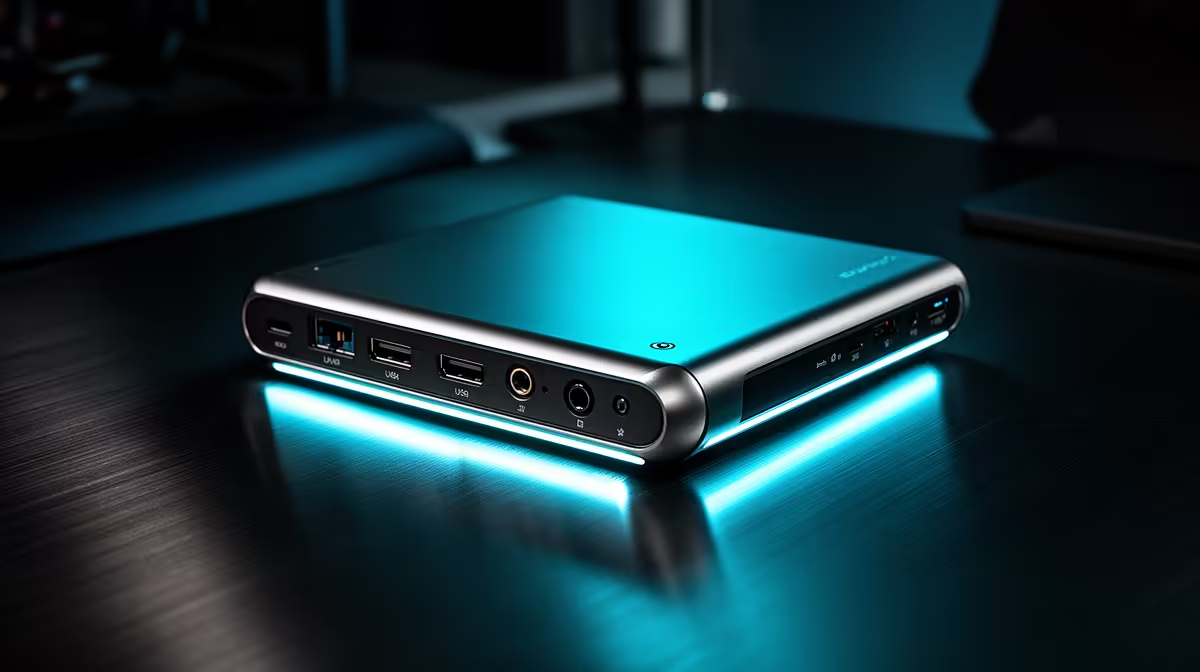
You’ve just ended an epic stream. The hype was real, the chat was buzzing… but now the real grind begins. Sifting through hours of footage, trimming dead air, and perfecting your highlight reel can feel like a chore. What if your setup could do the heavy lifting for you? Investing in smart, time-saving post-stream editing gear isn’t a luxury; it’s how you reclaim your evenings and get your content live faster than the competition.
Why Your Current Workflow is Costing You Hours
Ever find yourself clicking the same sequence of keys over and over? Or painstakingly scrubbing through a timeline with your mouse to find that one perfect moment? These micro-moments add up. Your standard keyboard and mouse are great for gaming, but they aren't optimised for the repetitive, precision tasks of video editing. This is where specialised post-stream editing gear transforms your workflow from a slow crawl into a high-speed sprint. ⚡
The goal is to minimise mouse travel and complex keyboard shortcuts, replacing them with intuitive, single-press actions. This not only saves time but also reduces mental fatigue, letting you focus on the creative side of editing.
Essential Gear for Faster Post-Stream Edits
Upgrading your editing arsenal doesn't have to be complicated. A few key pieces of hardware can dramatically cut down your editing time.
Macro Pads & Stream Decks
These are the heart of an efficient editing setup. A stream deck or a dedicated macro pad allows you to map complex, multi-step actions to a single button. Imagine hitting one key to ripple-delete a clip, add your favourite transition, and apply a colour-correction preset all at once. It's a massive leap in efficiency. Many creators already own this type of hardware for their live streams, but unlocking its potential for editing is the real pro move. Check out the customisable and programmable gear from CORSAIR to see how you can automate your most common tasks.
Pro Shortcut Tip
your top 5 most-used editing functions to a macro pad. For Adobe Premiere, start with: 'Ripple Delete,' 'Add Default Transition,' 'Nest Clips,' 'Copy,' and 'Paste Attributes.' This simple change can save you hundreds of clicks per video.
Control Dials and Surfaces
For tasks that require finesse, like audio level adjustments or precise timeline scrubbing, a physical dial is far superior to a mouse. It gives you tactile feedback and a level of control that's simply faster and more accurate. Instead of dragging a tiny slider, you can intuitively spin a dial to get the perfect result in seconds. Why not explore our full range of streaming essentials to find peripherals that give you this hands-on control?
Smart Upgrades that Make the Difference ✨
Sometimes the best time-saving post-stream editing gear works its magic before you even hit 'record'.
Getting your lighting right from the start means less time spent wrestling with colour grading and exposure in post-production. A well-lit scene looks more professional and is easier to work with. Investing in smart lighting solutions like Cololight allows you to create consistent, high-quality lighting profiles that save you from tedious correction tasks later.
You also don't need to spend a fortune to see improvements. Often, the biggest bottlenecks can be solved with targeted, budget-friendly upgrades. A dedicated SSD for your project files and cache, for example, can make your timeline smoother and rendering faster. You can find plenty of powerful streaming gear under R6000 that will make a tangible impact on your editing speed.
Stop Editing, Start Creating Your time is too valuable to be lost in repetitive clicks. Upgrade your setup with gear designed to accelerate your workflow. Browse our curated Streaming Essentials collection at Evetech and publish your next video in record time.











