

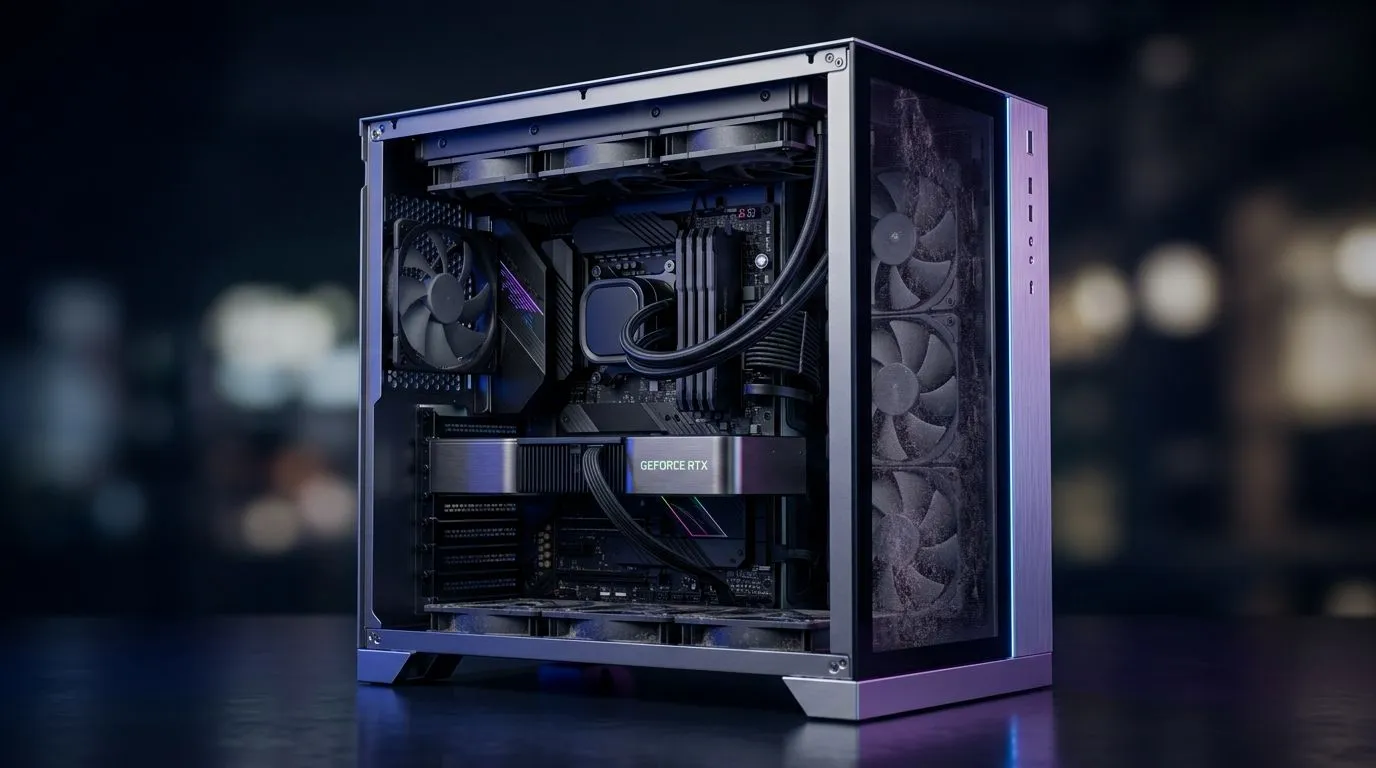
Too Much Dust in Your PC Case? Fan Layout and Filters
If your PC sounds like a bakkie climbing a gravel road, dust may be the culprit. In South Africa, that matters even more. Heat, dry air, and open windows can turn a clean build into a lint magnet fast. The good news? A smarter case setup, better fan direction, and decent filters can keep temps steadier and cleaning far less painful. 🔧
PC case dust control basics that actually work
Dust does not just look bad. It can clog heatsinks, slow airflow, and make fans work harder. Over time, that can raise temperatures and noise. The fix starts with airflow balance.
Front and bottom fans should usually pull cool air in. Rear and top fans should push warm air out. That simple pattern helps air move through the case instead of swirling around inside it. If you have more intake than exhaust, air pressure stays positive. That often helps reduce dust sneaking in through random gaps, especially when intake fans use filters.
For South African homes, this matters in winter and summer. Closed rooms with carpets and pets can build up dust quickly. A case with proper filtration is not a luxury... it is maintenance prevention.
PC case fan layout and filters for better airflow
A good fan layout is not about maximum fan count. It is about direction, spacing, and obstruction. If your front panel is solid and restrictive, even strong fans may struggle. Mesh fronts usually breathe better. Filter quality also matters, because a filter that is too dense can choke airflow.
When shopping for a new chassis, look closely at airflow-focused designs. Evetech’s computer cases range is a practical place to compare layouts, side panels, and front intake design. If you prefer cleaner styling with strong cooling potential, browse Fractal Design PC cases. For buyers chasing value, Gamdias gaming cases often give you a lot of case for the money. If your budget is tighter, the Gamdias cases under R1500 are worth a look too.
A quick practical check
Stand in front of your case and feel the airflow. Cool air should enter from the front or bottom. Warm air should leave from the rear or top. If your hand feels heat building near the GPU, you likely need better exhaust.
Dust Control Pro Tip ⚡
Keep your PC slightly above floor level and clean the front filter every 2 to 4 weeks. In dusty rooms, a raised desk or stand can reduce intake dust more than adding another fan.
PC maintenance tips that extend hardware life
Cleaning does not need to be a full teardown every time. Start with the filters. Remove them gently and brush or rinse them if the manufacturer allows it. Let them dry fully before reinstalling.
Use short bursts of compressed air on heatsinks and fan blades. Hold the fan still while cleaning it. That prevents overspinning. If you are building a new system, consider where the PC will sit. A carpeted corner near an open window is a bad spot. A desk shelf is better.
Also check your cable routing. Cables hanging in the airflow path can trap dust and disrupt circulation. A tidy interior helps air move cleanly from intake to exhaust.
Better airflow means less stress on your PC
A dusty PC is not just untidy. It can become louder, hotter, and less reliable. The best defence is a sensible fan layout, easy-to-clean filters, and a case that suits your environment. If you live in a dusty suburb, run a pet at home, or keep windows open for fresh air, these small choices pay off.
Before you buy your next case, think about maintenance, not only looks. Your future self will thank you when cleaning takes five minutes instead of an hour. ✨
Ready to Find Your Perfect Match? The Mac vs Windows debate is complex, but for maximum power, choice, and value in South Africa, Windows is hard to beat. Explore our massive range of laptop specials and find the perfect machine to conquer your world.











