

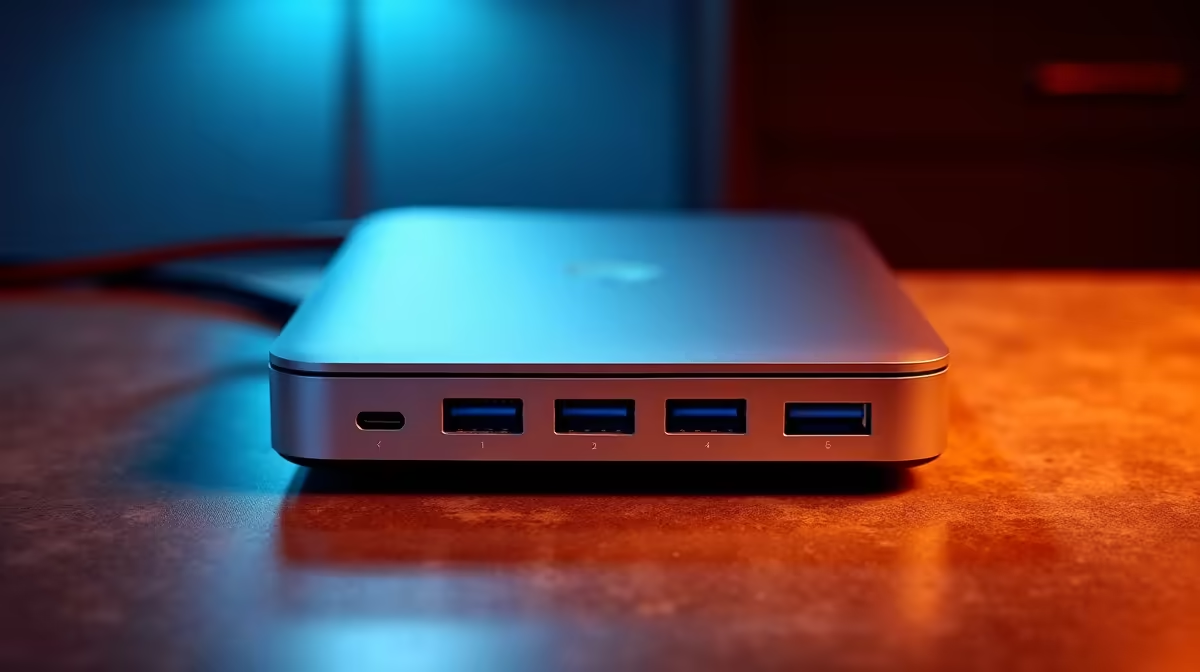
Tired of that tangled mess of cables every time you connect your laptop at your desk? The daily ritual of plugging in your charger, monitor, mouse, and keyboard is a subtle time-waster. What if you could connect everything, including power, with a single, slick cable? That’s not science fiction… it’s the magic of a modern docking station, the ultimate tool for reclaiming your time and desk space. 🚀
Why a Docking Station is Your Ultimate Efficiency Upgrade
Let's be clear: this isn't just a basic USB hub. While hubs are great for adding a few extra ports, a true docking station is a powerful command centre for your entire setup. Think of it as the ultimate efficiency upgrade. The core benefit is simple but profound: one USB-C or Thunderbolt cable from the dock to your laptop connects you to multiple monitors, a full-sized keyboard, a gaming mouse, a stable wired internet connection, and even charges your device.
This one-plug-and-play convenience transforms how you work and play. No more fumbling with five different cables when load shedding hits and you need to grab your gear and go. It’s one of the best investments for a clean, organised, and productive workspace. Exploring the full range of docking stations available in South Africa reveals solutions for every possible need, from simple home offices to complex multi-monitor gaming rigs.
Choosing the Right Time-Saving Dock for Your Needs
Not all docks are created equal. Finding the perfect one means matching its capabilities to your gear and workflow. Here’s what to look for to find the best time-saving dock for you.
Key Connections and Ports
First, check your laptop's port. Is it USB-C or the more powerful Thunderbolt 3/4? This determines the type of dock you can use. Then, count your peripherals. Need to drive two 4K monitors? Look for a dock with dual HDMI or DisplayPort outputs. An Ethernet port is also a must-have for any serious gamer or remote worker in SA, offering a far more stable connection than Wi-Fi. ⚡
For many users, a simple and effective dock is all that's needed. You can find fantastic time-saving docks under R1000 that will tidy up your desk and streamline your connections beautifully.
Check Your Port's Power! 🔧
Not all USB-C ports are the same. Before buying, confirm your laptop's USB-C port supports 'DisplayPort Alternate Mode' for video output and 'Power Delivery' (PD) for charging. This info is usually on the manufacturer's spec sheet and ensures your new dock works perfectly.
Power and Performance
For power users, streamers, and creatives, investing a bit more unlocks serious capability. These more advanced docks offer higher refresh rates, more USB ports for all your gear, and higher wattage Power Delivery to charge even the most demanding gaming laptops. Exploring the options up to the R2000 mark often means getting Thunderbolt speeds and the ability to run a truly professional-grade setup with zero compromises.
Reliable brands like Promate offer a fantastic balance of features, build quality, and price, making them a popular choice for South African tech enthusiasts looking for a dependable connectivity solution.
Ready to Simplify Your Setup? Stop wasting time with cables and create a cleaner, more efficient workspace today. Browse our full range of docking stations and find the perfect match for your laptop.











