

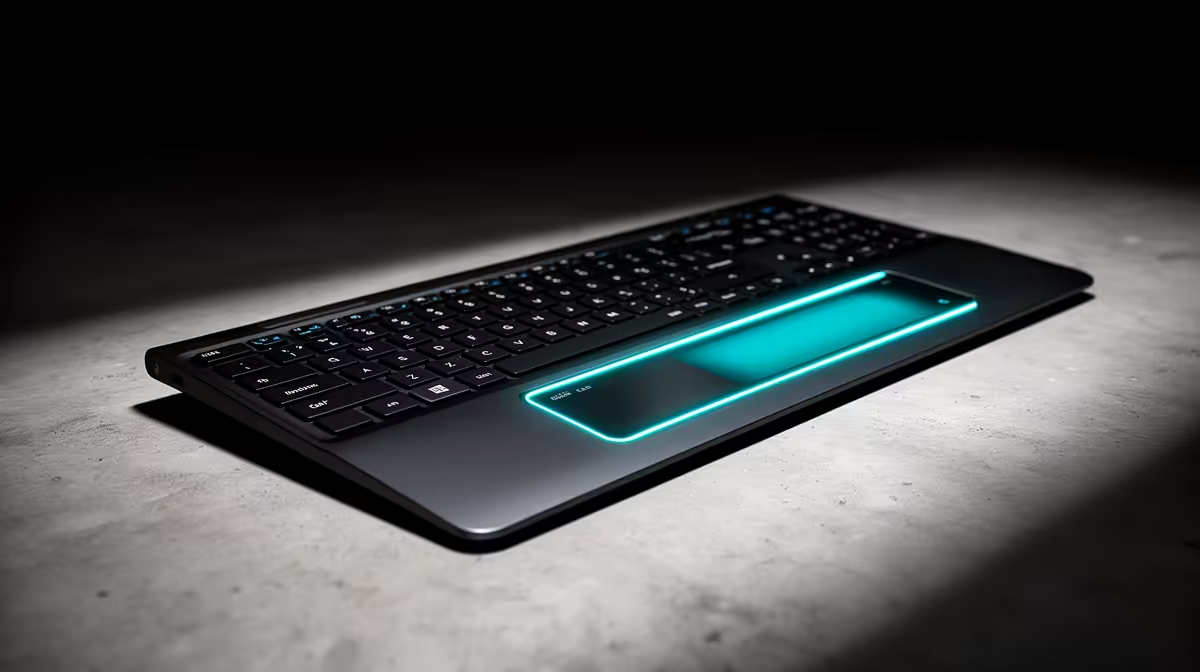
Remember the buzz around Apple's Touch Bar? That slick strip of glass promised a revolution, but many users felt it was a solution searching for a problem. Now, with the "Touch Function Row" appearing on some Windows laptops, the debate is back. For South African gamers, creators, and coders, choosing the right interface is crucial. Let's cut through the hype and figure out which input method, if any, actually boosts your workflow. 🤔
What Was the Apple Touch Bar, Anyway?
The Touch Bar was a thin, customisable OLED touchscreen that replaced the traditional F1-F12 function key row on certain MacBook Pro models. Its main selling point was adaptability; it could display different buttons, sliders, and controls depending on the application you were using.
In theory, it was brilliant. Editing a video in Final Cut Pro? The Touch Bar would show a timeline scrubber. In Photoshop? It would display colour swatches and brush size sliders. The problem was the execution. Many professionals found that the lack of physical, tactile feedback slowed them down. You had to look down to use it, breaking your focus, and accidental touches were a constant frustration. This led many to search for the latest laptop specials that stuck with traditional keys.
The Modern Contender: The Touch Function Row
As the Touch Bar faded, a new challenger appeared on some sleek Windows notebooks: the Touch Function Row. It’s important to understand the key difference in the Touch Bar vs Touch Function Row debate: the latter is not a screen.
Instead, it's a row of static, capacitive touch buttons that replicate the standard F-keys, volume controls, and brightness adjustments. They light up, look futuristic, and contribute to a minimalist aesthetic.
Pros and Cons of a Touch Function Row
- The Good: It offers a clean, modern look and can be easily wiped down. There are no physical gaps for dust or crumbs to fall into.
- The Not-So-Good: Just like the Touch Bar, it completely lacks tactile feedback. You can't rest your fingers on the keys or build muscle memory in the same way. For gamers who need instant, reliable key presses, this design can be a deal-breaker on even the most top-tier gaming laptops. ⚡
Pro Tip: Supercharge Your Physical F-Keys
Instead of relying on touch interfaces, you can optimise your physical function keys using software. Tools like Microsoft PowerToys on Windows allow you to remap keys and create powerful, custom shortcuts. This gives you more functionality than a Touch Function Row without sacrificing tactile feedback.
Touch Bar vs Touch Function Row: The Verdict for Your Workflow
So, which one actually helps you get things done? For the vast majority of South African users, the answer is... neither. Here’s a quick breakdown:
- For Gamers: It's a non-starter. Both options are prone to accidental presses and lack the satisfying, reliable actuation needed for competitive or even casual gaming. Physical keys are non-negotiable.
- For Coders & Writers: Muscle memory and tactile feedback are everything. The ability to hit
EscorF5without looking away from the screen is critical for productivity. Physical keys win, hands down. - For Creative Professionals: The Touch Bar had potential with its app-specific controls, but it never truly caught on. The Touch Function Row offers no creative benefit at all. A powerful machine, like many of the powerful AMD laptops available, paired with a standard keyboard is a far more effective combination.
Ultimately, the battle of Touch Bar vs Touch Function Row is a bit of a sideshow. The real champion for productivity and performance remains the classic, physical keyboard.
Beyond the Keyboard: What's Next? 🚀
While laptop manufacturers will continue to experiment with new input methods, the demand for reliable, tactile controls isn't going away. The brief era of touch-based function rows has shown that for serious work and play, some things are best left unchanged. The innovation we truly need is happening under the hood, with brands packing more power and efficiency into every chassis.
Whether you're looking at cutting-edge Intel-powered notebooks or other performance-focused machines, the keyboard remains the most critical touchpoint. It's the component that connects you directly to your work, your game, and your passion.
Ready for a Real Workflow Upgrade? Don't let a fancy gimmick slow you down. For real-world performance and the tactile feedback that pros demand, nothing beats a classic keyboard. Explore the latest laptop specials at Evetech and find a machine built for serious work and play.











