

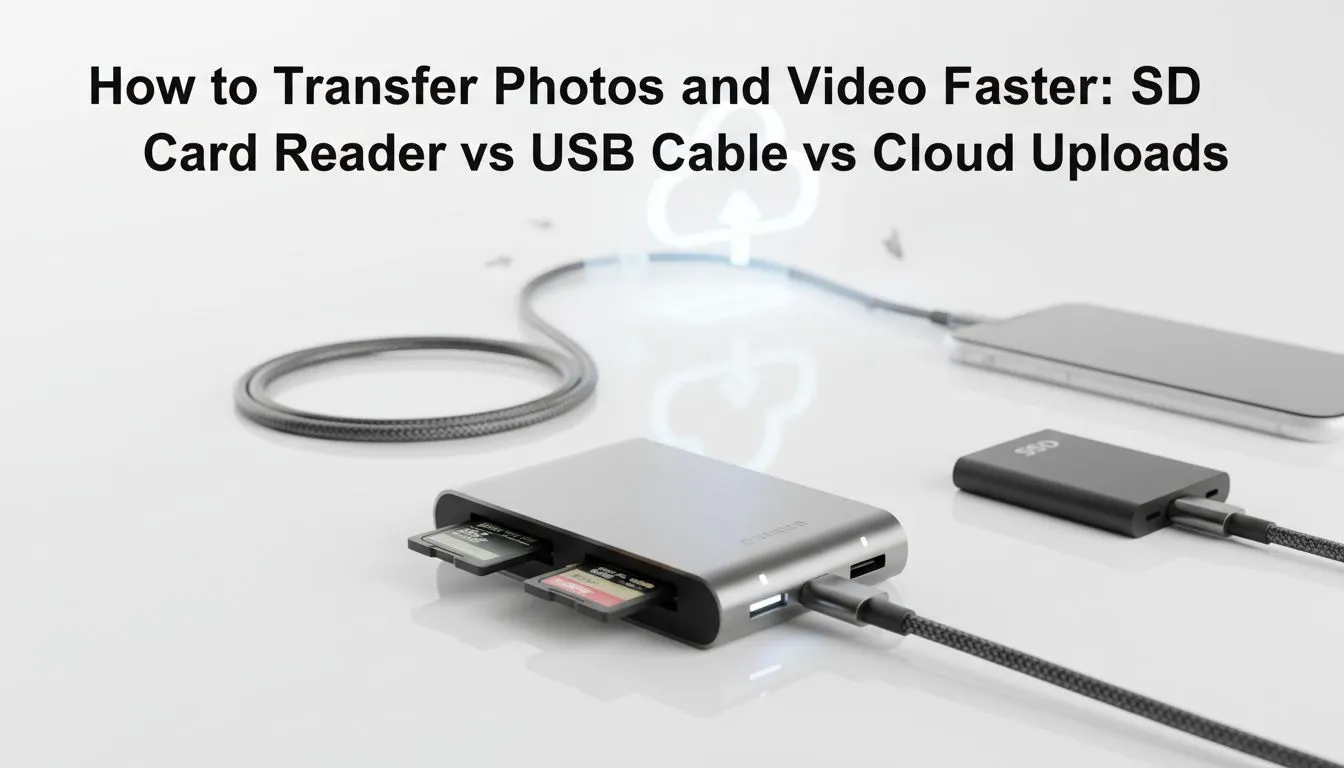
Transfer Photos and Videos Faster: Unlocking Speed for SA's Gamers and Creators 🚀
Ever stared at a progress bar, watching your precious photos and videos crawl from your camera or phone to your PC? In South Africa, where every minute counts, especially for content creators, photographers, and even gamers wanting to share epic clips, slow file transfers are a real pain. We're talking about precious time wasted that could be spent editing, gaming, or just, well, living! Let's dive into how you can transfer photos and videos faster, comparing SD card readers, USB connections, and cloud solutions.
SD Card Reader vs. USB vs. Cloud: Which Reigns Supreme for Speed?
When it comes to getting your data from point A to point B, you've got options. But which one offers the best blend of speed, convenience, and reliability for South African users? Understanding the strengths and weaknesses of each method is key to optimising your workflow and ensuring your valuable memories or project files move swiftly.
The Dedicated Speed Demon: SD Card Readers
For photographers and videographers, a dedicated SD card reader is often the fastest local solution. These devices connect directly to your PC, usually via USB, and are designed to read memory cards at their maximum potential speeds. Think UHS-II cards hitting upwards of 300MB/s read speeds – that's a lot of gigabytes moving in mere seconds.
- Pros: Generally the quickest for large batches of photos and 4K video directly from memory cards. Simple plug-and-play.
- Cons: Requires a physical card. Can clutter your desk if you're not using a multi-purpose solution.
- Ideal For: Professional photographers, drone pilots, and videographers who frequently offload large files from their cameras. Many modern laptops and desktop PCs come with integrated card readers, but an external one, especially a high-speed USB-C docking station, can often offer superior performance and compatibility.
The Ubiquitous Workhorse: USB Connections (Direct & External Drives)
USB is everywhere, making it a go-to for many. Whether you're connecting your phone directly to your PC, plugging in an external hard drive, or using a flash drive, USB handles the heavy lifting. The key here is the type of USB. USB 3.0 (now often called USB 3.2 Gen 1) offers speeds up to 5 Gbps, while USB 3.2 Gen 2 (10 Gbps) and Thunderbolt/USB4 (up to 40 Gbps) are significantly faster.
- Pros: Highly versatile, widely compatible, and generally reliable. External SSDs connected via USB 3.2 Gen 2 can offer phenomenal speeds, rivalling internal drives.
- Cons: Speed varies wildly depending on the USB standard and the device you're connecting. Older USB 2.0 is painfully slow.
- Ideal For: General users, gamers backing up game installs, and anyone transferring files between phones, tablets, or external storage. Looking for an affordable upgrade? Consider a docking station under R1000 that expands your USB port options and speeds.
Optimise Your USB Connections 🔧
Always use the fastest USB port available on your PC (often marked blue for USB 3.0 or with a lightning bolt for Thunderbolt USB-C) and the shortest, highest-quality cable. A poor cable can severely bottleneck even the fastest port and device!
The Wireless Wanderer: Cloud Storage
Cloud services like Google Drive, Dropbox, and OneDrive offer unparalleled convenience. Upload your files from anywhere with an internet connection, and access them from any device. No cables, no card readers – just seamless synchronisation.
- Pros: Access from anywhere, easy sharing, built-in backup. Great for collaboration and keeping files secure off-site.
- Cons: Speed is entirely dependent on your internet connection (both upload and download). South Africa's fibre is great, but mobile data can be costly and slower for massive uploads. Monthly subscription costs can add up for large storage needs.
- Ideal For: Sharing files with clients or friends, backing up important documents, and accessing your media library across multiple devices. While not typically the fastest for initial bulk transfers of raw footage, it’s invaluable for ongoing access.
Choosing Your Champion: Which Method Helps You Transfer Photos and Videos Faster?
The "best" method to transfer photos and videos faster depends on your specific needs:
- For pure, unadulterated speed from memory cards: A high-quality external SD card reader or a Promate docking station with integrated card slots is king.
- For versatile local transfers and external drives: Modern USB standards (USB 3.2 Gen 2 or Thunderbolt) are your best bet. A good docking station can expand these high-speed ports.
- For ultimate convenience and accessibility: Cloud storage, especially with a fast fibre connection, is unbeatable for synchronisation and sharing, even if initial uploads take time.
Many South African tech enthusiasts and professionals find that a combination of these methods works best. Use a fast external SSD via USB for active projects, an SD card reader for camera offloads, and the cloud for backup and sharing. Consider how a versatile docking station can centralise your connectivity, providing multiple USB ports, card readers, and even video outputs through a single connection to your laptop. This simplifies your setup and keeps your workflow smooth.
Ready to Upgrade Your Transfer Game? Don't let slow data transfers bottleneck your creativity or workflow. Whether you're a content creator, a busy professional, or a gamer juggling massive files, Evetech has the perfect docking station or connectivity solution to help you transfer photos and videos faster. Explore our range today and reclaim your time!











