

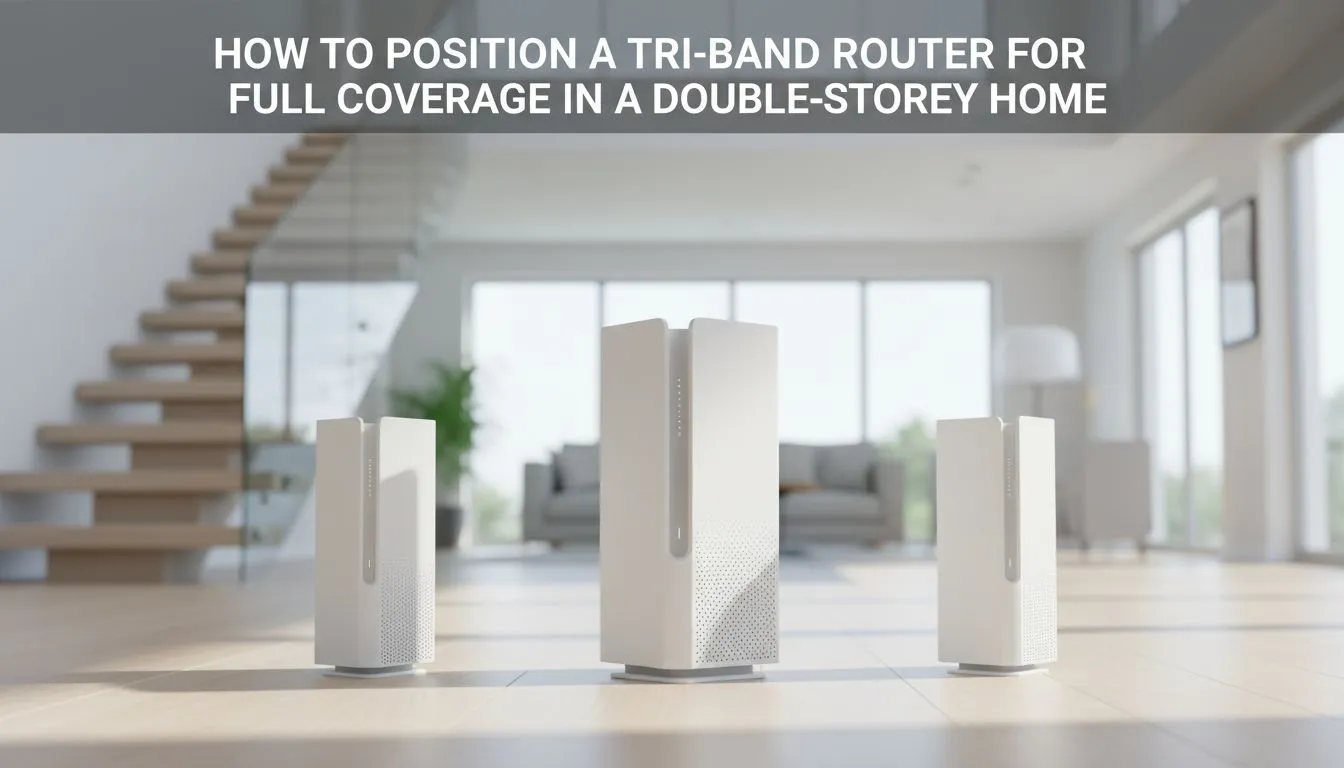
Struggling with Wi-Fi signal dropping the moment you head upstairs? You've invested in a powerful rig, but lag spikes are ruining your competitive edge because your router is on the wrong floor. For South African gamers in double-storey homes, this is a daily frustration. But what if the fix wasn't a more expensive internet plan, but smarter tri-band router placement? Let's map out the perfect strategy for full, house-wide coverage. 📶
Understanding the Wi-Fi Challenge in a Double-Storey Home
Before we talk placement, let's quickly cover why your home is a Wi-Fi battlefield. Concrete floors (especially with rebar), double-brick walls, and even large appliances actively block and weaken your signal. Your router's signals work on different frequencies:
- 2.4GHz: This band is the long-distance runner. It's better at penetrating solid objects like walls and floors but offers slower speeds and is more prone to interference from microwaves and cordless phones.
- 5GHz: This is the sprinter. It delivers much faster speeds over shorter distances with less interference, but it struggles to push through dense materials.
A tri-band router gives you one 2.4GHz band and two separate 5GHz bands, which is the key to conquering a multi-level layout.
The Golden Rules of Tri-Band Router Placement
Finding the sweet spot for your router is less about guesswork and more about physics. The goal of optimal tri-band router placement for full coverage is to minimise the number of dense obstacles the signal has to cross to reach your most important devices.
Rule 1: Centralise Your Signal Source
The ideal spot is as close to the centre of your home as possible. For a double-storey house, this often means placing the router on the ceiling of the ground floor or the floor of the first floor, directly in the middle of the house. This gives the signal the best possible chance to radiate outwards and upwards/downwards evenly. Hiding it in a cupboard in a corner office is the fastest way to create dead zones. If you're ready to upgrade your hardware, choosing from a quality selection of wireless routers is the first critical step.
Rule 2: Aim for Open Air
Place your router in an open space, away from thick walls, large metal objects (like filing cabinets or fridges), and other electronics. The more "line of sight" your devices have to the router, the stronger the connection will be. Also, try to elevate it slightly, perhaps on a shelf rather than directly on the floor.
Signal Strength Check ⚡
Use a free Wi-Fi analyser app on your smartphone to walk around your house and map out signal strength. Look for areas where the signal drops below -70 dBm. These are your dead spots and can help you fine-tune your router's position or decide if you need to supplement your network.
Leveraging That Third Band for a Congestion-Free Network
So, what's the big deal with that extra 5GHz band? It's your secret weapon against network congestion. 🚀 You can dedicate one 5GHz band exclusively for high-demand activities like 4K streaming and online gaming, leaving the other 5GHz band and the 2.4GHz band for all your other devices—laptops, phones, and smart home gadgets.
This traffic separation ensures your gaming PC or console isn't competing for bandwidth with someone streaming Netflix downstairs. For particularly stubborn dead spots, you might consider wireless range extenders, but a well-placed tri-band router often makes them unnecessary.
Fine-Tuning for Peak Gaming Performance
Once you've found the best location, a few final tweaks can make all the difference. Adjust the antennas on your router; a common best practice is to have some pointing vertically and others horizontally to cover all orientations your devices might be in.
Even with a perfect setup, an older PC might have a weak internal Wi-Fi card. If you're still not getting the speeds you expect on your main rig, a powerful USB or PCIe wireless adapter can be a simple, effective upgrade. By taking a holistic approach to your home network, you can build a truly robust system. Exploring all the available wireless networking options gives you the power to eliminate lag for good. ✨
Ready to Banish Wi-Fi Dead Spots for Good? A powerful connection is everything. Proper tri-band router placement ensures every corner of your home gets the speed you pay for. Explore our wide range of high-performance wireless routers and build the ultimate home network today.











