

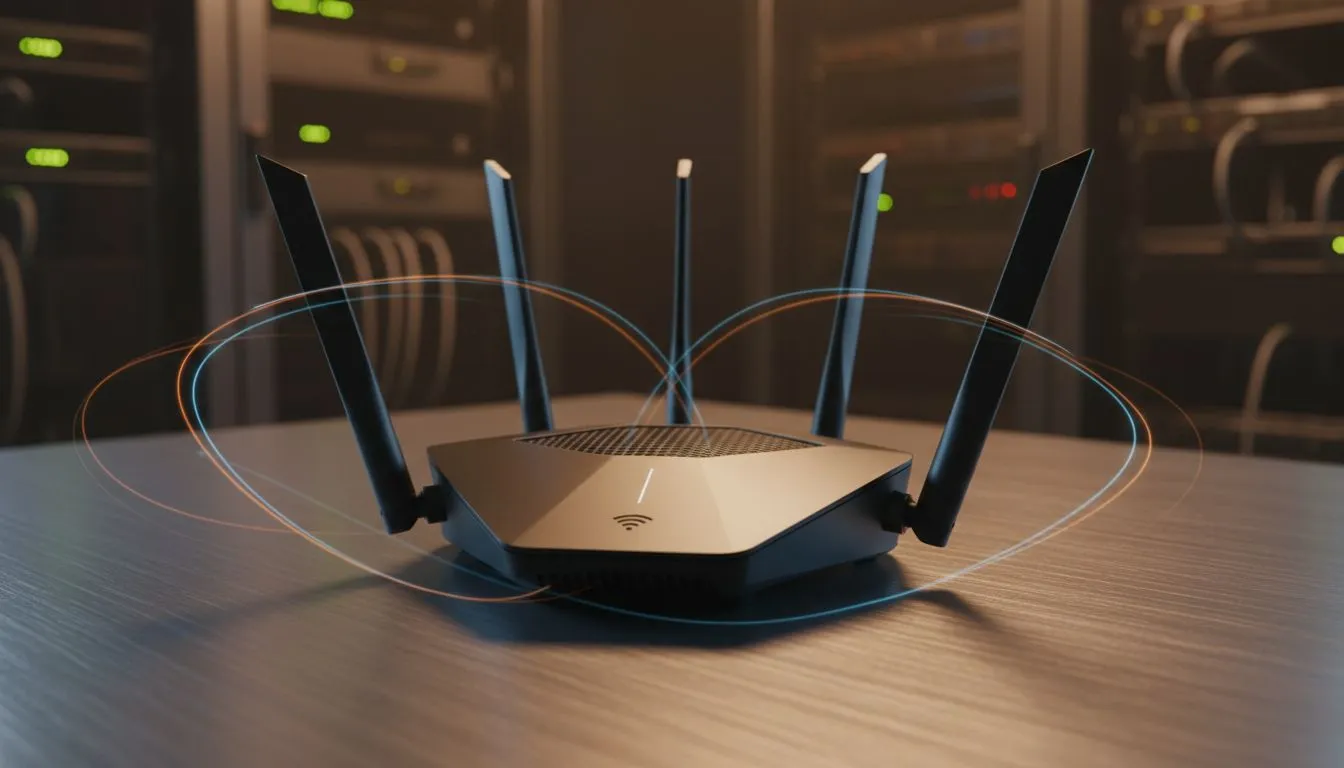
Understanding How Tri-Band WiFi Solves Your Connection Woes
Picture this: it’s Friday night in Jozi. You’re mid-clutch in Valorant while your sibling streams 4K Netflix and your parents are on a video call. Suddenly, your ping spikes to 300ms. We’ve all been there. Standard routers often buckle under the pressure of a modern South African home. That is where Tri-Band WiFi steps in to save your digital life from the dreaded buffering wheel. 🚀
Most households rely on dual-band technology. This offers one 2.4GHz band and one 5GHz band. Think of these as lanes on a highway. When too many devices jump into the same lane, traffic crawls. By investing in modern wireless networking gear, you add a second 5GHz "express lane" to the mix. This effectively doubles the bandwidth available for your high-performance devices.
Why Three Bands are Better Than Two for Busy Homes
The magic of Tri-Band WiFi lies in congestion management. In a typical home, your smart fridge, security cameras, and phones all fight for attention. A tri-band system automatically shifts these lower-demand gadgets to the slower bands. This leaves the dedicated high-speed band open for your gaming PC or console. When you buy wireless routers with this tech, you are essentially buying insurance against lag.
It is not just about raw speed... it is about capacity. Even if you have a 500Mbps fibre line, a weak router can become a bottleneck. By spreading the load across three distinct frequencies, the router ensures that no single device hogs all the resources. This results in a smoother experience for everyone under one roof. 🔧
Router Placement Pro Tip ⚡
To get the most out of your high-speed connection, place your router in a central, elevated position. Avoid hiding it inside cupboards or behind the TV. WiFi signals travel better downwards and outwards, so a shelf is usually better than the floor for maximum coverage across your home.
Eliminating Dead Zones and Latency Spikes
Even the best router can struggle with thick South African brick walls. If your signal drops off in the bedroom, you might consider wireless range extenders to push that tri-band signal further. These devices help maintain a stable connection where it matters most. For those living in larger homes, this extra coverage is vital for maintaining consistent speeds.
Many local ISPs provide basic hardware that simply cannot handle high-intensity tasks. Upgrading to dedicated fibre routers designed for tri-band performance can shave precious milliseconds off your latency. It is the difference between a smooth headshot and a frustrating disconnect during a ranked match. ✨
Optimising Your PC for Tri-Band Performance
Your router is only half of the equation. If your desktop is still using an old, integrated chip, you won't see the full benefits of a tri-band upgrade. You should look to buy wireless adapters that support the latest WiFi 6 or 6E standards. These cards allow your PC to communicate effectively with the extra 5GHz or 6GHz bands provided by your new router. ⚡
By matching your hardware to your network's capabilities, you ensure that you are getting every bit of performance you pay for each month. No more excuses for lag... just pure, uninterrupted speed.
Ready to Kill the Lag for Good? Don't let a crowded network ruin your K/D ratio or interrupt your workflow. Upgrading to Tri-Band hardware is the simplest way to ensure every device in your home gets the speed it deserves. Explore our massive range of networking specials and find the perfect gear to conquer your digital world.











