

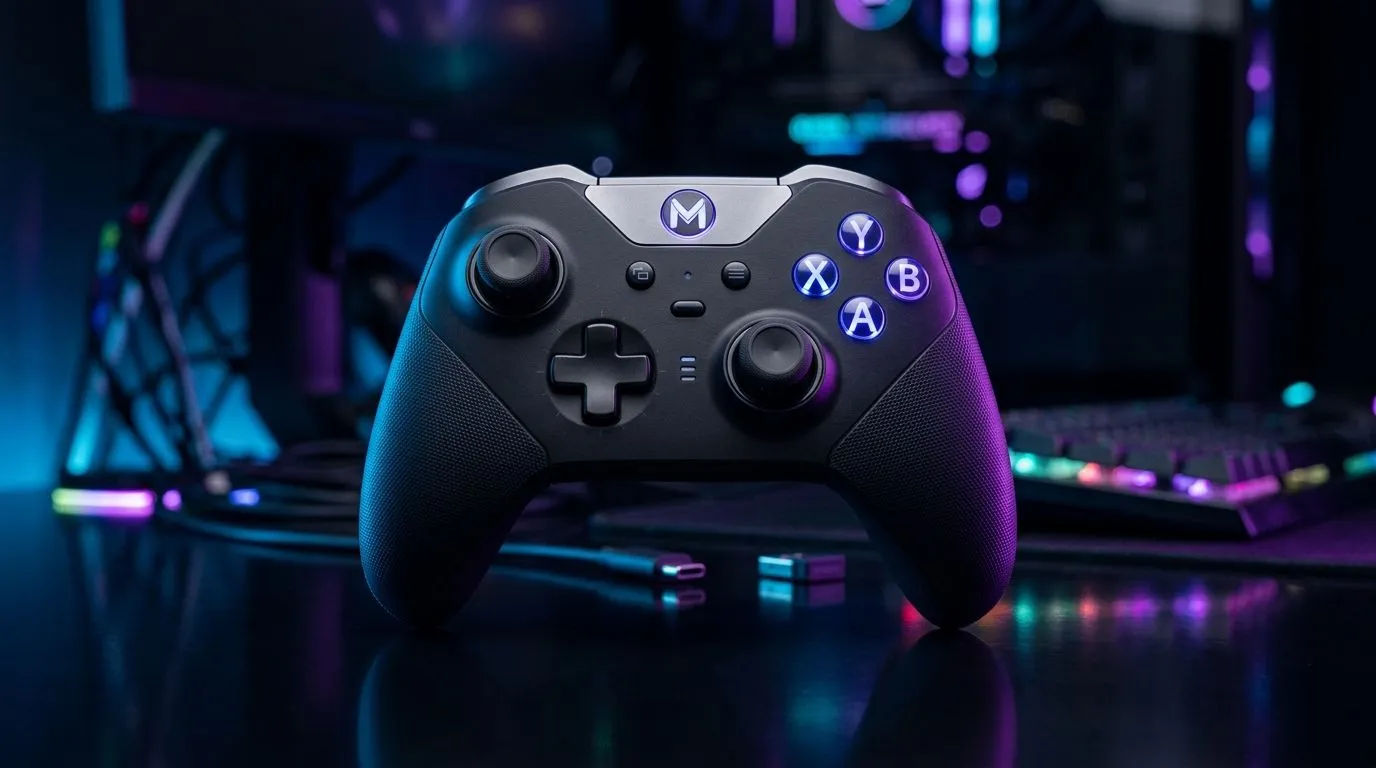
Mastering Your Tri-Mode Wireless Gaming Controller on Windows and Android ⚡
South African gamers love flexibility—whether you're on a Windows PC or an Android device, switching controllers shouldn’t interrupt your flow. That’s where the tri-mode wireless gaming controller setup shines. Connecting smoothly via Bluetooth, wired USB, or a proprietary 2.4GHz dongle, this setup offers seamless transitions between your devices. Imagine jumping from a high-stakes PC session to mobile gaming without missing a beat.
Why Tri-Mode Controllers Are Perfect for South African Gamers
Tri-mode controllers bring convenience and power, especially if you game across multiple platforms. In South Africa, where mobile gaming is booming alongside PC esports, having one device that adapts to both environments is a smart investment. Plus, tri-mode connectivity solves that age-old problem of lag or dropped connections, especially when you’re far from your router or in a crowded Wi-Fi zone.
The Razer Wolverine V3 Tournament Edition is a prime example, ready to deliver uncompromised performance, whether plugged into your Windows rig or paired effortlessly with Android. Check out the Razer Wolverine V3 Tournament Edition 8K for a controller that ticks all the boxes at a competitive ZAR price point.
Setting Up Tri-Mode Wireless Controllers on Windows
Getting started on Windows is surprisingly straightforward:
- USB Wired Mode: Just plug your controller into a USB port and Windows will auto-detect it. No driver hassle; you're ready in seconds.
- 2.4GHz Wireless Mode: Use the included dongle for a low-latency wireless experience. Connect the dongle and pair your controller by holding the corresponding buttons—Windows will recognise it as a gaming peripheral instantly.
- Bluetooth Mode: Enable Bluetooth on your PC, then put your controller in pairing mode. Select the device from your PC’s Bluetooth menu for wireless freedom without a dongle.
Ensure your Windows has the latest updates for optimal driver support, and check your game’s controller settings to customise commands.
Connecting Tri-Mode Controllers on Android Devices
Android devices handle Bluetooth natively, but wired and 2.4GHz connections need attention:
- USB Wired: Many Android phones support USB On-The-Go (OTG). Use a proper OTG cable to connect your wired controller for lag-free gaming. Great if you prefer stability or have limited battery.
- Bluetooth: Pair your controller via Android’s Bluetooth menu. Most modern devices seamlessly support game controllers, but confirm compatibility with your titles.
- 2.4GHz Dongle: This mode usually requires a USB-C or USB-A OTG adapter to plug the dongle into your phone. It’s less common on mobile but excellent for lower latency when supported.
For more controller options tailored to various budgets and brands, browse this gaming controllers selection.
Pro Tip for Smooth Switching
If you frequently jump between devices, label your controller modes with tape or stickers. It helps you instantly know which connection mode is active, saving you time and frustration mid-game.
How to Optimise Your Controller Experience Locally
South African gamers face unique challenges like inconsistent Wi-Fi or limited router placement due to homes’ layouts. Here’s how you can stay ahead:
- Prioritise 2.4GHz dongle use when possible to dodge Bluetooth interference common in dense suburban areas.
- Keep controller firmware updated. Some brands like Razer provide tools via their apps or websites to ensure smooth cross-platform support.
- Invest in a quality OTG adapter for your Android device to access wired and 2.4GHz modes reliably.
Check out this curated Razer controllers range for hardware engineered with these features in mind. Performance-wise, Razer models balance input precision with wireless flexibility, ideal for South African gamers wanting the best.
Wrapping Up on Tri-Mode Gaming Controllers
Embracing a tri-mode wireless gaming controller means embracing versatility and top-tier connection options. This setup ensures you’re not locked to one device or dealing with connectivity headaches. Whether on Android or Windows, the right controller and setup will offer tight controls and a smooth experience.
Upgrade Your Setup Today Ready to dominate across devices? Discover the best tri-mode wireless controllers today and Shop now at Evetech for performance that leaves lag in the dust.











