

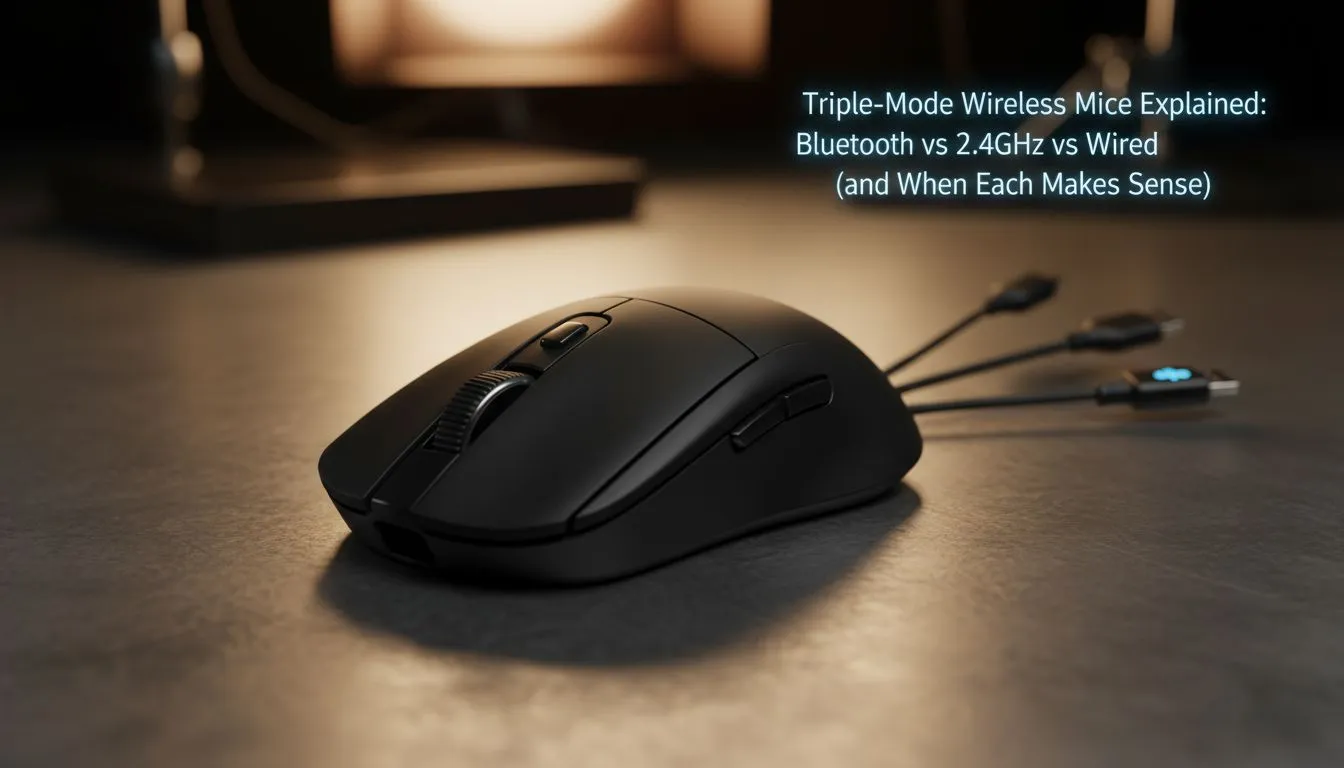
Ever felt the frustration of your mouse dying mid-clutch in Warzone? Or maybe you are tired of swapping cables between your work laptop and gaming rig. In South Africa, where we value versatility and performance, the Triple-Mode Wireless Mouse has become the ultimate solution. Whether you are grinding ranks or finishing a spreadsheet, understanding these three connection types helps you choose the perfect peripheral.
Why Triple-Mode Wireless Mouse Connectivity Matters
The modern gamer does more than just play. You might be a student by day and a streamer by night. A Triple-Mode Wireless Mouse offers three distinct ways to connect: 2.4GHz wireless, Bluetooth, and a traditional USB cable. This flexibility ensures you are never locked out of your system. If you are looking for a high-performance gaming mouse, having these options is no longer a luxury... it is a necessity for a clean, cable-free desk.
The Speed of 2.4GHz Wireless
For competitive gaming, the 2.4GHz connection is king. It uses a dedicated USB dongle to provide a 1ms response time. This is virtually indistinguishable from a wired connection. It eliminates the input lag that often plagues older wireless tech. When you buy a wireless mouse for fast-paced titles like Apex Legends or CS2, ensure it supports this low-latency mode. It allows you to flick and track targets with absolute precision without the drag of a cord. ⚡
The Versatility of Bluetooth
Bluetooth is the hero of productivity. It does not require a dongle, making it perfect for thin laptops or tablets. You can easily pair your mouse with multiple devices and toggle between them with a single button. While it has slightly more latency than 2.4GHz, it is much more power-efficient. This mode is ideal for office work or browsing where every millisecond does not count. It helps preserve your battery life for those long sessions away from a charger.
Battery Life Hack ⚡
To maximise your mouse's lifespan, use Bluetooth mode for daily office tasks and web browsing. Only switch to the 2.4GHz dongle when you launch a game. This simple habit can extend your time between charges by several days, especially on high-end sensors that consume more power during intensive use.
The Reliability of a Wired Connection
Even the best wireless tech needs a backup. The "third mode" in a Triple-Mode Wireless Mouse is the classic wired connection. Most modern mice use a detachable USB-C cable. This allows you to charge the internal battery while you continue to play. Some purists still prefer a dedicated wired mouse for its zero-risk profile... no interference, no battery anxiety, and no dongles to lose. Having the wired option built into your wireless mouse gives you the best of both worlds. 🔧
Finding Value in South Africa
Investing in a premium pointer does not have to break the bank. You can often find the best gaming mouse deals starting from under R800 for entry-level models, while top-tier flagship units might go for R2,500 or more. Beyond the mouse itself, do not forget to check out mouse accessories like glass skates or high-speed cloth pads to further optimise your tracking. ✨
Choosing between Bluetooth, 2.4GHz, and wired used to be a compromise. With triple-mode technology, you get the speed for gaming, the convenience for travel, and the reliability of a cable all in one package. It is the smartest way to future-proof your setup.
Ready to Level Up Your Setup? Whether you need the lightning speed of 2.4GHz or the multi-device magic of Bluetooth, we have the gear to get you there. Explore our massive range of gaming mice and find the perfect triple-mode companion to dominate your digital world.











