

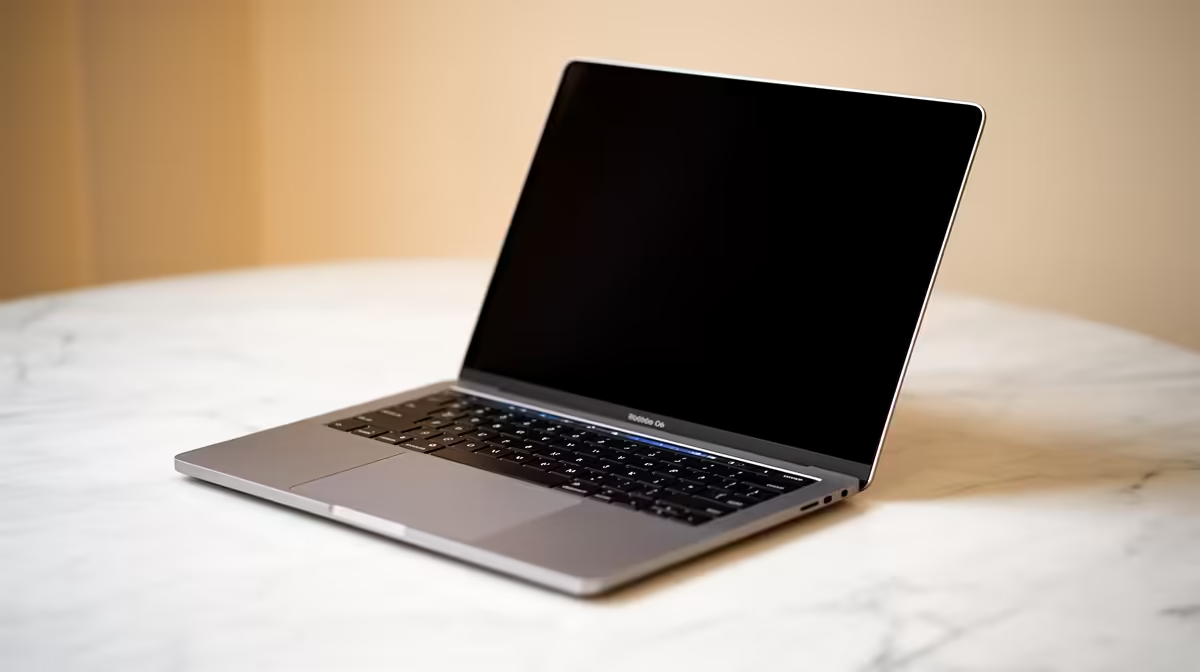
Staring at a screen until 2 AM finishing that assignment? We've all been there. That harsh, blueish glare can wreck your eyes and your sleep. But what if your laptop could automatically adjust its screen to look natural in any light, just like a piece of paper? That’s the magic of True Tone sensor laptops for students. This tech is more than a gimmick; it’s your secret weapon for comfortable, productive studying. 🚀
So, What is a True Tone Sensor Anyway?
You've probably heard the term, but what does it actually do? In simple terms, a True Tone sensor (or an ambient light sensor) measures the colour temperature and brightness of the light around you. It then automatically adjusts your laptop's display to match.
Think about a white piece of paper. It looks slightly yellowish under a warm lamp in your dorm room, but crisp and cool under the fluorescent lights of a lecture hall. A laptop with this technology aims to make the "white" on your screen look just as natural in any environment. It’s not just about dimming the screen; it’s about optimising the white point for a more paper-like, comfortable viewing experience.
Why These Laptops are a Win for SA Students
For students juggling assignments, research, and maybe a bit of gaming, the benefits are huge. A laptop that adapts to you is a powerful tool for academic success.
Less Eye Strain, More Grind Time
Long nights spent staring at research papers and coding can lead to serious digital eye strain. A laptop with an adaptive display reduces the harsh blue light in the evenings and prevents that blinding glare during the day. This means you can study longer and more comfortably, without feeling like you’ve stared into the sun. Finding the right device is easy with our huge range of laptop specials.
True-to-Life Colour for Your Creative Hustle ✨
Are you a design, photography, or video editing student? Then colour accuracy is non-negotiable. True Tone sensor laptops for students ensure that your projects look consistent, whether you’re working in a bright studio or a dimly lit coffee shop. Many of the displays found in our top-tier gaming laptop deals offer the superior colour gamuts perfect for creative work.
Check the Specs! 🔧
Not all brands call this feature 'True Tone'. When browsing, look for "Ambient Light Sensor" or "Adaptive Colour" in the laptop's specifications. In Windows, you can also check Display Settings for an 'Adaptive color' toggle to see if your machine has it!
Finding the Perfect Student Laptop with an Adaptive Display
Thankfully, this eye-saving technology is no longer reserved for ultra-expensive flagship models. You can find excellent student laptops with adaptive displays that won't break your budget. The key is to balance features with performance.
Whether you’re team red or team blue, finding a machine that fits your needs is straightforward. Many modern and powerful AMD laptops offer incredible efficiency for all-day battery life, perfect for carrying between classes without a charger.
Ready to Upgrade Your Study Game? Stop letting screen fatigue slow you down. An adaptive display is a small investment for massive gains in comfort and productivity. Check out our current Intel laptop deals and find the perfect machine for your degree.











