

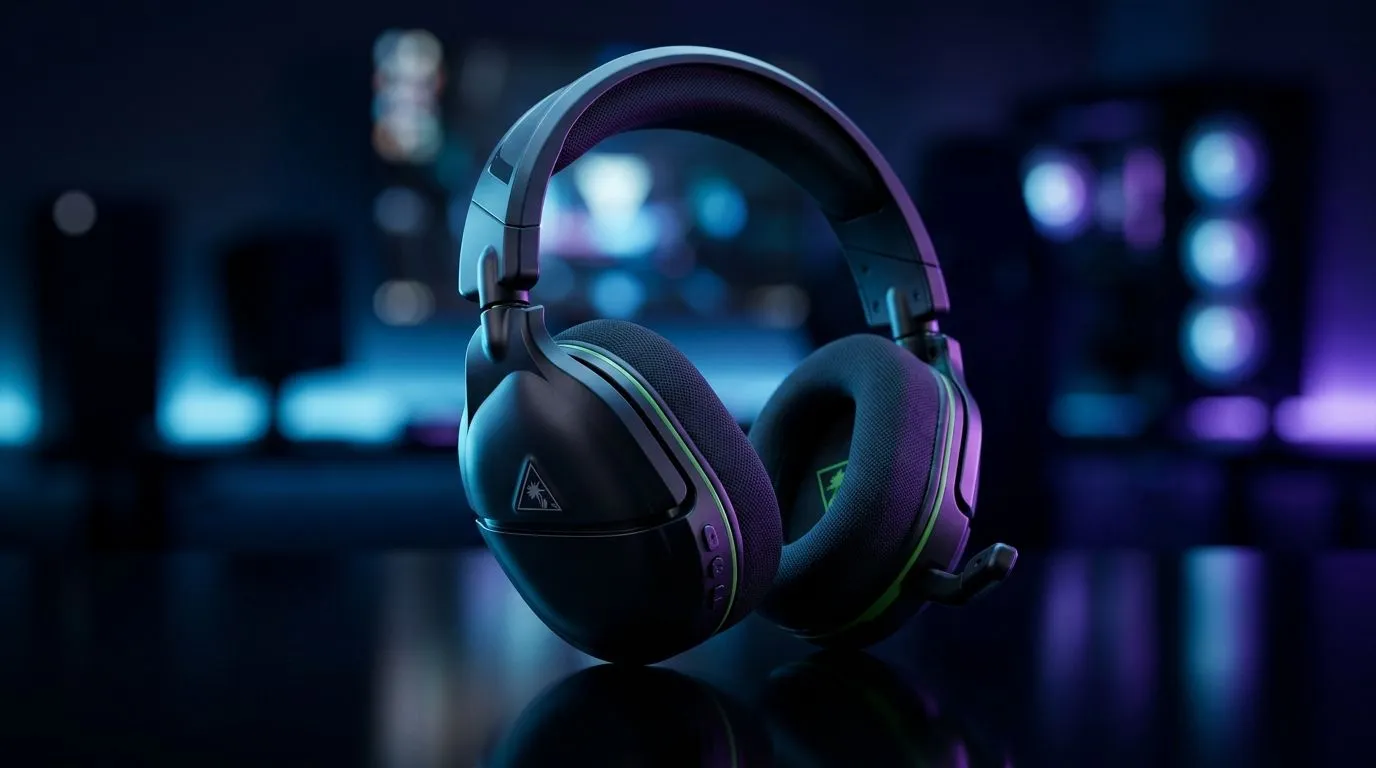
Turtle Beach Stealth 600 Gen 3 compatibility: what SA gamers need to know (first 70 seconds)
If you’ve ever bought a headset expecting plug-and-play… and then hit a “why isn’t it showing up?” wall, you’re not alone. In South Africa, a lot of gamers switch between PC, PlayStation, and sometimes even consoles for couch sessions. The Turtle Beach Stealth 600 Gen 3 Compatibility Guide helps you avoid wasted time, mismatched wireless dongles, and audio that feels “almost right”. 🎧
Before you buy or pair anything, confirm your platform and connection type. Wireless headsets are usually fine… when the dongle is meant for your device.
Turtle Beach Stealth 600 Gen 3 Compatibility Guide: PC, PlayStation, and connection reality
The Stealth 600 Gen 3 line is designed around a specific wireless receiver approach. In practice, that means:
- PC (Windows): you typically use the included USB wireless transmitter/dongle. If Windows doesn’t detect it, check USB power, try a different USB port, and ensure you’re not mixing Bluetooth audio with the USB wireless audio path.
- PlayStation: compatibility depends on whether the receiver supports your console model and whether the headset’s wireless mode is the intended one for that platform.
- Bluetooth and wired: many “gaming” wireless headsets prefer their wireless receiver mode. If you connect via Bluetooth or a cable (if supported by your exact model), you may see reduced mic options or limited controls, depending on the platform.
Because compatibility can vary by region and exact bundle, use this compatibility mindset: match receiver to device, not just the headset name.
Quick compatibility checklist before you pair anything 🔧
- Identify your exact platform (PC Windows version, PlayStation model).
- Use the correct USB receiver (don’t assume any Turtle Beach receiver will work).
- Disable conflicting audio devices in Windows sound settings (often “Headset” vs “Speakers” fights happen).
- Test mic and volume in your game’s voice menu, not just Windows settings.
Productivity Pro Tip ⚡
On Windows, use the PowerToys FancyZones utility to create custom snap layouts for your game launcher, Discord voice, and your audio control panel (or mixer). When you’re troubleshooting compatibility, you can swap windows fast and keep your settings visible while you test. This saves time and reduces the “I think it worked…?” mistakes.
Turtle Beach Stealth 600 Gen 3 Compatibility Guide: common problems and fast fixes
Here are the issues SA players run into most often, plus the fix that usually works.
“I paired it… but I still hear sound from my speakers”
- Open Windows Sound Settings and set the headset as your output device.
- In-game, make sure voice chat uses the correct input device.
- If your headset also creates a second audio entry, choose the one associated with the headset, not the system “hands-free” profile.
“Mic works in Discord, not in-game (or vice versa)”
This isn’t your headset necessarily. Games often use their own input selection.
- Check each game’s voice settings.
- Set the input device explicitly (not “default,” if your system changes it during pairing).
“Audio is crackly or drops every few seconds”
- Try a different USB port (avoid front-panel USB hubs).
- Keep the receiver closer to you, especially if you’re using a busy desk with wireless routers.
- If your PC has power-saving USB settings, temporarily disable them in Device Manager for the USB hub/device.
Turtle Beach Stealth 600 Gen 3 Compatibility Guide: choosing the right headset for your setup
If you’re building a clean, low-friction audio setup, it helps to also compare alternatives for your platform. For example, if your priority is wireless convenience across devices, you might prefer a headset that’s clearly positioned for your use case. Browse deals and options like the Razer Barracuda X Chroma Wireless Headset (Phantom White) here:
Explore the best deal on the Razer Barracuda X Chroma Wireless Headset
And if you’re simply looking for compatible, platform-friendly headsets without overthinking it, start with our collections:
View our Razer headphone and headset range
or shop broader options:
Headphone and headset options
Turtle Beach Stealth 600 Gen 3 Compatibility Guide: should you buy today?
If your setup matches the intended receiver workflow, you’ll likely be happy. If you’re unsure whether your console or PC will recognise the right transmitter, confirm first… or pick a headset with clearer platform support. Either way, you’ll save yourself hours of setting changes.
Ready to Find Your Perfect Match? The Mac vs Windows debate is complex, but for maximum power, choice, and value in South Africa, Windows is hard to beat. Explore our massive range of laptop specials and find the perfect machine to conquer your world.











