

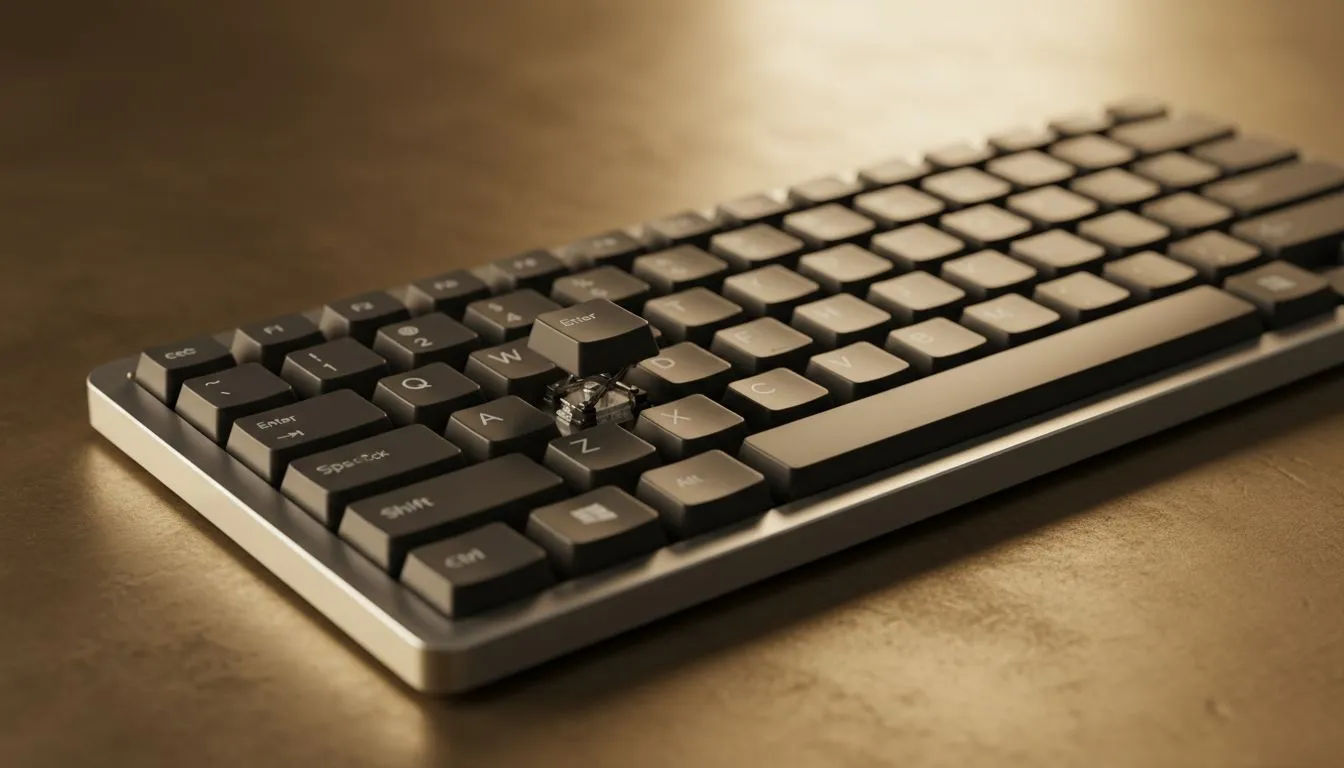
Understanding the Mechanics of Typing Comfort
Ever finished a long gaming session in Jozi or a heavy workday and felt that dull ache in your fingers? It isn't just fatigue... it is likely your keyboard's ergonomics. Understanding typing comfort, key travel, and actuation is the first step toward a pain-free setup. Whether you are a competitive pro or a coding enthusiast, your choice of switches defines your daily experience. 🔧
Why Key Travel Matters for Your Hands
Key travel refers to the total distance a key moves from its resting position to being fully pressed down. Most standard mechanical keyboards offer about 4.0mm of travel. This distance provides a tactile buffer that prevents your fingers from "bottoming out" too harshly against the frame. If you are looking to upgrade without breaking the bank, you can find the cheapest gaming keyboard in South Africa that still offers excellent travel depth to keep your joints happy during those marathon sessions.
Ergonomic Pro Tip ⚡
If you find yourself bottoming out keys too hard, try adding O-ring dampeners to your mechanical switches. These small silicone rings shorten the travel distance slightly and soften the impact, reducing finger fatigue and making your typing much quieter for those around you.
Actuation: The Science of the Click
Actuation is the exact point where the keyboard registers your press and sends the signal to your PC. For gamers, a high actuation point means faster response times. Brands like Razer Gaming Keyboards have perfected this with optical switches that use light to trigger the action... eliminating the physical debounce delay found in traditional metal contacts.
On the other hand, if you prefer a more "boutique" feel with customisable options, Glorious Keyboards allow you to swap out switches to find the perfect actuation force. Whether you want a light 35g touch or a heavy 60g resistance, the choice directly impacts your comfort and typing speed.
Scissor Keys vs. Mechanical Switches
Scissor keys are the low-profile heroes often found in laptops and slim office peripherals. They use two plastic pieces that interlock like scissors, offering a very short travel distance (usually 1mm to 2mm). While they lack the deep "thock" of a mechanical board, they require less effort to press, which some users prefer for pure speed.
When choosing your next board, consider your desk layout. A cluttered desk might benefit from high-performance wireless keyboards that offer a clean aesthetic without the cable drag. However, for the ultimate reliability in competitive play, many South Africans still swear by wired gaming keyboards to ensure zero latency during high-stakes moments. 🚀
Investing in the right tech isn't just about the RGB lighting... it is about protecting your hands. Whether you spend R500 or R3000, prioritising key travel and actuation will help you stay in the game longer. ✨
Ready to Find Your Perfect Match? Typing comfort is a personal journey, but you don't have to take it alone. Whether you need the tactile bump of a mechanical switch or the sleek profile of scissor keys, we have the right gear for you. Explore our massive range of gaming keyboards and find the perfect deck to conquer your world.











