

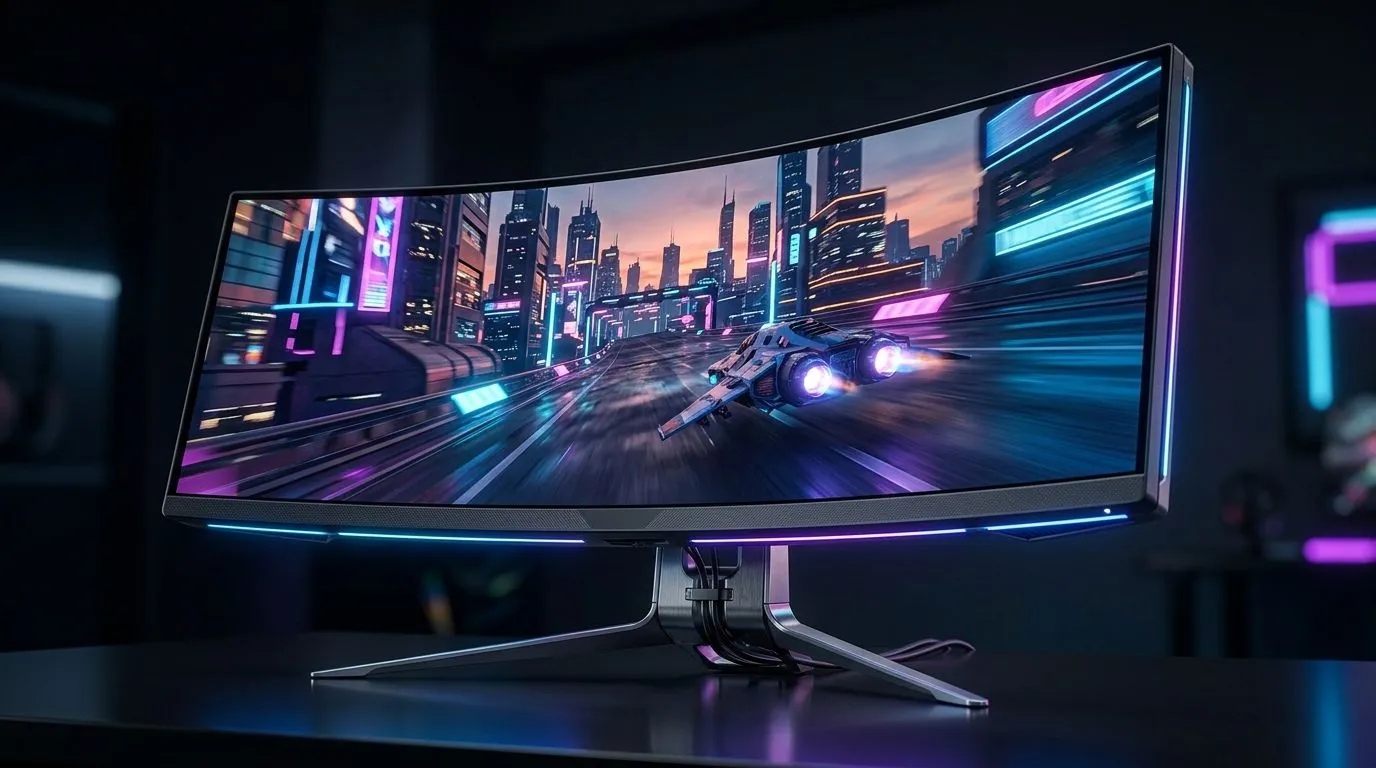
Ultrawide gaming monitor buying guide: resolution, refresh rate
South African gamers know the feeling... you spot an ultrawide screen, and suddenly every desktop feels too cramped. More room for a racing sim. Better visibility in strategy games. A slicker workspace during the week. But the wrong panel can also mean blurry text, weak motion, or a setup that looks impressive and plays badly. This guide helps you choose the right ultrawide gaming monitor with confidence, without wasting rands.
Ultrawide gaming monitor buying guide: resolution first
The first decision is simple: how much screen do you actually need? Ultrawide monitors usually use a 21:9 aspect ratio, which gives you extra horizontal space compared with a standard 16:9 display. That extra width is brilliant for immersion, but resolution matters just as much.
2560 × 1080
This is the entry point. It is easier to drive with mid-range GPUs, so frame rates can stay high. The trade-off is pixel density... on larger screens, text and fine detail may look less sharp.
3440 × 1440
For most gamers, this is the sweet spot. It gives you a cleaner image, more desktop space, and a sharper overall experience. It does ask more from your graphics card, so pairing it with capable hardware makes a real difference.
3840 × 1600 and beyond
Higher-end ultrawides deliver excellent clarity and a more premium feel. They are ideal if you split time between gaming and productivity. Just make sure your GPU and budget can keep up.
When comparing options, think about what you play most often. Competitive players may prioritise frame rate. Single-player fans may prefer richer detail and a bigger visual canvas. The best choice is the one that fits your games, not just the spec sheet.
Ultrawide gaming monitor buying guide: refresh rate matters too
Refresh rate tells you how many times per second the screen updates. Higher is smoother. It can make fast movement feel more responsive, especially in shooters, racing games, and competitive titles. For a general refresher on monitor terminology, see reputable display resources such as NVIDIA and monitor manufacturers’ official guides.
60Hz to 100Hz
Fine for casual use, cinematic games, and work. But for serious gaming, it can feel limited once you have seen faster panels.
120Hz to 144Hz
This is the sweet spot for many South African buyers. You get a noticeably smoother feel without pushing the price too far. If you want one monitor for work and play, this is usually the safest balance.
165Hz and above
Great if you are chasing responsiveness. Just remember that the rest of your PC has to support those frame rates. A fast monitor cannot create frames your system cannot render.
A practical rule helps here... buy the refresh rate your GPU can realistically feed. There is no point paying extra for 240Hz if your system rarely goes beyond 90fps in the games you love.
Ultrawide gaming monitor buying guide: panel type, response time, and curve
Not all ultrawides feel the same.
IPS vs VA
IPS panels usually offer stronger colour consistency and better viewing angles. VA panels often bring deeper contrast, which can look gorgeous in dark scenes. If you love atmospheric games, VA can be very tempting. If you want cleaner motion and balanced colour, IPS is often the safer pick.
Response time
This affects how quickly pixels change. Lower response times can reduce smearing and ghosting. Manufacturers list this differently, so compare carefully and avoid chasing marketing numbers alone.
Curved screens
Most ultrawides are curved, and that makes sense. The curve helps keep the edges within your field of view. It also makes long sessions feel more natural. For many users, it is not just aesthetic... it is practical.
Desk Space Pro Tip ⚡
On an ultrawide, your desk matters more than you think. Measure width, depth, and monitor stand clearance before you buy. A stable, roomy setup reduces neck strain and keeps the panel at the right viewing distance. If you are upgrading your battlestation, start with the desk and chair first, then choose the screen.
Ultrawide gaming monitor buying guide: match the monitor to your setup
A great monitor on a weak setup is disappointing. A balanced setup feels effortless. If you are planning a full upgrade, it helps to think beyond the panel.
If your desk is cluttered or too shallow, even a premium ultrawide can feel awkward. A proper gaming desk gives you the space to position the screen correctly and keep your peripherals comfortable. For a more curated look, Arrozi gaming setups can help you build a cleaner, more organised space.
Lighting also plays a role. Subtle ambient glow can reduce eye strain and make the curve of the display pop after dark. If you like a polished finish, NZXT case lighting can complement the rest of your rig nicely. And if you sit for long sessions, do not ignore comfort. A proper gaming chair is not a luxury when you spend hours in front of an ultrawide... it is part of the setup.
Ultrawide gaming monitor buying guide: what to check before you buy
Before you spend a cent, check these practical points:
GPU compatibility
Can your graphics card push the resolution and refresh rate you want?
Ports
Look for the right HDMI or DisplayPort version for your target resolution and Hz.
VESA mounting
Useful if you want a monitor arm or a cleaner desk layout.
Warranty and support
Important in South Africa, especially for a premium display.
Game support
Most modern games handle ultrawide well, but a few still need tweaks or may show black bars. It is worth checking before you commit.
The best buying decision is rarely the flashiest one. It is the monitor that fits your games, your desk, and your budget in ZAR.
Ready to Find Your Perfect Match? The Mac vs Windows debate is complex, but for maximum power, choice, and value in South Africa, Windows is hard to beat. Explore our massive range of laptop specials and find the perfect machine to conquer your world.











