

Quick Answer
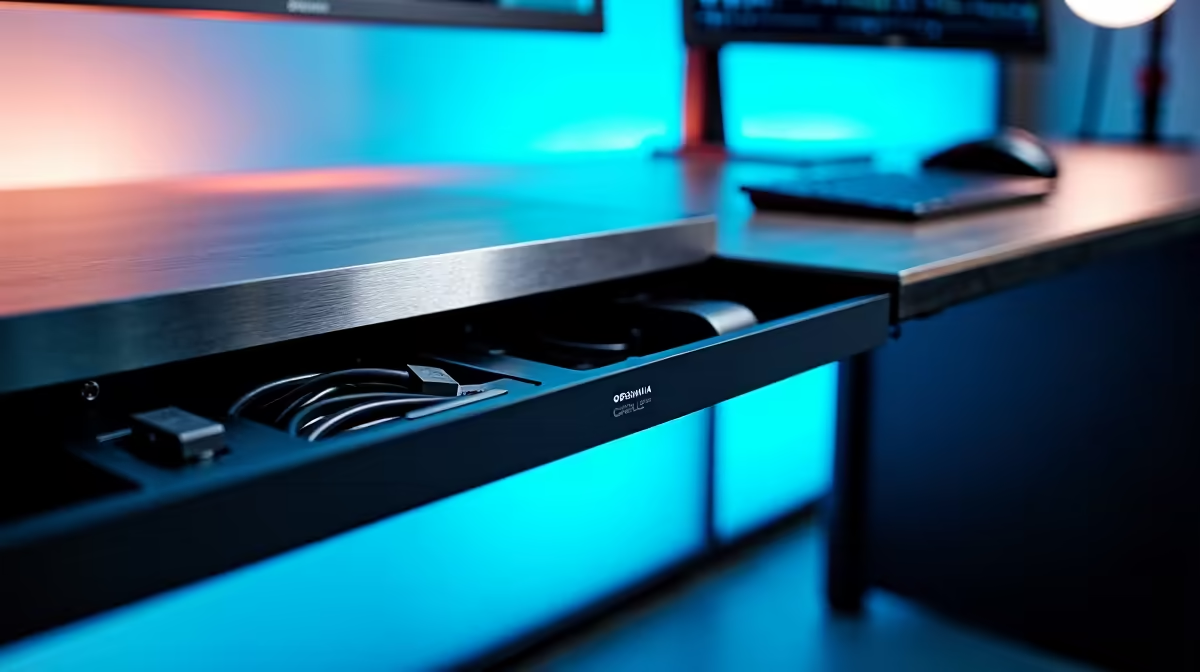
An under-desk cable tray hides power bricks, charger spaghetti, and Ethernet runs in one neat channel mounted under your desktop. For a clean SA setup, expect to spend R350 to R900 on a screw-in or clamp-on tray plus velcro ties.
Why a Cable Tray Beats Floor Power Strips
Loose extensions on the floor collect dust, get kicked, and turn your desk into a dust trap that throttles airflow into your tower. A tray lifts the multiplug, surge protector, and PSU cable off the carpet so vacuuming becomes a 30-second job. It also keeps your gear off the floor when domestic helpers mop, which is the silent killer of cheap UPS units in SA homes.
What You Need for the Job
Pick up a metal mesh or pressed-steel tray (R400 to R750 locally), a 6-pack of velcro straps (R60), a multiplug or surge bar that bolts in, and a cordless drill if you go screw-in. For glass desks or rented digs where you can't drill, grab clamp-on trays around R500. Don't forget short C13 kettle cables so your PC, monitor, and UPS plug in without slack loops.
Step-by-Step Mounting
Flip the desk on its side or kneel under it. Mark the tray rails 50mm in from each long edge so you can still slide a chair. Pre-drill into the underside, screw the tray in with the supplied bolts, then pop the surge bar inside. Run kettle cables along the tray, secure with velcro every 200mm, and feed the loose ends through a desk grommet if you have one.
Common Mistakes to Avoid
Don't mix data and power cables in the same bundle, especially USB 3.0 next to mains, because you'll get interference on webcams and DACs. Skip cable ties that you can't undo, you'll regret it on the next upgrade. And never daisy-chain two surge bars in the tray, plug your UPS straight into the wall.
Frequently Asked Questions
What do I need to know about under-desk cable trays in SA?
You need a tray rated for the weight of your bricks (a 240W laptop PSU plus a router adds up), screws or clamps that fit your desk thickness, and a surge or UPS plug bar. Evetech ships trays nationwide via courier so you can have everything at your door in 2-3 working days.
What are common mistakes when setting up an under-desk cable tray?
Mounting it too far back so you can't reach the switches, overloading one multiplug with high-draw kit like kettles or heaters, and leaving slack so cables sag onto the carpet. Plan the layout dry first, then commit.
Do I need special tools or parts in SA?
A R200 cordless drill from any hardware shop, M4 wood screws, and velcro ties are the only extras. Most trays ship with the mounting hardware included, so check the spec sheet before checkout.
Ready to Find Your Perfect Match? Build a tidy battlestation around a fresh rig today. Browse gaming PC deals











