

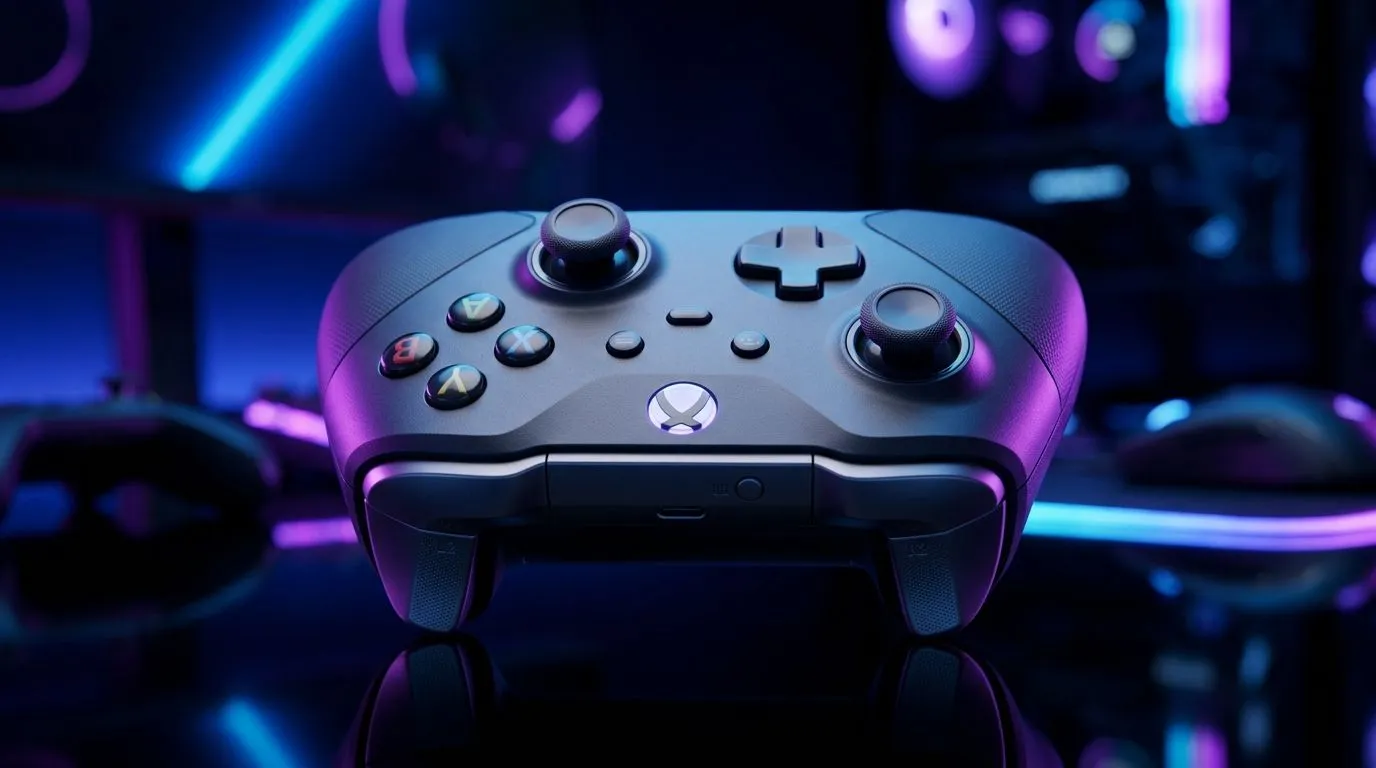
Unified Gamepad for Windows and iOS: Best Pick Guide for South African gamers
South Africa’s lag-free matches start long before you launch the game. It starts with your controller. If you play on PC at home and then jump onto iPhone/iPad on the go, you don’t want a separate pad for every device. You want one that behaves like it should on Windows and iOS… without the “why won’t it connect?” moments. Let’s make the right call, fast. ✨
Unified Gamepad for Windows and iOS: How to choose the right features
A true “unified” gamepad experience usually comes down to three things: connection method, button mapping support, and battery/charging sanity.
1) Connection: wired, Bluetooth, or both?
For Windows, most buyers care about low-latency Bluetooth and stable wireless drivers. For iOS, Bluetooth is the usual path. Before you buy, check whether the pad supports iOS over Bluetooth and whether it also works cleanly on Windows without extra hoops. If you’re after a plug-and-play feel, prioritise controllers that explicitly support multiple platforms.
2) Mapping and “it just works” layouts
You’ll notice the difference in games that rely on D-pad inputs, quick item slots, or camera controls. A unified pad should keep layouts consistent, or at least allow remapping. If the controller requires complicated software just to feel right, you’ll hate it on your iPad during a commute.
3) Comfort you’ll actually use (not just in the shop)
Grip matters. If you play for 2–3 hours on a weekend, thumb placement, trigger feel, and stick resistance all add up. Prioritise controllers that match your hand size and play style, especially if you use controllers for shooters and RPGs.
Controller Buying Pro Tip 🔧
iOS, test pairing early: charge the controller fully, pair it to your iPhone iPad in Settings, then open your game and check button prompts before you rely on it for a session. If prompts don’t match, you’ll waste time mid-match.
Unified Gamepad for Windows and iOS: Best pick guide using real buying paths
Want to compare options by controller type and budget? Start by browsing controller categories, then narrow by platform support.
If you’re considering an esports-focused pad, you can check the Razer Wolverine V3 Tournament Edition 8K deal page here: Razer Wolverine V3 Tournament Edition 8K best deal. Even if you don’t pick that exact model, deal pages help you benchmark pricing in ZAR and see what’s currently available locally. In South Africa, availability matters as much as specs.
For a broader selection, use Evetech’s controller buying guide to filter by what you actually need: Buy gaming controllers on Evetech. That page is especially useful if you’re unsure whether you want a more “console-like” pad or something built for PC competitive play. 🚀
And if you already know you want a specific brand family, narrow faster with brand-focused browsing. For example, here’s the Raze-focused view: Raze gaming controllers. This is a solid shortcut when you’re matching your controller to your current setup and peripherals.
Unified Gamepad for Windows and iOS: Quick setup checklist (so it feels right on day one)
Before your first serious session, do this checklist:
- Update/charge fully: low battery can cause flaky pairing and dropouts.
- Pair on iOS first: verify button prompts in your game.
- Test deadzones and stick feel on Windows: if sensitivity feels off, fix it early.
- Check compatibility for the games you actually play: not every title maps triggers the same way.
If you’re switching between platforms often, consistency is everything. The “best” controller is the one you can pick up and instantly trust.
Ready to Find Your Perfect Match? The Mac vs Windows debate is complex, but for maximum power, choice, and value in South Africa, Windows is hard to beat. Explore our massive range of laptop specials and find the perfect machine to conquer your world.











