

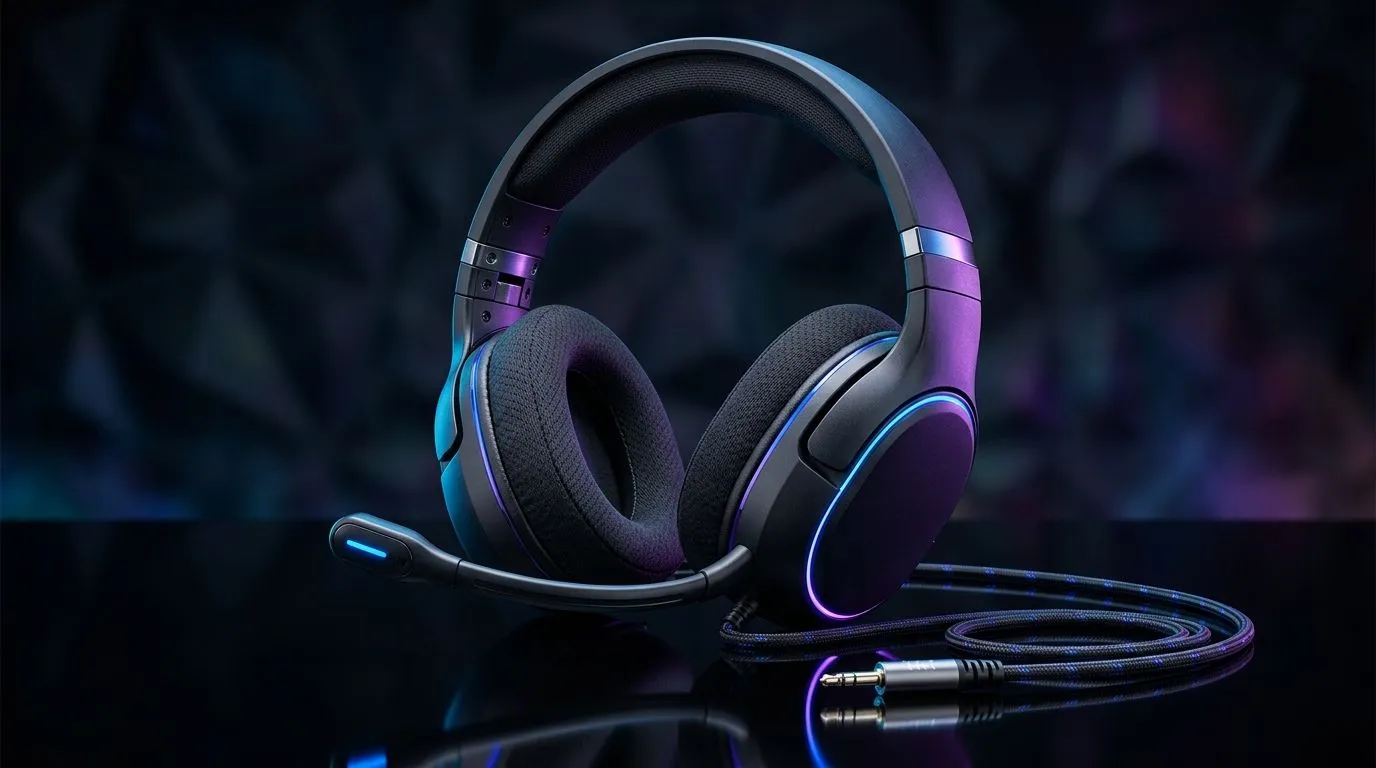
Universal 3.5mm Jack Gaming Headsets: What They Support for South African players
Walk into any PC shop in Mzansi and you’ll hear it… “Does it use a 3.5mm jack?” For a lot of gamers, that single detail decides whether a headset works with your PS4/PS5 controller, your laptop, your desktop, or even your phone. It’s also why budget buyers love “universal” headsets. But what exactly does a 3.5mm jack gaming headset support? Let’s break it down properly, so you don’t waste money. 🎧
Universal 3.5mm Jack Gaming Headsets: Connector types (and why “universal” isn’t always simple)
A “3.5mm” connector can come in two common flavours:
- TRRS (4-ring): usually supports headphones + microphone on one plug.
- TRS (3-ring): usually supports headphones only, with no mic input.
So when a product says it’s “universal”, it usually means it’s compatible with devices that accept the correct 3.5mm type. If you buy a headset with TRRS, but your device only supports TRS, your audio may work while the microphone stays silent.
Before buying, check:
- Whether the headset mic uses the same 3.5mm plug (TRRS).
- Whether your device has a headset port that supports mic input.
- If you need an adapter for console controllers or laptops with separate ports.
This matters because headset specs can be similar, but real-world support differs. ✅
Universal 3.5mm Jack Gaming Headsets: Devices you can typically plug into
Most “universal” 3.5mm headsets are made for:
- PC (desktop and laptops) with a standard 3.5mm headset jack
- Consoles that support a 3.5mm headset on controllers (via the controller port)
- Mobile devices with a 3.5mm headset input (less common without adapters)
Evetech’s broad selection also makes it easier to match your connector type to your setup. Browse options in their headsets category here: headphone headsets.
Universal 3.5mm Jack Gaming Headsets: Mic quality, volume control, and what to look for
On a 3.5mm headset, the “feel” of the audio is often about driver size, tuning, and how well the mic picks up your voice. But the fastest checks are:
- Inline controls: are they present for volume and mute?
- Mic monitoring / sidetone (if supported): some headsets reduce “talking too loud” problems.
- Impedance sensitivity: players with older onboard audio may need a headset that’s easier to drive.
If you’re comparing headsets, don’t just chase specs. Pay attention to how well a headset fits your voice chat needs. For deeper headset options across Razer’s line-up, you can explore: Razer headphones and headsets.
Productivity Pro Tip ⚡
Productivity Pro Tip ⚡
On a Windows PC, use Sound settings to confirm your headset is selected as the Input (microphone) and Output (speakers) device. If your mic is silent, this is the #1 fix after checking the TRRS TRS plug type.
Universal 3.5mm Jack Gaming Headsets: Quick buy guide (so you don’t regret it)
Here’s the simple checklist I recommend to South African gamers buying online:
- Confirm TRRS support if you need the mic on one plug.
- Check console compatibility based on the controller port (not just “3.5mm” in the title).
- Look for inline mute if you’re on Discord or in ranked comms.
- Plan for adapters if your laptop uses separate mic and headphone ports.
- Set a ZAR budget early. Even small spend differences can shift sound quality a lot.
And if you’re cross-shopping wireless plus wired options, keep an eye on the product type. Some headsets in the market are wireless-first, which changes the “plug and play” story entirely. For example, if you’re browsing premium Razer headset alternatives, this deal page is worth a look for current pricing context in ZAR: Razer Barracuda X Chroma Wireless Headset (Phantom White) deals.
Universal 3.5mm Jack Gaming Headsets: Plug, test, and optimise in 5 minutes 🚀
Once it arrives, test right away:
- Plug in and play a YouTube clip.
- Join a Discord voice channel (or your usual party).
- Record a 10-second voice message.
- Toggle mute on the headset inline controls. If something’s off, don’t wait. The fix is usually quick: device selection, adapter seating, or TRRS/TRS mismatch.
Want a smooth match the first time around? Start with the right connector and you’ll avoid the common “audio works, mic doesn’t” problem… that’s the real win.
Ready to Find Your Perfect Match? The Mac vs Windows debate is complex, but for maximum power, choice, and value in South Africa, Windows is hard to beat. Explore our massive range of laptop specials and find the perfect machine to conquer your world.











