

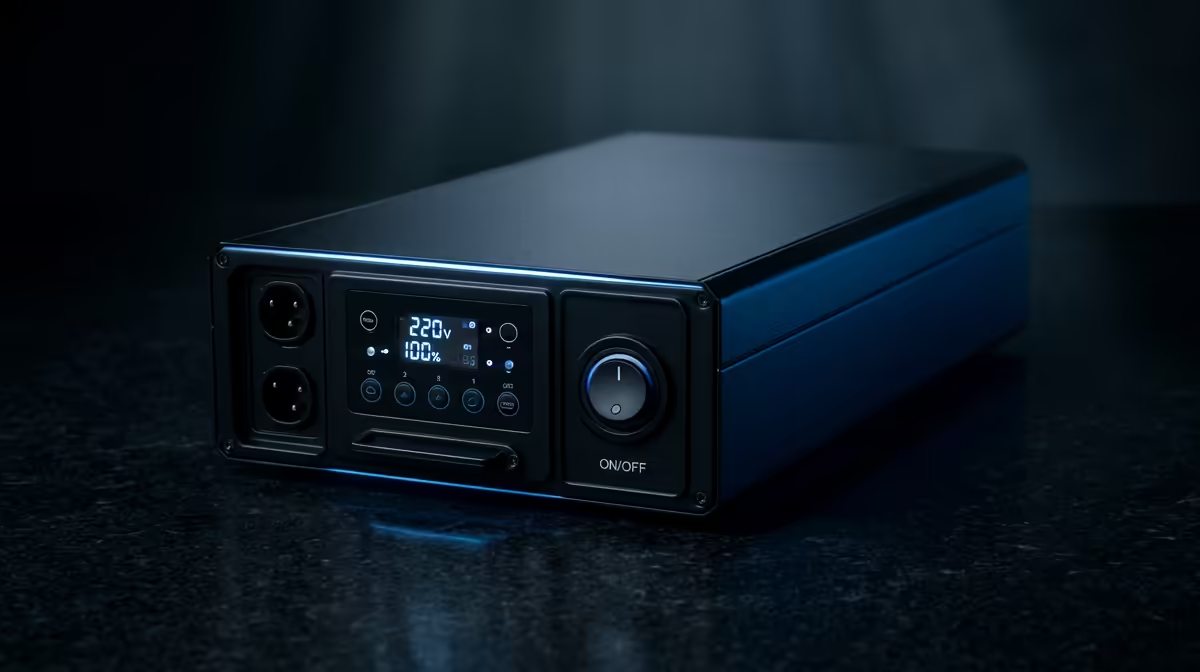
You’ve just dropped serious ZAR on a lightning-fast 240Hz monitor. The visuals are buttery smooth, your K/D ratio is climbing... then load shedding hits. Your screen flickers and dies. Why? Your UPS probably wasn't up to the task. Choosing the right UPS capacity for your 240Hz monitor isn't just about runtime; it's about protecting your high-performance investment from South Africa's unpredictable power grid. Let's get it right. 🛡️
Why Your 240Hz Monitor Needs More Power Than You Think
It’s easy to underestimate the power draw of modern gaming hardware. A 240Hz monitor, especially a larger one with HDR enabled, doesn't sip electricity—it gulps it. During an intense firefight in Apex Legends or a vibrant scene in Cyberpunk 2077, your monitor's power consumption can spike significantly.
A basic UPS might handle the average load, but these sudden peaks can overwhelm it, causing an immediate shutdown. This isn't just an inconvenience; it can risk corrupting your OS or even damaging the sensitive internal components of your gear. The key is understanding that the required UPS capacity for a 240Hz monitor must account for these peaks, not just the idle desktop wattage. It's a crucial consideration for anyone browsing through the latest gaming monitors available today.
Calculating the Correct UPS Capacity for Your Setup
Getting the numbers right is simpler than it sounds. You don’t need an engineering degree, just a quick look at your gear's specs. Follow these steps to ensure you have enough headroom.
Step 1: Find Your Components' Max Wattage
Check the label on the back of your monitor and your PC's power supply unit (PSU). Look for the maximum power consumption listed in Watts (W). If you can't find it, a quick search for your model online will give you the answer. For example, a high-end 27-inch 240Hz monitor might pull up to 80W, while your gaming rig could draw 600W or more under full load.
Step 2: Add Them Up & Add a Buffer
Sum the maximum wattage of your monitor, PC, and any other critical peripherals like your router. Now for the most important part: add a 20-25% buffer.
(PC Watts + Monitor Watts) * 1.25 = Recommended UPS Wattage
This buffer ensures your UPS isn't constantly running at its limit and can handle those unexpected power spikes without breaking a sweat. Once you know your power needs, finding a monitor that fits your budget and setup is the next logical step, and there are always some fantastic PC monitor deals to check out.
Pro Tip: VA vs. Watts ⚡
UPS units are rated in Volt-Amperes (VA) and Watts (W). The Watt rating is the number that matters for your gear. A 1000VA UPS might only provide 600W of actual power. Always check the Watt rating first to ensure it matches your calculated needs!
Beyond Wattage: UPS Features Gamers Can't Ignore
Choosing the right UPS for your 240Hz monitor goes beyond just the power rating. Two features are non-negotiable for protecting high-end gaming rigs in SA.
- Pure Sine Wave Output: Your PC's power supply and your monitor's delicate electronics are designed for the clean, smooth power that comes from a wall socket (a "pure sine wave"). Cheaper UPS models use a "simulated sine wave," which can stress sensitive components. For a high-performance setup, a Pure Sine Wave UPS is a must-have for stability and longevity.
- Automatic Voltage Regulation (AVR): With Eskom's grid fluctuations, our power is rarely stable. AVR acts as a first line of defence, correcting minor voltage sags and surges without switching to the battery. This saves your battery for actual outages and protects your hardware from "dirty" power. This is especially vital for immersive displays, like the stunning curved monitors that benefit most from a stable image.
The Real Cost of Getting It Wrong 🖥️
Imagine you're deep in a ranked match, about to clutch the win. The power dips for just a second. An undersized or poor-quality UPS gives up instantly. Your R15,000 monitor goes black. That's not just a lost match; it's a harsh reminder that your entire high-end setup was vulnerable.
Frequent, sudden power losses can lead to file corruption, premature component failure, and unnecessary stress on your hardware. Protecting your investment with the right UPS isn't an expense; it's insurance for the heart of your gaming experience. It's as fundamental as choosing the right GPU or CPU for your rig, and a critical part of the ecosystem of PC monitors and components.
Secure Your High-Refresh-Rate Experience You've invested in elite performance, so don't let load shedding dictate your gaming sessions. Protect your gear with a UPS that can keep up with your skills. Browse our full range of gaming monitors and the power solutions to protect them.











