

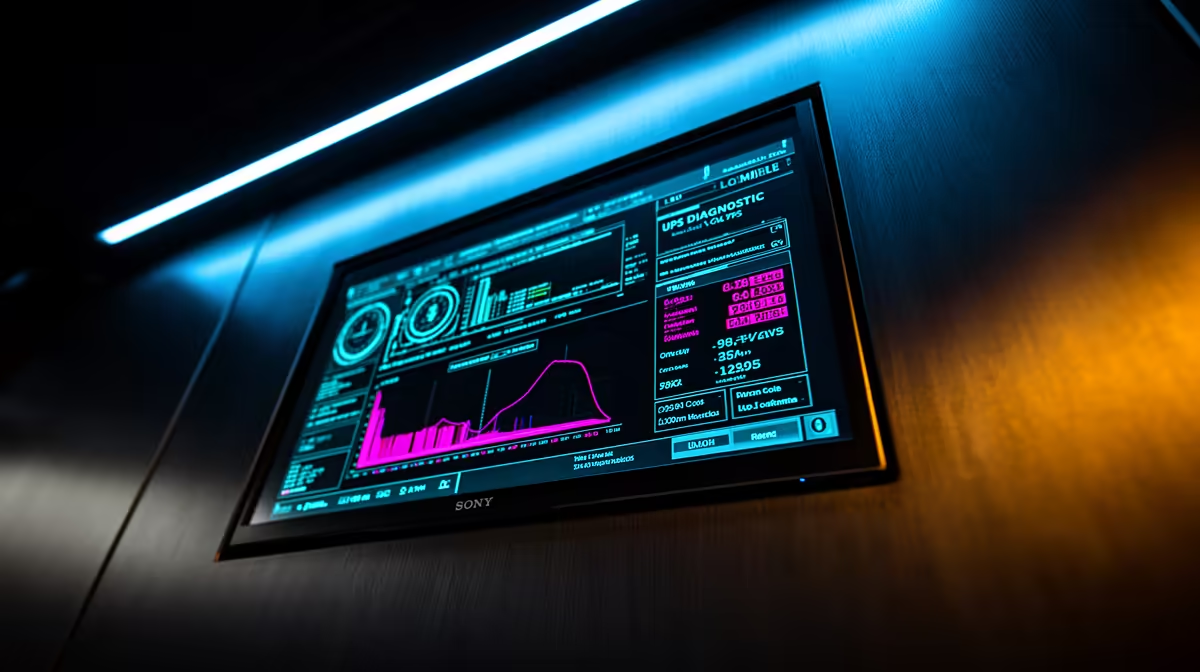
We’ve all been there. You’re deep in a ranked match, the final circle is closing, and then… darkness. Eskom strikes again. The frantic scramble begins, but the incessant beeping from your old UPS offers zero clues. Is the battery low? Is it overloaded? Who knows. This is where upgrading becomes essential. Modern LCD UPS diagnostics transform that panic into peace of mind, giving you a clear, instant status report right when you need it most. ⚡
Why LCD UPS Diagnostics Are a Must-Have
Let's be honest, the old guard of UPS systems with their cryptic beeps and single blinking lights feel ancient. They tell you something is happening, but not what. An LCD screen completely changes the dynamic. It's the difference between a vague warning and a precise diagnosis.
Instead of guessing, you get immediate, actionable data. You can see the battery level, the current load, and the input voltage at a glance. This clarity empowers you to make smart decisions instantly, like safely shutting down your rig or knowing you have enough juice to finish your round. For anyone serious about protecting their hardware, the detailed information provided by modern uninterruptible power supplies is non-negotiable.
Decoding Your UPS LCD Screen Readouts
That little screen is packed with useful info. Understanding it is key to maximising your UPS's potential. Here’s a quick guide to the most common readouts you'll encounter:
Key Metrics to Watch 💡
- Input/Output Voltage (V): Shows the voltage coming from the wall (input) and the clean, stable voltage being sent to your devices (output). In SA, input should be around 230V. If you see the UPS's AVR (Automatic Voltage Regulation) kicking in, it means it's actively correcting dirty power from the grid to protect your PC.
- Load Level (%): This displays how much of the UPS's total power capacity you're currently using. Pushing it to 90-100% constantly is a recipe for disaster. Knowing your typical load helps you ensure you have enough headroom for spikes in power usage.
- Battery Capacity (%): The most critical number during an outage. This tells you exactly how much runtime you have left. Many Titan UPS models, for example, provide crystal-clear readouts of remaining power, so you're never left in the dark about your power situation.
- Estimated Runtime (Minutes): Some advanced models calculate your remaining time based on the current load and battery capacity. This is brilliant for planning a graceful shutdown without losing your work or game progress.
Check Your Real-World Load
Your PC's 850W PSU rating isn't its constant power draw. Use your UPS's LCD load meter while gaming to see your actual usage. You might be surprised to find you're only pulling 300-400W, which helps you choose the right size UPS without overspending.
Troubleshooting Common UPS Alerts 🔧
Beyond status checks, LCD UPS diagnostics are your first line of defence when things go wrong. An error code isn't a reason to panic; it's a clear instruction.
If you see an Overload icon, it means you've plugged too much gear in. The solution is simple: unplug a non-essential device, like a printer or a second monitor, to reduce the strain. A Battery Fault or Replace Battery warning is another huge advantage. It gives you a heads-up weeks in advance, so you can replace the battery before it fails you during a critical outage.
Thankfully, you don't need to break the bank for this level of insight. Even many affordable UPS units under R1300 now include these essential diagnostic features, making reliable power protection more accessible than ever for South African gamers.
Stop Guessing, Start Gaming ✅ Ditch the anxiety of random beeps and take control with the clear, actionable data of an LCD UPS. Explore our full range of UPS solutions at Evetech and keep your gear safe and your gaming uninterrupted.











