

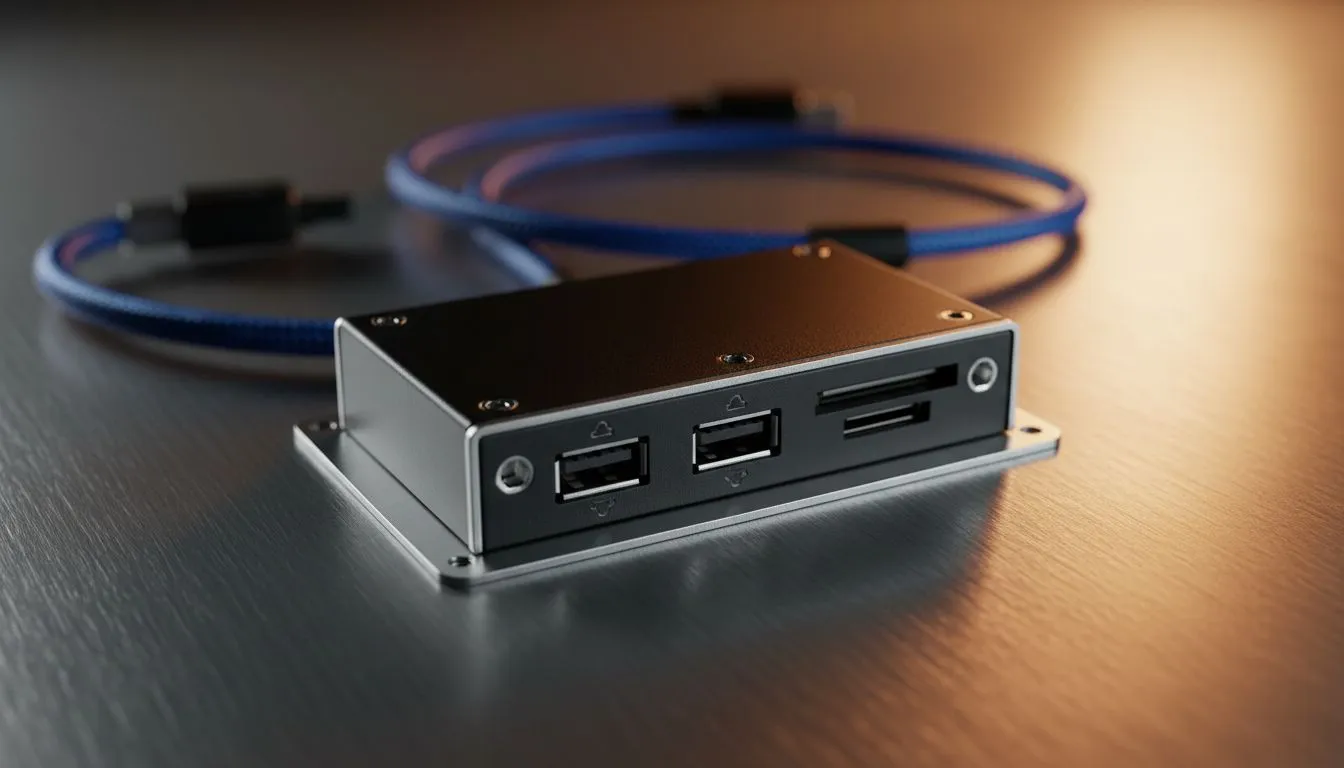
USB 3.0 front panel connectivity — fast, simple, essential 🔧
If you’re building or upgrading a PC in South Africa, knowing how USB 3.0 front panel connectors work will save you time — and Rands. USB 3.0 Front Panel Connectivity: Complete Guide walks you through real-world choices, wiring basics and compatibility tips so your peripherals run at full speed from day one. Ready to plug in and play?
USB 3.0 front panel connectivity explained
USB 3.0 (also known as USB 3.1 Gen 1) delivers up to 5 Gbps theoretical bandwidth, and front-panel headers bring that speed to your case ports (source: USB‑IF, https://www.usb.org/). Front-panel USB headers are typically a 19‑pin (or 20‑pin) connector on the motherboard that routes to the case’s ports. The good news: most modern motherboards and cases match these headers, but pin alignment matters. If a cable feels stiff, double‑check the notch and pins before forcing a connection.
Choosing cases with the right front panel connectors
Not every case is born equal. If you want easy access to USB 3.0 ports, pick a chassis with native blue 3.0 ports or a labelled internal header cable. Browse our full range of computer cases to compare front-panel layouts and internal routing options. (Hint: look for braided internal cables and removable front bezels to simplify installs.) For compact or airflow-first builds, consider purpose‑built options like the Fractal Design range for clean front‑panel integration.
- Explore compact and airflow‑focused designs at Fractal Design cases for neat front-panel layouts: https://www.evetech.co.za/PC-Components/fractal-design-pc-cases-346 🚀
Installation, wiring and troubleshooting tips
First, identify the motherboard header. The header is usually beside SATA ports or near the bottom edge; check your motherboard manual. Plug the keyed connector gently so the clip locks. If a front port reads as USB 2.0 only, try swapping the cable to a different header or updating your chipset drivers.
Installation Pro Tip ⚡
When connecting a USB 3.0 front-panel cable, align the keyed slot to the header notch and avoid bending pins. If a port shows as USB 2.0, update the motherboard chipset driver from the manufacturer and reseat the cable.
For budget or style-led builds, Gamdias offers several visually striking cases with front‑panel USB 3.0 options—good if you want aesthetic and function. Check the Gamdias lineup here: https://www.evetech.co.za/PC-Components/gamdias-gaming-cases-293
If you’re on a tighter budget, there are solid Gamdias options under R1,500 worth considering—filtering helps you find the best value: https://www.evetech.co.za/PC-Components/gamdias-gaming-cases-293?max-price=1500
Performance, compatibility and future-proofing
USB 3.0 ports are backward compatible with USB 2.0 devices, but a USB 2.0 device will only run at its lower speed. For sustained transfers — external NVMe enclosures or fast peripherals — ensure you use a USB 3.0 cable and port labelled for 5 Gbps (check device and enclosure specs). For more room to grow, cases that include USB‑C or extra internal headers make upgrades painless. If you need a case with multiple front‑panel options and good airflow, explore our curated computer cases listing for a side‑by‑side view of features and pricing in ZAR: https://www.evetech.co.za/components/computer-cases-70
Final setup checklist before you close your case
- Confirm the header type and orientation.
- Update motherboard chipset drivers.
- Test ports with a known USB 3.0 device.
- Tidy cables to preserve airflow and avoid kinks.
Need a hand choosing a case or verifying motherboard header compatibility? Our product pages include specs and images so you can match the internal header to the case. For case recommendations focused on build quality and neat front‑panel integration, see our curated Fractal and Gamdias selections above.
Ready to Find Your Perfect Match? The Mac vs Windows debate is complex, but for maximum power, choice, and value in South Africa, Windows is hard to beat. Explore our massive range of laptop specials and find the perfect machine to conquer your world.











