

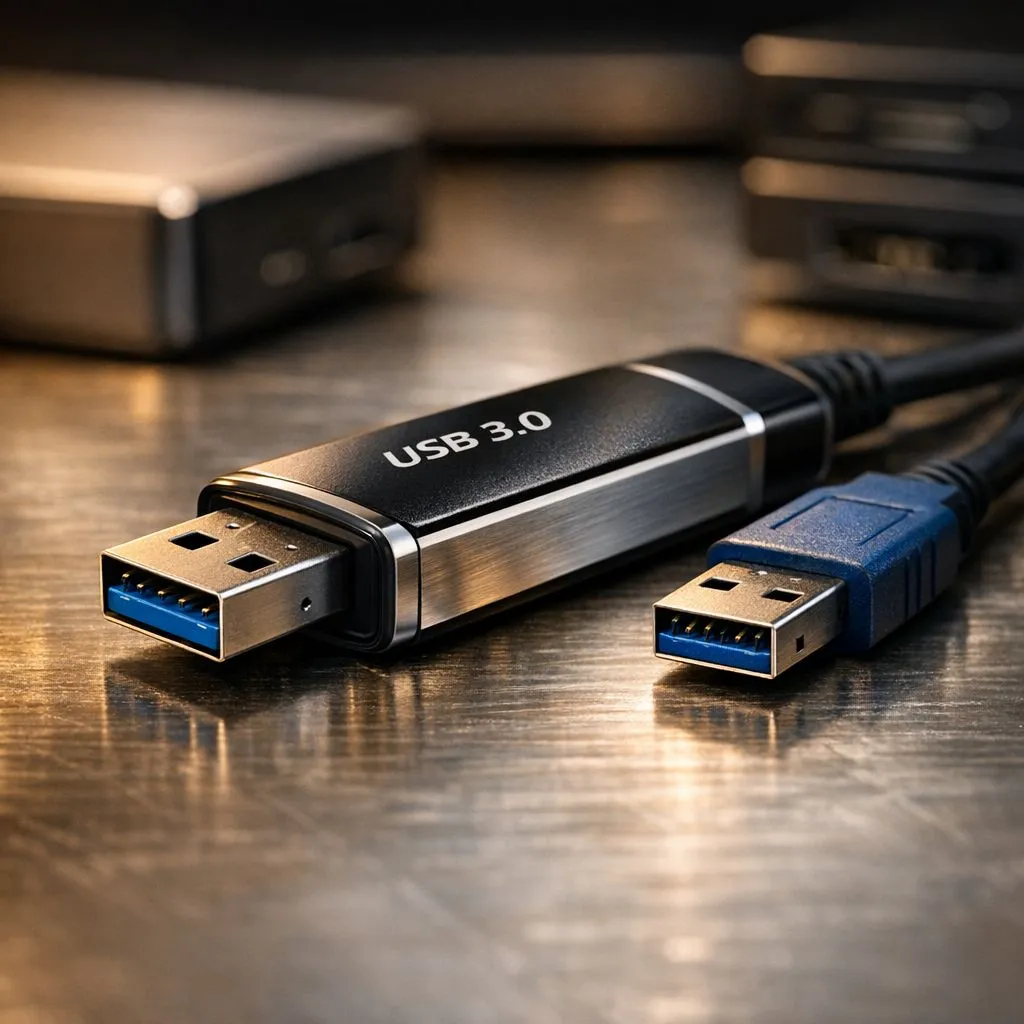
Ever sat watching a progress bar crawl while moving a 100GB game folder? It is incredibly frustrating. While the packaging promises 5Gbps, the actual USB 3.0 Transfer Speeds for large file archives usually tell a different story. In South Africa, where load shedding waits for no one, every second counts. Understanding why your transfers crawl is the first step to fixing your workflow ⚡.
The Reality of USB 3.0 Transfer Speeds
USB 3.0 is technically capable of 5 Gigabits per second. This translates to a theoretical maximum of 625MB/s. However, you will rarely see this number in practice. Overhead from the protocol and hardware limitations usually cap performance. Real-world rates for sequential data typically hover between 300MB/s and 450MB/s.
If you are using older mechanical drives, you will never hit these peaks. Upgrading to high-performance solid state drives is the most effective way to saturate your USB bandwidth. These drives remove the physical limitations of spinning platters. This ensures your data moves as fast as the interface allows.
Why Large File Archives Behave Differently
Transferring a single 50GB ZIP file is faster than moving 50GB of small photos. This is because of how controllers handle file headers. For large archives, sustained sequential write speed is the most important metric. Cheap flash drives often overheat during these long transfers. When they get too hot, the controller throttles the speed to protect the hardware.
For those on the move, a dedicated external SSD offers the best balance of speed and portability. These devices are designed to handle sustained loads without losing velocity. They are perfect for backing up your Steam library or 4K video projects 🔧.
Archive Pro Tip ⚡
When moving thousands of small files, always compress them into a single .zip or .7z archive first. This allows the USB controller to maintain a steady sequential stream. You will see much more consistent USB 3.0 Transfer Speeds compared to moving raw folders. It can save you twenty minutes on a large backup!
Choosing the Right Hardware for the Job
Not all USB ports or cables are created equal. Using a cheap cable can drop your speeds to USB 2.0 levels. Reliability also matters when moving terabytes of data. We often recommend Western Digital for their consistent sustained write speeds. Their controllers are tuned for professional workloads and heavy data lifting.
Alternatively, ADATA provides excellent value for South African gamers. They offer high-speed options that do not break the bank. Choosing the right external form factor ensures your drive fits your lifestyle... whether it is a rugged shell for travel or a slim pocket drive for the office 🚀.
Future-Proofing Your Data Transfers
If you find that USB 3.0 is still too slow, it might be time to look at internal upgrades. If you want to skip the USB bottlenecks entirely, looking at Gen 5 NVMe internal drives will change your perspective on speed. These drives operate at thousands of megabytes per second. This makes even the fastest USB 3.0 connection look like a snail.
Investing in quality storage today saves hours of waiting tomorrow. Whether you are archiving work or cloning a drive, the right hardware makes all the difference ✨.
Ready to Boost Your Transfer Speeds? Don't let slow progress bars hold you back from your next win. Whether you need an internal powerhouse or a portable speedster, we have the right tech for your budget. Explore our massive range of SSD specials and experience the speed you deserve.











