

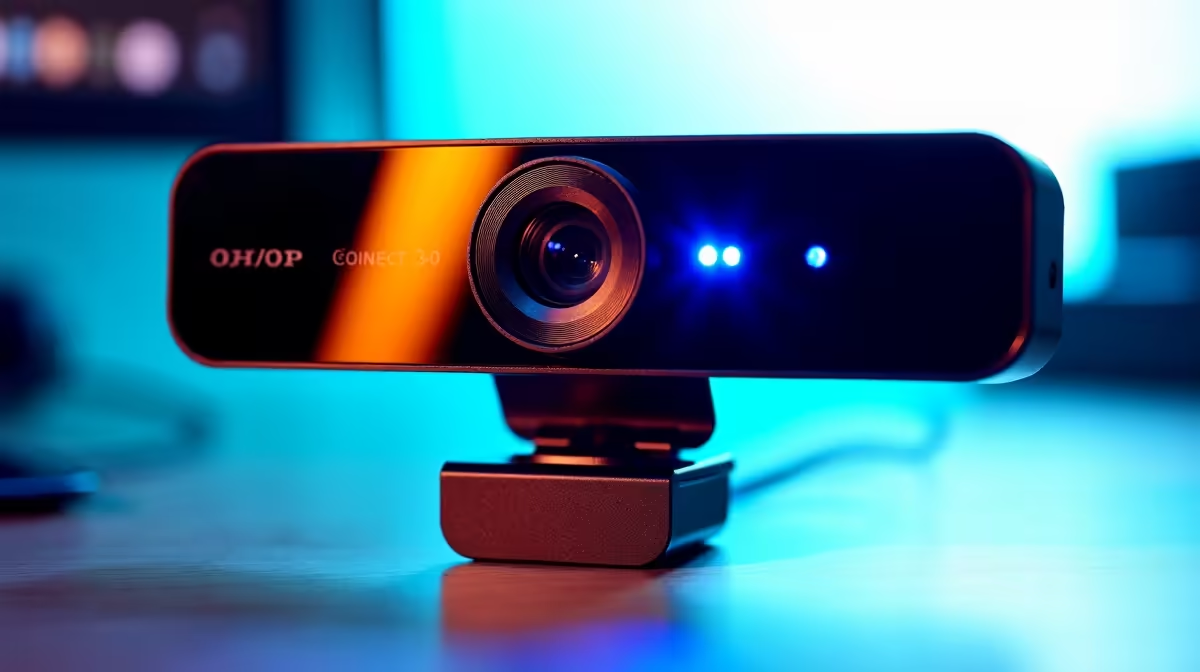
Picture this: you're clutching a 1v3 in Apex, your stream audience is hyped, and just as you land the final headshot... your facecam freezes. Again. That frustrating, pixelated stutter is a classic sign your old webcam can't keep up. For South African streamers and professionals, the solution isn't just about resolution; it’s about the connection. It's time we talked about USB 3.0 webcams and why they're essential for a smooth, professional broadcast. 🚀
Why USB 3.0 Webcams Prevent Stutter
The secret to stutter-free streaming lies in data bandwidth. Your old USB 2.0 webcam might claim 1080p, but it has to compress the video heavily to squeeze it through that narrow data pipe. This compression is what causes lag, blocky artifacts, and dreaded freezing, especially during fast-paced action.
A modern USB 3.0 port, however, offers up to 10 times the bandwidth. This allows USB 3.0 webcams to send uncompressed, high-quality video directly to your PC. The result? A crisp, fluid, and reliable picture that looks professional, whether you're streaming to Twitch or joining a critical work call. Upgrading doesn't have to break the bank either; you can find some fantastic budget-friendly webcams under R1000 that already offer a significant leap in quality.
Key Features for a Flawless Broadcast
Beyond the USB port, a few key specs separate the good from the great. Look for a webcam that delivers at least 1080p resolution at 60 frames per second (FPS). The higher frame rate creates that buttery-smooth motion that viewers love, making your stream look far more polished.
A wider field of view (FOV) is also great for showing more of your setup, while good autofocus keeps you sharp even when you move around. For most streamers, finding a solid 1080p60 webcam under R2000 hits the sweet spot of performance and price, delivering a huge upgrade without needing a second bond on the house. ✨
Pro Tip: Lighting > Resolution
A well-lit 1080p image looks far better than a poorly-lit 4K one. Before you splurge on the highest resolution, invest in a simple ring light or position your desk facing a window. Your viewers will thank you for the clear, vibrant picture.
Optimising Your Setup for Peak Performance
Getting a great webcam is only half the battle; optimising your setup is where you truly shine. Mount your camera at eye level for the most engaging angle—stacking it on a few books or a small tripod works perfectly. Dive into software like OBS Studio or NVIDIA Broadcast to fine-tune your image, add custom backgrounds, or even use AI-powered noise removal for your microphone. 🔧
These tools, combined with a high-quality camera, elevate your production value immensely. If you're serious about content creation or want the absolute best quality for your meetings, investing in one of the premium streaming webcams under R3000 gives you access to features like HDR, advanced optical sensors, and superior low-light performance.
Ready for Your Close-Up? Stop letting a laggy camera ruin your best moments or undermine your professionalism. Browse our full range of webcams at Evetech and find the perfect stutter-free upgrade for your setup today.











