

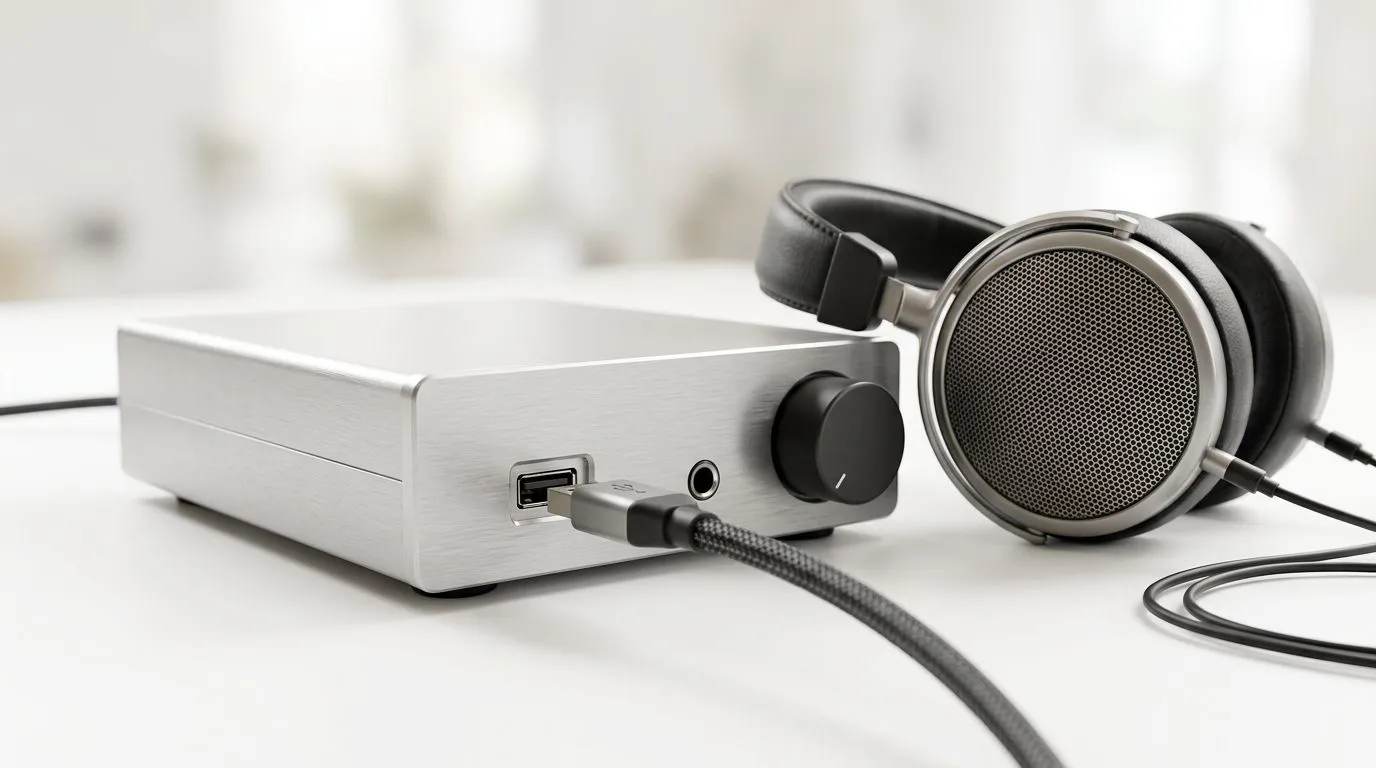
USB-A audio: Advantages of digital audio via USB-A
South African gamers: tired of hiss, inconsistent volume and messed-up chat mixes? USB-A audio promises a cleaner, digital path from PC to headset — no analogue jacks, no noisy PCB traces, and fewer driver surprises. In the next few minutes you'll learn why digital audio via USB-A often delivers tighter positional sound, more reliable mic routing, and easy plug‑and‑play setups for consoles and desktops alike. 🔧✨
USB-A audio — how digital audio via USB-A improves game sound
USB-A audio sends digital packets to a device that usually contains its own DAC and preamp, so the signal isn't affected by your PC's onboard analogue circuitry (see USB Audio Device Class for details) (https://en.wikipedia.org/wiki/USB_audio_device_class). That separation reduces ground-loop hum and electrical noise many South African rigs suffer from.
Latency? For modern USB audio devices it's low enough for gaming, because the endpoint handles conversion and buffering rather than the host's analogue chain. For more device-level compatibility and driver notes, check the Razer headphones and headsets category on Evetech — many USB headsets list supported platforms clearly (https://www.evetech.co.za/PC-Components/razer-headphones-headsets-105). ⚡
Want a practical example? The Razer Barracuda X uses a USB-A dongle for a near-instant wireless digital feed — handy for PS5/PS4 and Windows machines where USB-A ports are still common. See the product page for connectivity and bundle details (https://www.evetech.co.za/razer-barracuda-x-chroma-wireless-headset-phantom-white/best-deal/24367).
USB-A Dongle Tip ⚡
If you use a USB-A dongle for wireless audio, plug it into a front-panel port or a short extension cable for a better line-of-sight to the headset. That reduces dropouts and keeps latency consistent — ideal for competitive play.
USB-A audio: what South African buyers should check before buying
- Compatibility: confirm the device supports your platform without extra drivers. Many modern USB headsets are plug‑and‑play, but some advanced features need Windows drivers (see vendor pages for specs).
- DAC/codec details: look for sample rates and bit depth if you use high-res audio — manufacturers list these specs on product pages or manuals (use official vendor pages to verify).
- Chat mic mixing: USB headsets can offer built-in mic monitoring and software-based chat/game balance, which is valuable for streamers and party games. For a curated range, browse Evetech's headphone & headset category to compare features and ZAR prices (https://www.evetech.co.za/components/headphone-headsets-100). 🎧
Small purchases, big payoff: in South Africa you can pay a little extra in ZAR for a USB-A headset or dongle and often get a notable step up in mic clarity and noise floor. Always check the Evetech product page for warranty and stock details before you buy.
Quick buying checklist
- Confirm USB-A support and whether an adapter is needed for your device.
- Check whether the headset offers on-device controls for chat/mix.
- Read local stock and warranty info on Evetech; buying locally keeps support and returns simpler.
Ready to Find Your Perfect Match? The Mac vs Windows debate is complex, but for maximum power, choice, and value in South Africa, Windows is hard to beat. Explore our massive range of laptop specials and find the perfect machine to conquer your world.











