

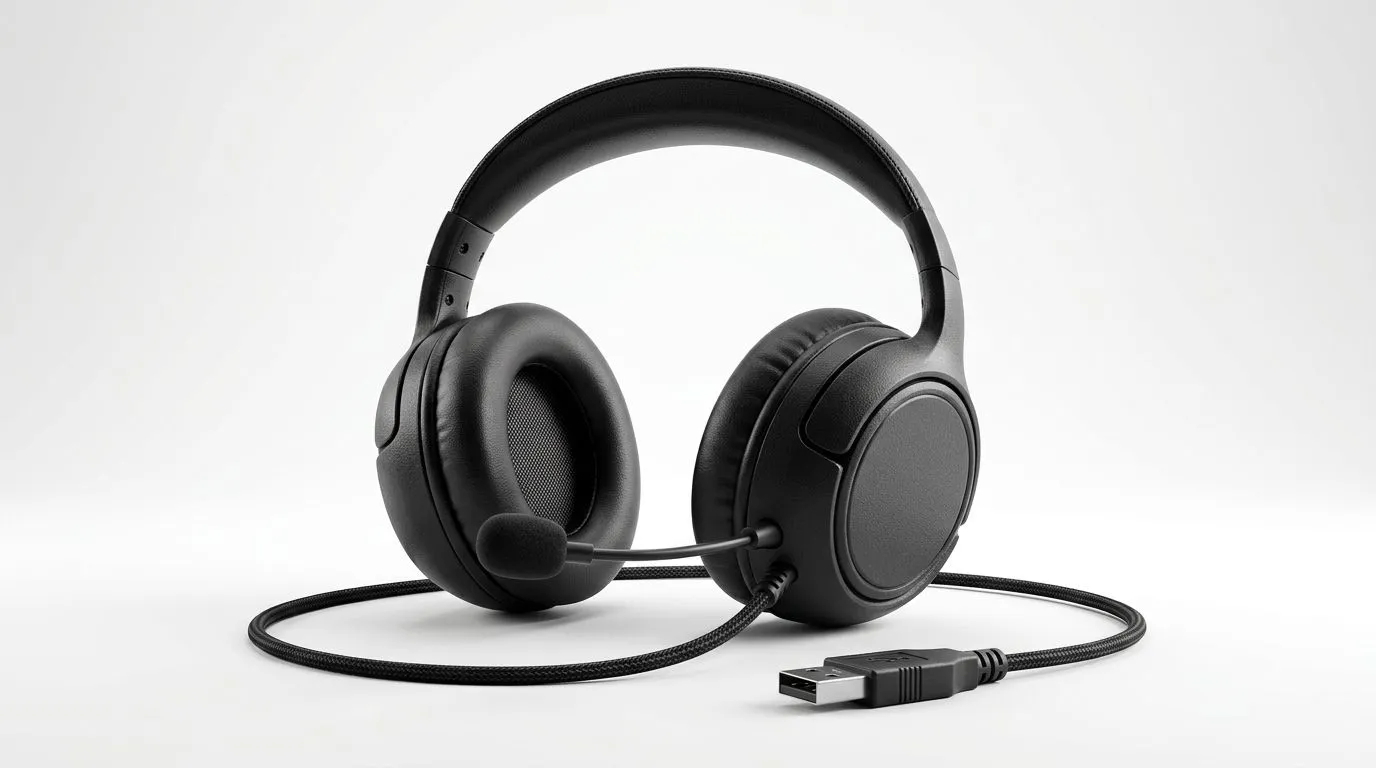
Understanding USB-A Headset Compatibility on Windows, macOS, and Chrome OS 🔧
South African gamers and tech buyers, trying to pick a USB-A headset that truly works with your device can feel tricky. Windows, macOS, and Chrome OS don’t all handshakes to gadget plugs the same way. Before spending hundreds of rands, let’s dive into the compatibility essentials for your USB-A headset — so your audio experience never skips a beat.
How USB-A Headsets Connect Differently Across Operating Systems
USB-A headsets are popular for their plug-and-play convenience, but system support varies. Windows generally offers the broadest compatibility, thanks to extensive driver support and legacy USB-A ports.
macOS has made strides with USB audio devices, but some USB-A headsets may work only via basic stereo support or require additional software. Meanwhile, Chrome OS’s USB interfaces focus on simplicity and cloud connectivity, sometimes limiting advanced headset features.
To keep things smooth, ensure your headset supports standard USB Human Interface Device (HID) protocols, which most quality headsets do.
Tips for Choosing and Using USB-A Headsets on Different Platforms ⚡
Windows Users
Windows usually detects USB-A headsets immediately when plugged in. You might want to check the Sound Control Panel to select your headset as the default playback and recording device. For gaming, low-latency drivers help sharpen communication and in-game audio cues.
macOS Users
On macOS, double-check headset compatibility on the maker’s specs—some USB headsets rely on Windows-only drivers. If you see audio delays or microphone issues, try resetting the Core Audio service or use headphones with native Mac support.
Chrome OS Users
Chromebooks focus on USB audio as a secondary feature. Headsets that rely solely on USB may lose advanced mic controls if the OS lacks support. Opt for USB headsets with universal audio codecs or, alternatively, use a USB-C to USB-A adapter for newer models.
Pro Tip for Seamless Setup
Try connecting your USB-A headset through a powered USB hub for better power delivery and stable audio performance across all OS platforms.
Recommended USB-A Headsets for South African Gamers 🎧
If you’re after a reliable headset that blends performance with broad compatibility, the Razer Barracuda X Chroma Wireless Headset in Phantom White works smoothly with Windows, macOS, and recent Chrome OS devices thanks to its versatile USB connectivity.
Explore Razer’s full collection of headphones and headsets if you value crisp soundstage and adaptable connectivity.
For a wider range of options, including budget-friendly and premium USB-A headsets, browse the headphone and headset category at Evetech to find your perfect audio gear.
Upgrade Your Gaming Audio Today Ready to experience rich, lag-free sound? Shop now at Evetech for performance that leaves lag in the dust.











