

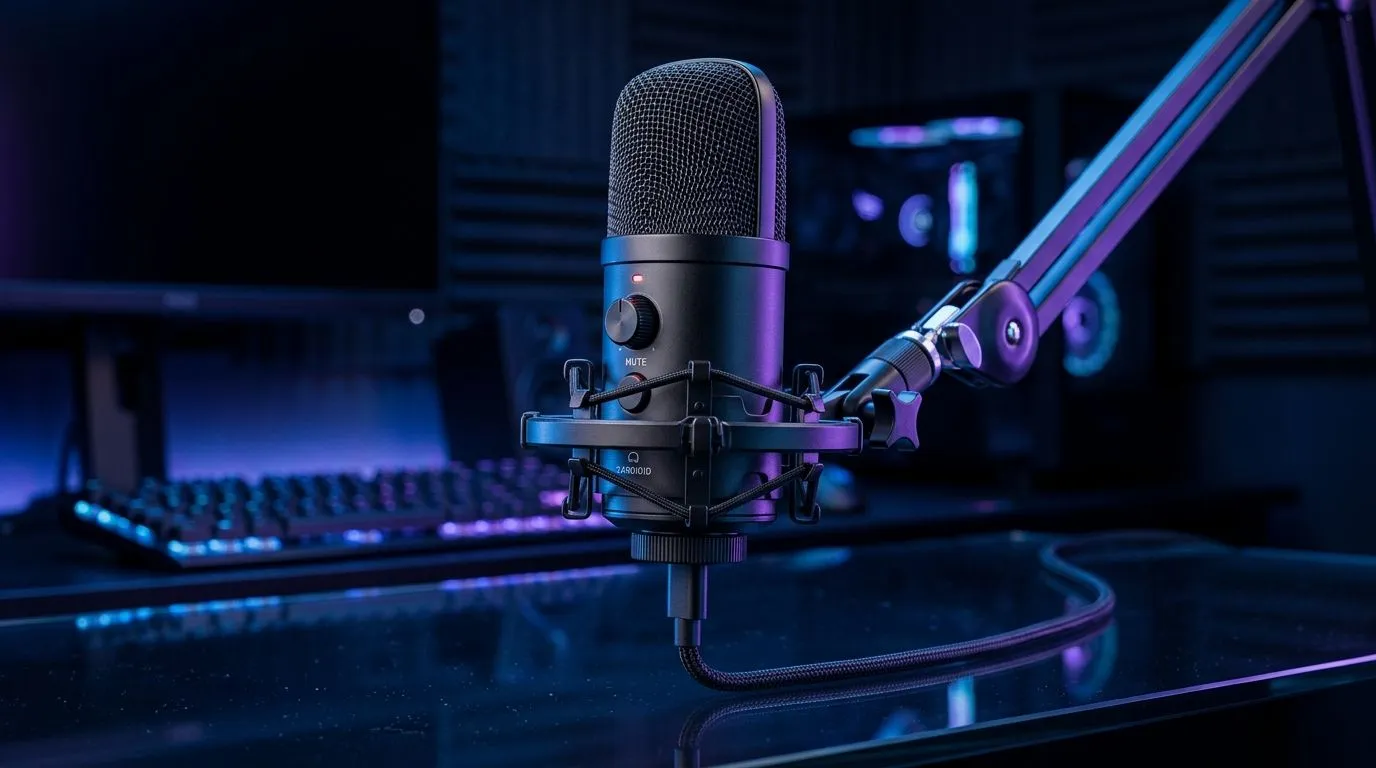
USB-C cardioid microphone setup for streaming, gaming, and podcasting in South Africa
If your mic sounds muddy, your stream feels amateur, or your podcast picks up every keyboard tap, the fix is often simpler than you think. A good USB-C cardioid microphone setup can make a South African creator sound far more polished, even on a modest desk setup. The trick is not just buying the mic... it is placing it correctly, setting levels properly, and pairing it with the right supporting gear. 🔧
USB-C cardioid microphone setup basics for cleaner voice capture
A cardioid microphone mainly picks up sound from the front. That makes it ideal for streaming, gaming, and podcasting because it helps reduce room noise and keyboard clatter. USB-C connectivity keeps the setup neat and modern, with fewer adapters and less cable chaos.
For most creators, the best starting point is simple:
- keep the mic close to your mouth
- angle it slightly off-centre
- speak consistently
- avoid placing it too near a fan, speaker, or open window
That’s the foundation of a clean USB-C cardioid microphone setup. It is especially useful in smaller South African homes or shared spaces where background noise is part of daily life.
USB-C cardioid microphone setup tips for streaming and gaming
Streaming and gaming can get loud fast. You’re talking, reacting, maybe shouting during a clutch moment, and your mic needs to keep up without distorting.
Start by checking input gain. Too high, and your voice clips. Too low, and you sound distant. If your mic has a physical gain knob, begin at the middle and test from there. If it uses software control, aim for clear voice capture first, then fine-tune.
For streamers building a fuller desk setup, it helps to browse streaming essentials for your setup. If you want a more coordinated look, you can also explore CORSAIR streaming essentials. A tidy setup often feels more professional on camera… and that matters. ✨
Microphone placement matters more than people think
Keep the microphone about a hand’s length away from your mouth. If it sits directly in front of your face, plosives can hit hard. A slight side angle usually sounds better.
If you are using a boom arm, position it so the mic floats just below your line of sight. That gives you cleaner audio and a less cluttered frame. It also keeps your setup camera-friendly when you’re live.
USB-C cardioid microphone setup for podcasting at home
Podcasting demands consistency. Listeners notice audio changes quickly, even if they can’t name the problem. That’s why a stable microphone position and repeatable settings matter.
Try recording a short test clip before every session. Speak normally, then listen back on headphones. Check for:
- hiss
- room echo
- clipping on louder words
- mouth noise
If your room is a bit reflective, soft furnishings help. Curtains, rugs, and even a bookshelf can improve the sound enough to notice. You do not need a studio to get decent results. You just need a little control.
Productivity Pro Tip ⚡
On Windows, use the PowerToys FancyZones utility to create custom snap layouts for your windows. It's a lifesaver for managing multiple apps on an ultrawide monitor, letting you organise your timeline, preview window, and asset folders perfectly for video editing.
USB-C cardioid microphone setup accessories that make a difference
The right accessories can improve comfort and consistency. A pop filter softens harsh “p” and “b” sounds. A shock mount helps reduce desk vibration. A boom arm gives you better placement and frees up space.
If you are also upgrading your face-cam, have a look at webcams for streaming and content creation. Voice and video should feel like they belong together. When both are clean, your whole production looks more intentional.
For ambient light or desk flair, some creators also add Cololight streaming accessories. A bit of lighting can lift a stream without costing a fortune in rand.
USB-C cardioid microphone setup checklist before you go live
Before streaming or recording, run through this quick check:
- USB-C cable is seated properly
- mic is set as the default input
- gain is set for clean voice, not maximum volume
- mic is aimed slightly off-axis
- keyboard and fan noise are minimised
- headphones are on for live monitoring
This takes less than a minute, but it can save a recording. That is the difference between “I’ll fix it in post” and “I’m ready to publish.”
USB-C cardioid microphone setup buying advice for South African creators
If you are shopping in South Africa, think beyond the spec sheet. Ask yourself how you actually create. Do you stream after work? Podcast from a bedroom? Game in a shared space? The best mic is the one that fits your room, your habits, and your budget.
A solid USB-C cardioid microphone setup is not about chasing the most expensive gear. It is about making your voice clear, your workflow simple, and your content easier to trust. That is what keeps viewers listening.
Ready to Find Your Perfect Match? The Mac vs Windows debate is complex, but for maximum power, choice, and value in South Africa, Windows is hard to beat. Explore our massive range of laptop specials and find the perfect machine to conquer your world.











