

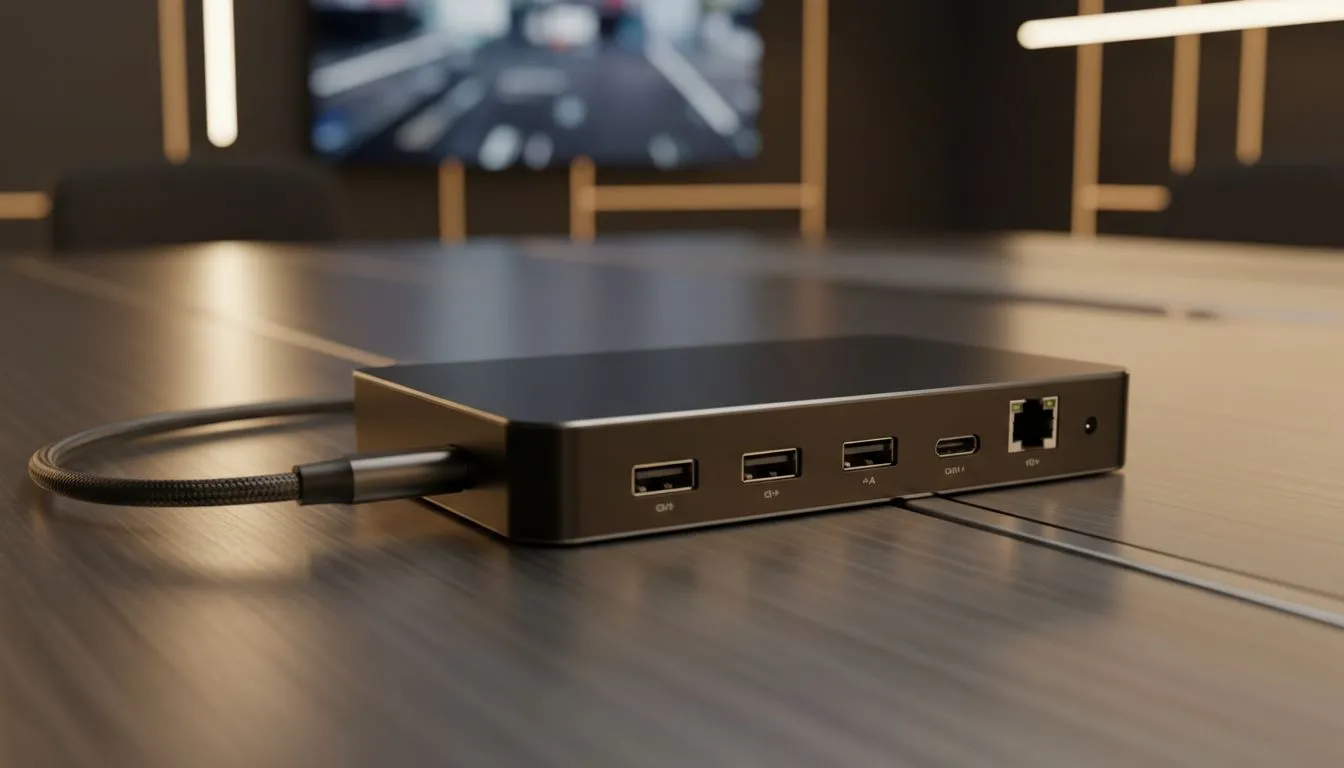
Why USB-C connectivity for meeting rooms matters right now
South African teams need meeting rooms that just work. USB-C connectivity for meeting rooms slashes cable clutter, speeds screen sharing, and often carries power at the same time — handy when everyone brings a laptop. If you want fuss-free setup and faster handoffs between presenters, this tech should be on your shortlist. 🚀
Explore compatible screens at Evetech as you plan the upgrade: https://www.evetech.co.za/PC-Components/pc-monitors-89
USB-C connectivity for meeting rooms: the key benefits
USB-C brings three practical gains: single-cable video and audio, optional power delivery, and fast data for peripherals. That simplifies meeting-room hardware and reduces support calls. For display selection, think about panel and sync types to match your use case and graphics hardware. Look at monitors with IPS panels if you value accurate colours and wide viewing angles: https://www.evetech.co.za/PC-Components/pc-monitors-89?attributes-paneltype=IPS ✨
USB-C connectivity for meeting rooms: setup essentials
Start with a certified USB-C cable that supports DisplayPort Alternate Mode and sufficient power delivery. Check the host laptop’s specs for PD wattage and DP Alt Mode support before you buy. When shopping for displays, consider whether you want a flat or immersive curved screen based on viewing distance: flat for standard rooms, curved for wide, collaborative tables. Browse flat options here: https://www.evetech.co.za/PC-Components/pc-monitors-89?attributes-curved%2Fflatscreen=Flat and curved models here: https://www.evetech.co.za/PC-Components/pc-monitors-89?attributes-curved%2Fflatscreen=Curved
USB-C connectivity for meeting rooms: performance & compatibility notes
If your meetings include remote collaboration or high-frame-rate media, adaptive sync can help remove stutter and tearing. Match the monitor’s sync tech to your GPU where possible. Explore Adaptive Sync choices here: https://www.evetech.co.za/PC-Components/pc-monitors-89?attributes-adaptivesync=Adaptive+Sync and check FreeSync screens for AMD-friendly setups: https://www.evetech.co.za/PC-Components/pc-monitors-89?attributes-adaptivesync=FreeSync+%28AMD%29. For NVIDIA users, consider G-Sync compatible displays: https://www.evetech.co.za/PC-Components/pc-monitors-89?attributes-adaptivesync=G-Sync+%28NVIDIA%29
Productivity Pro Tip ⚡
When you deploy USB-C in shared rooms, label each USB-C input with PD wattage and a quick compatibility note. Pair a short, rugged USB-C cable with a small cable keeper to avoid lost adapters.
Practical checklist before you buy
- Confirm laptops support DisplayPort Alternate Mode.
- Verify PD wattage on the monitor if you want to charge devices while presenting.
- Choose the right panel and sync tech for use cases and GPUs.
- Test one setup in the room first; roll out over time.
Want help picking the best monitors or cables for your boardroom? Our team can recommend setups tuned to South African office spaces and budgets. 🔧
Ready to Find Your Perfect Match? The Mac vs Windows debate is complex, but for maximum power, choice, and value in South Africa, Windows is hard to beat. Explore our massive range of laptop specials and find the perfect machine to conquer your world.











