

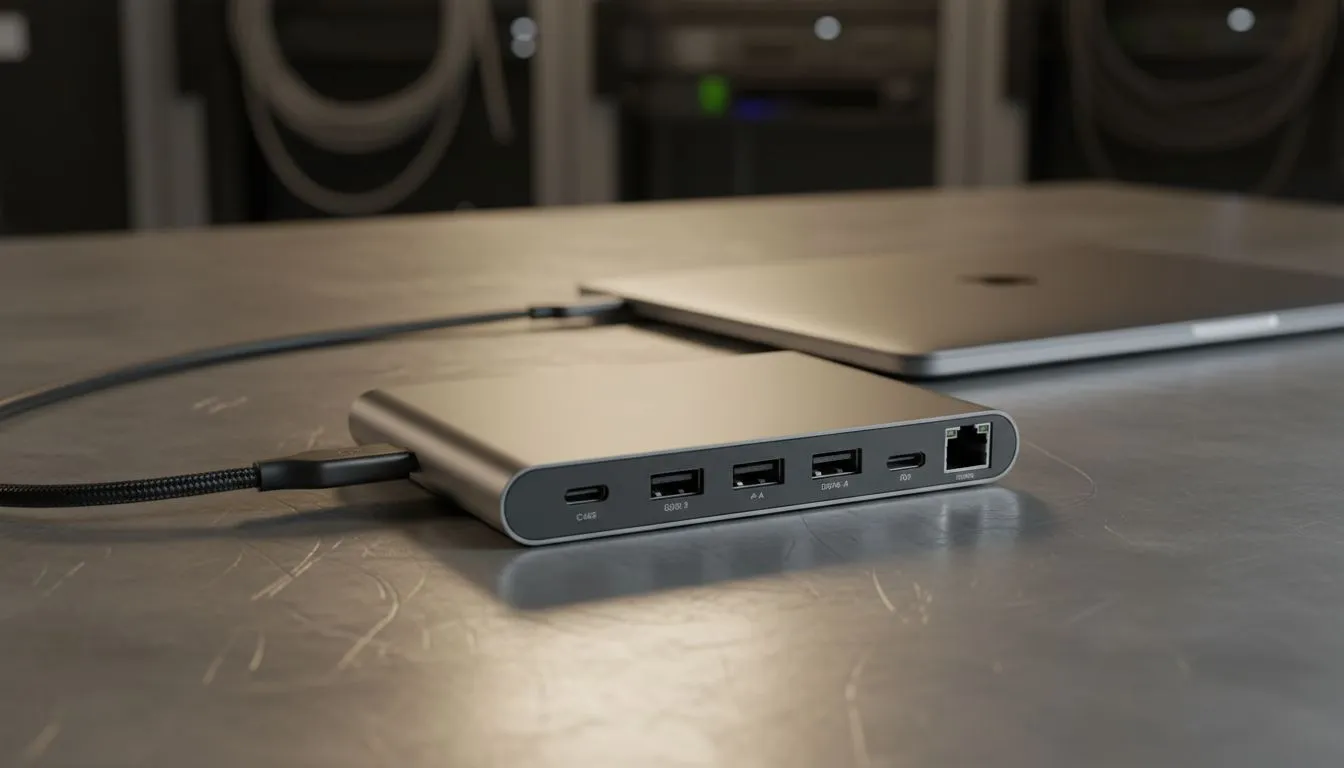
Why MacBook Users Need a Versatile USB-C Dock
Owning a MacBook in South Africa usually means two things: admiring that stunning Liquid Retina display and then immediately wondering where all your ports went. Whether you are editing 4K footage in Cape Town or managing spreadsheets in Joburg, the struggle is real. Finding the right USB-C Docks for MacBook is the only way to turn your portable powerhouse into a full-scale desktop workstation without the clutter.
Modern MacBooks are masterpieces of minimalism... but minimalism does not help when you need to plug in a mechanical keyboard, a mouse, and an external monitor simultaneously. A high-quality hub allows you to reconnect with your peripherals through a single cable. You can browse our broad range of docking stations to find a model that fits your specific desk layout. 🔧
Balancing Port Selection and Power Delivery
When looking for the best USB-C Docks for MacBook, you must consider Power Delivery (PD). This feature allows the dock to charge your laptop while it handles data transfers. If you are on a tight budget, you can find reliable docks under R1000 that provide the basics like USB-A ports and HDMI outputs. These are perfect for students or remote workers who need a simple setup.
For those who require more stability and faster data speeds, stepping up your budget is wise. Investing in premium options under R2000 often nets you Gigabit Ethernet and better heat management. This is crucial for sustained workloads where a cheap hub might overheat and drop your connection. ⚡
Productivity Pro Tip ⚡
Always check the wattage of your MacBook charger before buying a dock. If your laptop requires 96W and your dock only supports 60W pass-through, your battery might still drain during heavy tasks like video rendering or gaming. Match your dock's PD rating to your Apple power brick for the best experience.
Choosing the Right Brand for Reliability
Not all hubs are created equal. In the South African market, reliability is key... especially with our fluctuating power conditions. Many local pros prioritise Promate docking solutions because they offer a great balance of build quality and port variety. Whether you need a compact travel hub or a massive 12-in-1 station, choosing a reputable brand ensures your MacBook's sensitive internals stay protected. 🚀
Remember to look for ports that match your workflow. Photographers should look for UHS-II SD card slots... while gamers will want high-refresh-rate support on the HDMI outputs. A dedicated dock simplifies your life by keeping your cables organised and your desk clean. ✨
Ready to Find Your Perfect Match? The quest for the perfect MacBook setup starts with the right connections. Explore our massive range of docking stations and find the perfect hub to expand your creative and professional horizons.











