

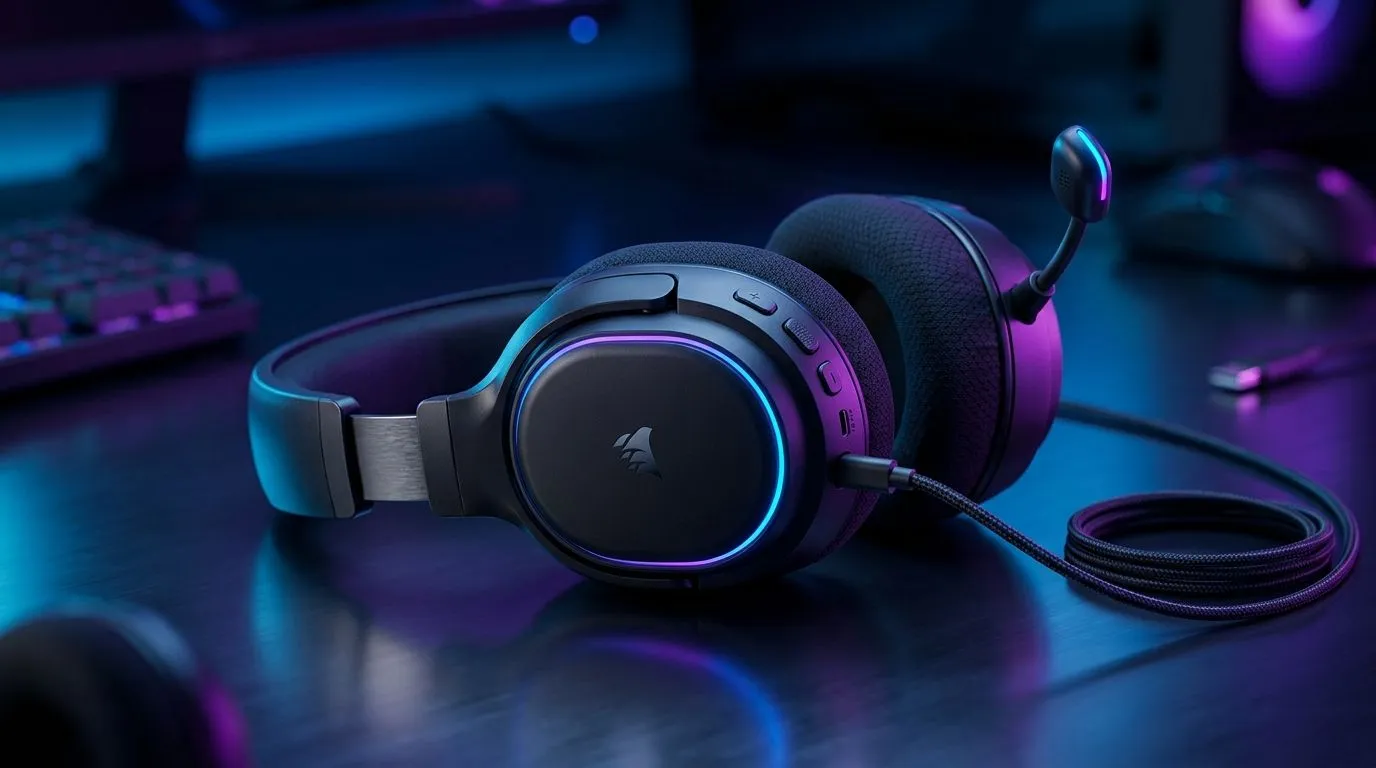
If you’ve ever plugged a headset into a PS5 controller, a gaming laptop, or your phone and wondered why the mic works here but not there, you’re not alone. USB-C looks simple. In practice, it can be a little messy... especially for South African gamers bouncing between PC, console, and mobile. This guide clears up the confusion fast 🔧
USB-C Gaming Headset Compatibility Basics
USB-C headsets are popular because they can carry both audio and microphone signals through one port. That sounds universal, but compatibility still depends on the device, the headset’s internal sound card, and the platform’s software support.
In plain terms, a USB-C headset is usually easiest on a PC or laptop. That’s because Windows and most desktop operating systems are built to recognise USB audio devices quickly. On mobile, things are often just as smooth, provided the phone supports USB-C audio output. On console, it gets more specific... some models work directly, others need a dongle, and a few are picky about wireless protocol support.
For shoppers comparing options, Evetech’s Razer headset range is a useful place to start when checking what fits your setup. If you want a broader view across brands and styles, the full headphone and headset collection helps narrow down wired, wireless, and USB-C-friendly picks.
USB-C Gaming Headset Compatibility on PC
PC is the easiest win. Most USB-C headsets plug in and work immediately on Windows without extra drivers. That includes stereo audio, mic input, and sometimes software features like EQ profiles or surround sound enhancements.
What to check first
- Does the headset use native USB-C or a USB-C adapter?
- Does it need companion software for full features?
- Does your motherboard or laptop support USB audio properly?
If you game on a desktop, USB-C can be cleaner than 3.5 mm because it bypasses weak onboard audio and gives the headset more control over sound processing. That matters if you’re playing FPS titles where footsteps, directional cues, and voice chat all need to be clear.
A practical note for laptop buyers
Many modern gaming laptops now rely heavily on USB-C for peripherals. If your machine has limited audio ports, one good headset can simplify your desk setup fast. Less cable clutter. Fewer dongles. More focus.
USB-C Gaming Headset Compatibility on Console
Console support is where readers get caught out. A USB-C headset may work on one console and fail on another, even if both have USB ports available. That is because console manufacturers sometimes limit audio device support, especially for chat functions or wireless dongles.
PlayStation
Many USB headsets work on PlayStation when connected through USB, but not all features are guaranteed. Some headsets will output game audio but may need extra setup for mic support.
Xbox
Xbox tends to be more restrictive with USB audio accessories than PC. Some headsets rely on console-specific wireless support or a dongle designed for Xbox compatibility.
Nintendo Switch
The Switch is often more flexible for USB audio through the dock, and USB-C handheld mode can still be platform-dependent. Always check the headset maker’s console support notes before buying.
A headset that works beautifully on PC may still need a workaround on console. That’s normal, not a fault. The trick is to match the headset to your primary device first, then treat cross-platform use as a bonus.
USB-C Gaming Headset Compatibility on Mobile
Mobile is where USB-C can feel almost effortless. Many Android phones support USB-C audio devices directly, so a wired headset or USB-C dongle often works straight away. This is handy for cloud gaming, calls, and mobile titles where you want proper mic monitoring and better sound than a bundled earphone.
iPhone users need to be more careful. Compatibility depends on the connector, adapter, and whether the headset supports the exact Apple connection path. If you use an iPhone with USB-C, the experience is improving, but it still pays to confirm before checkout.
Mobile gaming tip
If you play competitively on mobile, look for low-latency support, a secure fit, and an inline mic that doesn’t pick up too much street noise. South African households are not always quiet, so mic clarity matters more than most buyers expect. 😅
USB-C headset buying tip ⚡
When comparing USB-C gaming headsets, check the platform list first, not the price tag. A cheaper headset that works perfectly on PC but fails on your console is no bargain. If you switch devices often, prioritize multi-platform support and a reliable USB audio profile.
USB-C Gaming Headset Compatibility Issues to Avoid
The biggest mistakes are usually simple ones:
1. Assuming all USB-C ports behave the same
A USB-C port can support charging, data, video, audio, or only some of these. The label matters.
2. Ignoring dongle requirements
Some wireless “USB-C” headsets still depend on a USB-A or USB-C receiver. No receiver, no audio.
3. Forgetting platform restrictions
Console support is not the same as PC support. Always confirm official compatibility notes from the manufacturer or retailer.
4. Overlooking software features
A headset may work in basic mode but lose EQ controls, side-tone, or virtual surround without the right app.
If you’re shopping today, one strong option worth checking is the Razer Barracuda X Chroma wireless headset in Phantom White, especially if you want a cleaner multi-device setup with fewer cables. Always verify the exact compatibility notes on the product page before buying.
USB-C Gaming Headset Compatibility Buying Advice for South Africans
For South African buyers, value comes from flexibility. A headset that handles PC during the week, console on Friday nights, and mobile on the commute gives you more use from a single purchase. That is usually better than chasing the loudest spec sheet.
Before you click "add to cart," ask yourself:
- Which device will I use most?
- Do I need a built-in mic or a detachable boom mic?
- Will I swap between PC, console, and phone?
- Do I care more about wired reliability or wireless convenience?
If the answer is “all of the above,” then a versatile USB-C model is often the smartest path. And if you want the best fit for your setup, it helps to compare by use case, not just by looks or brand.
USB-C Gaming Headset Compatibility Final Take
USB-C gaming headset compatibility is broad, but not magically universal. PC is the safest bet. Mobile is usually solid. Console support needs the most checking. The good news? Once you understand the port, the receiver, and the platform rules, choosing the right headset becomes much easier.
A few minutes of checking compatibility now can save you a return later... and that’s time better spent gaming. 🚀
Ready to Find Your Perfect Match? The Mac vs Windows debate is complex, but for maximum power, choice, and value in South Africa, Windows is hard to beat. Explore our massive range of laptop specials and find the perfect machine to conquer your world.











