

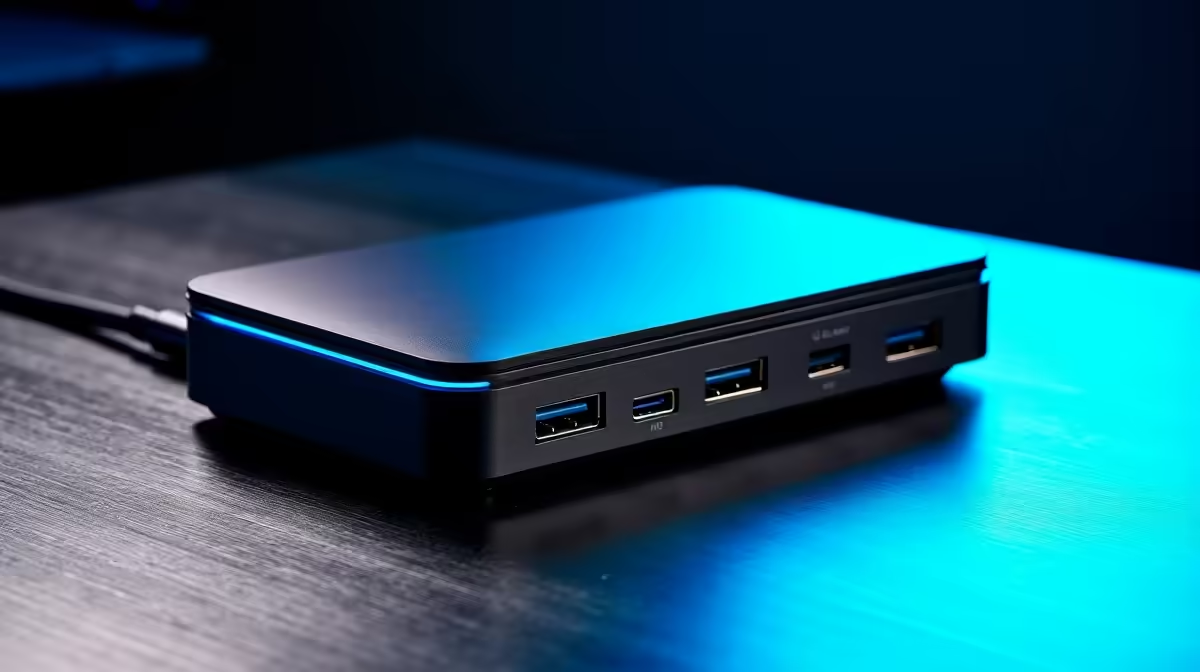
Tired of your sleek laptop's port problem? One for charging, one for... well, that's it. For South African gamers and creators, this bottleneck is a real pain. A high-performance USB-C laptop dock is the answer. It’s the single-cable solution to connect everything—monitors, keyboards, and mice—transforming your portable powerhouse into a full-blown desktop battlestation. Let’s get you connected. 🚀
Why a USB-C Dock is Your Setup's Unsung Hero
Modern laptops are powerful but often lack ports. This is where a USB-C dock steps in, acting as a central command hub for all your peripherals. Instead of plugging in four or five different cables every time you sit down at your desk, you plug in just one: the USB-C cable from the dock.
This single-cable convenience isn't just about tidying up your desk. It's about workflow efficiency. Imagine connecting to multiple monitors, a wired internet connection for stable pings, your favourite mechanical keyboard, and a gaming mouse instantly. Finding the right docking station can centralise your entire setup, making the switch between portable convenience and desktop power seamless.
Finding the Top USB-C Laptop Dock for Your Needs
Not all docks are created equal. The best USB-C laptop dock for you depends entirely on what you plan to connect. Let's break down the key features to look for.
Ports, Ports, and More Ports 🔧
First, take stock of your gear. How many USB devices do you have? Do you need an SD card reader for your camera? A stable Ethernet port for competitive gaming? A top-tier dock should offer a versatile mix. You'll find quality options from brands like Promate that offer a mix of USB-A for legacy devices, HDMI or DisplayPort for monitors, and other useful connections.
Check Your Laptop's Specs! ⚡
Before you buy, confirm your laptop's USB-C port supports DisplayPort Alternate Mode (for video) and Power Delivery (for charging). Not all USB-C ports are created equal… check the manufacturer's site to be sure.
Power Delivery (PD)
Power Delivery allows a dock to charge your laptop through the same USB-C cable it uses for data and video. Look at the dock's wattage output (e.g., 65W, 90W, 100W) and compare it to the charger that came with your laptop. You'll want to match it to ensure your battery charges efficiently, even under heavy load.
Display Capabilities
For gamers and video editors, this is crucial. Check the dock's specifications for display output. Can it run a 4K monitor at a smooth 60Hz, or are you limited to 30Hz? Can it support two 1080p monitors for a multi-screen workspace? Choosing a USB-C laptop dock with the right video specs ensures you get the crisp visuals and high refresh rates your hardware is capable of.
Get Maximum Performance Without Breaking the Bank
High performance doesn't always mean a high price tag. While premium docks with extensive features exist, there are fantastic value-for-money options available right here in South Africa. You just need to prioritise what's most important for your setup.
If you just need to connect a monitor, a keyboard, and a mouse, you can find some great entry-level docks under R1000 that handle the essentials with ease. For those needing a bit more punch, like 4K video output or faster charging, exploring powerful mid-range solutions under R2000 is your best bet. These often represent the sweet spot for performance and price. ✨
Ready to Unleash Your Laptop's Full Potential? Stop juggling adapters and unlock a cleaner, more powerful setup today. Explore Evetech's full range of USB-C Docks for performance that leaves lag in the dust.











