

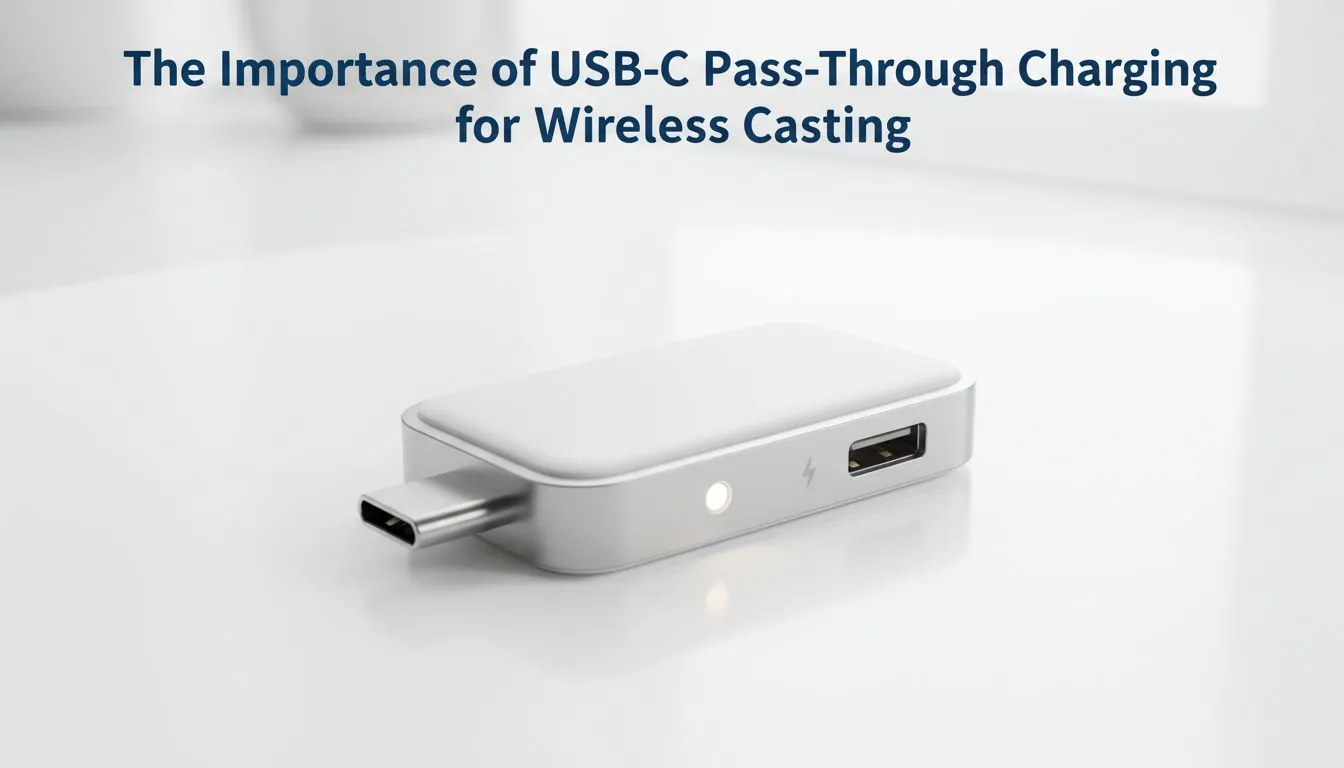
USB-C Pass-Through Charging for Wireless Casting Explained
South African gamers: want your laptop or Steam Deck to stay charged while you cast wirelessly to a TV or projector? This quick explainer cuts through the noise. Learn when pass-through works, what kills your frame rate, and which adapters to trust — so you can game late into the night without battery anxiety. 🔧⚡
How USB-C pass-through charging helps wireless casting
USB-C pass-through charging lets a dock or adapter pass power from a charger to your device while the dock handles video or network duties. That means you can keep a handheld PC topped up as it streams to a big screen. The quality of the pass-through circuit and the USB Power Delivery profile determine whether you get full charging speed or a trickle. For reference, USB Power Delivery specifications (including up to 100W profiles) are published by USB-IF (https://www.usb.org/document-library/usb-power-delivery). 🚀
Common issues to watch for
- Underpowered chargers cause throttling; phones and PCs will downclock.
- Cheap cables may not support PD or high-watt charging.
- Some docks only pass limited current while using internal hubs for video and USB peripherals.
How USB-C pass-through charging affects wireless casting performance
When casting wirelessly, the device handles encoding, Wi-Fi, and sometimes display scaling. That load plus a weak pass-through current can trigger thermal limits, which reduces FPS and responsiveness. Swap in a PD-certified charger and high-quality USB-C cable to minimise drops. If you use a docking station that provides Ethernet and video, check its PD rating in the specs before you buy.
Want accessories that actually work with your setup? Browse Evetech’s curated range of gaming accessories at Evetech to find docks, cables and casting dongles tested for performance: https://www.evetech.co.za/PC-Components/buy-gaming-accessories-160.aspx
Power & Performance Tip ⚡
Use a PD 65W+ charger for most handheld PCs and ensure your cable is USB-C 3.1 or higher. If your dock supports a dedicated power-in port, use that instead of relying on a single shared port to avoid voltage sag.
Buying tips: choosing USB-C pass-through docks and adapters
Pick docks with clear PD wattage labels and, if possible, user reviews mentioning sustained charging under load. Avoid devices that advertise "charging" without stating the wattage. If you want deals and bundles, check Evetech’s current gaming accessories deals — you can often combine a dock with a controller or capture dongle: https://www.evetech.co.za/gaming-accessories-deals/x/229.aspx
For category browsing — or to compare wired capture cards with wireless casting accessories — use the Gaming Accessories category at Evetech. It helps to filter by features like Ethernet passthrough and PD wattage: https://www.evetech.co.za/PC-Components/buy-gaming-accessories-160.aspx?category=Gaming+Accessories
Wrap up: prioritise PD rating, cable quality, and a proven vendor. That keeps your device charged and your stream smooth.
Ready to Find Your Perfect Match? The Mac vs Windows debate is complex, but for maximum power, choice, and value in South Africa, Windows is hard to beat. Explore our massive range of laptop specials and find the perfect machine to conquer your world.











