

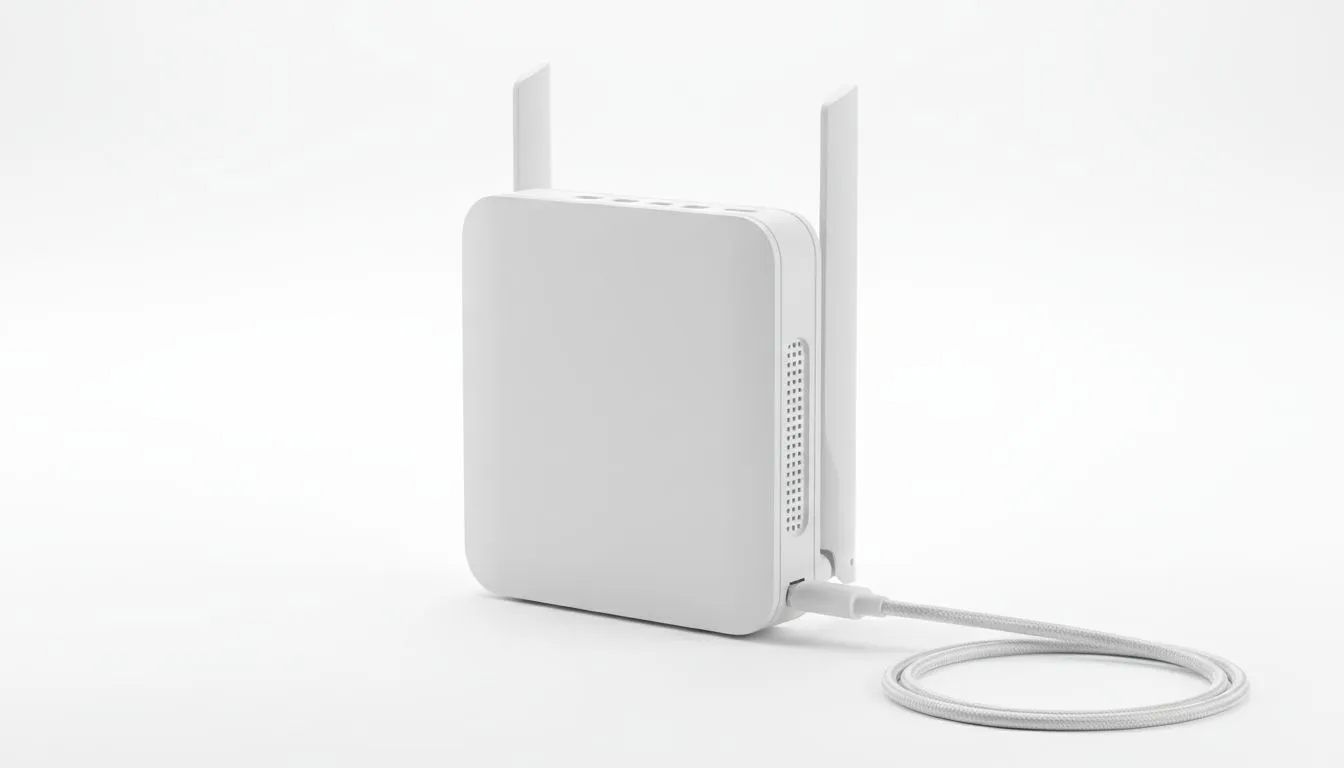
Tired of hunting for wall sockets at your local coffee shop? Load-shedding makes staying online a real challenge. USB-C powered routers solve this by offering flexible connectivity on the go. You can finally ditch the bulky AC adapters. Run your network from a power bank or your laptop instead. This mobility is essential for modern South African professionals and gamers alike. ⚡
The Freedom of USB-C Powered Routers for Flexible Connectivity On the Go
The shift toward USB-C power is a massive win for portability. In the past... routers required specific barrel jacks and high-voltage wall plugs. Now... many modern devices allow you to power your internet connection via a standard Power Delivery (PD) cable. This means your high-capacity power bank can keep your Wi-Fi alive during a stage 4 blackout.
Having USB-C powered routers for flexible connectivity on the go ensures you never lose a connection during a crucial ranked match. It also allows digital nomads to set up a workspace anywhere from a park to a remote guest house. You simply plug in... boot up... and start browsing.
Reliable Brands for Mobile Networking
When looking for stability... brand reputation matters. You need hardware that can handle multiple devices without dropping the signal. Many users opt for the massive range of TP-Link wireless routers because of their intuitive setup. They offer excellent coverage and consistent firmware updates.
If you are looking for a more specialised mobile solution... the Cudy LT700 AC1200 4G router is a standout choice. It combines high-speed LTE with flexible power options. This makes it a perfect companion for road trips or temporary office setups. 🚀
Power Bank Pro Tip ⚡
When powering a router via USB-C, ensure your power bank supports at least 18W or 30W Power Delivery. While some routers run on lower wattage, a higher output ensures the signal remains stable when multiple devices connect. Check the voltage requirements on the bottom of your router to match it with your power bank's output specs.
Expanding Your Mobile Network Capabilities
Choosing the right ecosystem helps you maintain a seamless experience. The hardware from Cudy South Africa has become increasingly popular for its balance of price and performance. Their devices often feature plug-and-play functionality... which is vital when you are moving between locations. 🔧
Flexible connectivity on the go is not just about the power source. It is also about how the router handles different environments. Look for models with external antennas if you plan on working in areas with weak cellular signals. This small feature can be the difference between a laggy video call and a crystal-clear presentation.
Staying Secure While Mobile
Public Wi-Fi is often a security risk. Using your own USB-C powered router allows you to create a private... encrypted bubble for your data. You can manage your own firewall settings and keep your passwords safe from prying eyes. It is a small investment for significant peace of mind. ✨
Ready to Find Your Perfect Match? Staying connected in South Africa requires the right gear for every situation. Whether you are fighting load-shedding or working from the road, we have the hardware you need. Explore our massive range of router specials and find the perfect device to keep you online anywhere.











