

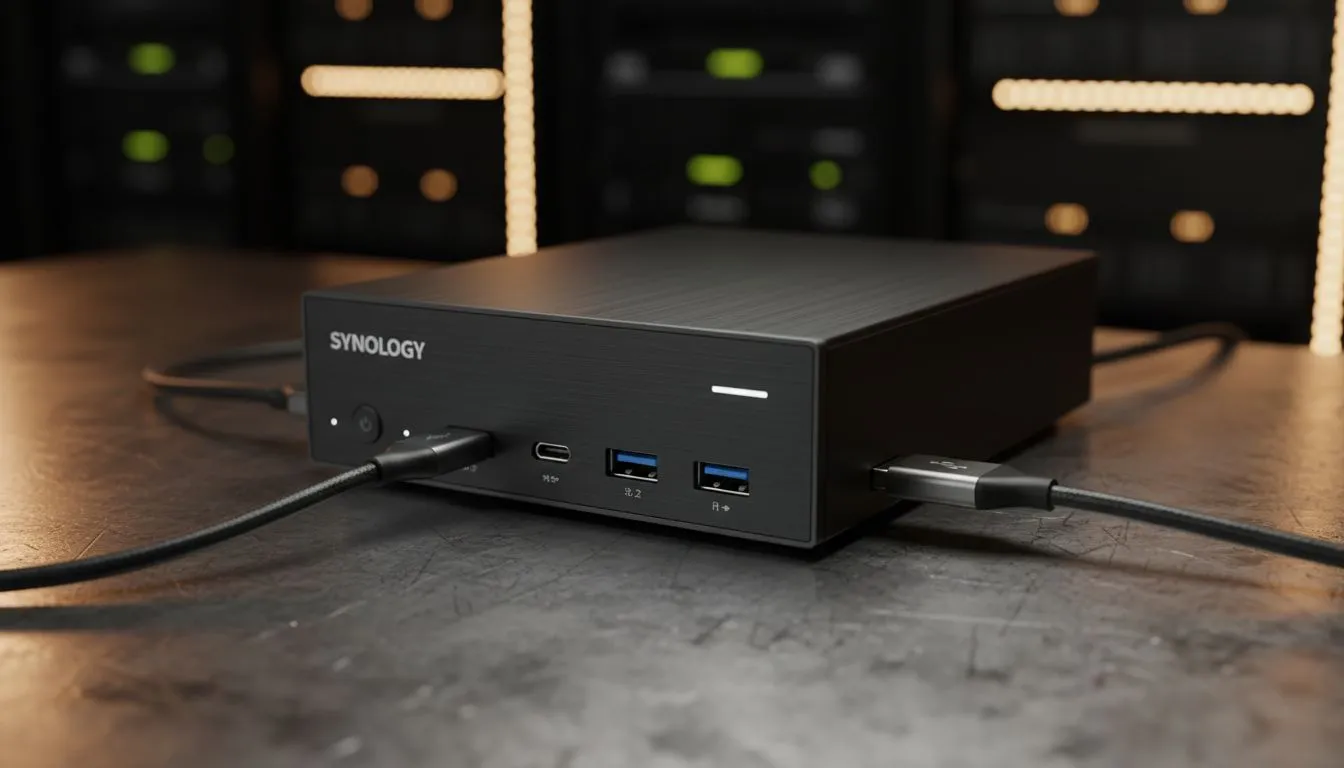
Ever tried to plug in a drive during a load-shedding countdown only to realise you have the wrong cable? Port frustration is real for South African techies. Whether you are backing up your 4K gaming clips or hosting a media server, understanding USB-C and USB-A network storage: port versatility explained is the key to a seamless setup that works across all your gear. 🔧
Decoding the Physical Connection: Legacy vs. Modernity
The debate between USB-C and USB-A isn't just about the shape of the plug... it's about the technology living inside the wire. USB-A is the sturdy, rectangular connector we have used for decades. It is reliable and ubiquitous on almost every desktop PC in South Africa. However, it lacks the reversible convenience and high-speed potential of its successor.
When you are browsing diskless NAS storage solutions, you will often see both ports mentioned. USB-C is the small, oval connector that works regardless of which way you flip it. More importantly, it supports much higher data throughput and Power Delivery (PD), which can be essential for high-performance external drives that do not have their own power bricks.
Why Port Versatility is Essential for Network Storage
In a typical South African home office or gaming den, you likely have a mix of old and new hardware. Your main rig might have the latest motherboard, but your secondary laptop or media player could still rely on older standards. This is where port versatility becomes a massive advantage.
Productivity Pro Tip ⚡
Always check the 'Generation' of your USB port rather than just the shape. A USB-C port running at USB 3.0 speeds is no faster than a standard USB-A 3.0 port. To truly optimise your file transfers, ensure your cable and port both support USB 3.2 Gen 2 (10Gbps) or higher for the best performance on your external storage.
Many Orico storage enclosures now ship with "2-in-1" cables or separate USB-C and USB-A leads. This ensures that whether you are connecting to a modern MacBook or a five-year-old gaming PC, you can access your data without hunting for an expensive adapter in the middle of a project. 🚀
Performance and Power Delivery in Local Tech Setups
Speed is the primary reason most users lean toward USB-C for their network storage needs. If you are moving terabytes of data, the difference between 5Gbps and 10Gbps is significant. For those looking at compact yet powerful Minis Forum NAS options, having a USB-C port often means you can daisy-chain devices or even power the unit through a single cable... provided your power source is sufficient. ✨
Choosing a storage solution that offers both types of connectivity protects your investment. As we move closer to a USB-C dominant world, having that backward compatibility with USB-A ensures your older devices aren't left in the dark. It’s about creating a tech ecosystem that is flexible, fast, and ready for whatever hardware you pick up next.
Ready to Find Your Perfect Match? Port versatility is the secret to a stress-free storage setup, and having the right NAS or enclosure makes all the difference. Explore our massive range of diskless NAS storage solutions and find the perfect hardware to keep your data safe and accessible in South Africa.











