

Understanding USB-C Video Output Compatibility
You just unboxed a shiny new monitor for your South African gaming setup. You grab a USB-C cable and plug it in. Nothing happens. This frustrating moment is common because the USB-C connector is just a shape... it does not guarantee performance. Knowing if your USB-C video output is supported is the first step to a clean, single-cable desk arrangement. Let's find out if your laptop is compatible. 🔧
How to Identify Video-Ready USB-C Ports
Not every port is created equal. Some are for charging, while others only transfer data. To get a video signal, your laptop needs "DisplayPort Alt Mode" or Thunderbolt support. You can usually tell by looking at the small icons next to the port on your chassis.
If you see a small "D" symbol, your laptop supports DisplayPort over USB-C. A lightning bolt icon indicates a Thunderbolt port, which always handles video. If your port is blank, you might need to check your specific model's manual. Many budget-friendly docking stations under R1000 rely on these standards to mirror or extend your display effectively.
Compatibility Pro Tip ⚡
If your laptop port has no icons, search for your model on the manufacturer's website. Look for "DisplayPort 1.2 Alt Mode" or higher in the technical specs. If the spec sheet only mentions "USB 3.2 Data Transfer," the port will not output a video signal to your monitor.
Choosing the Right Hardware for Your Setup
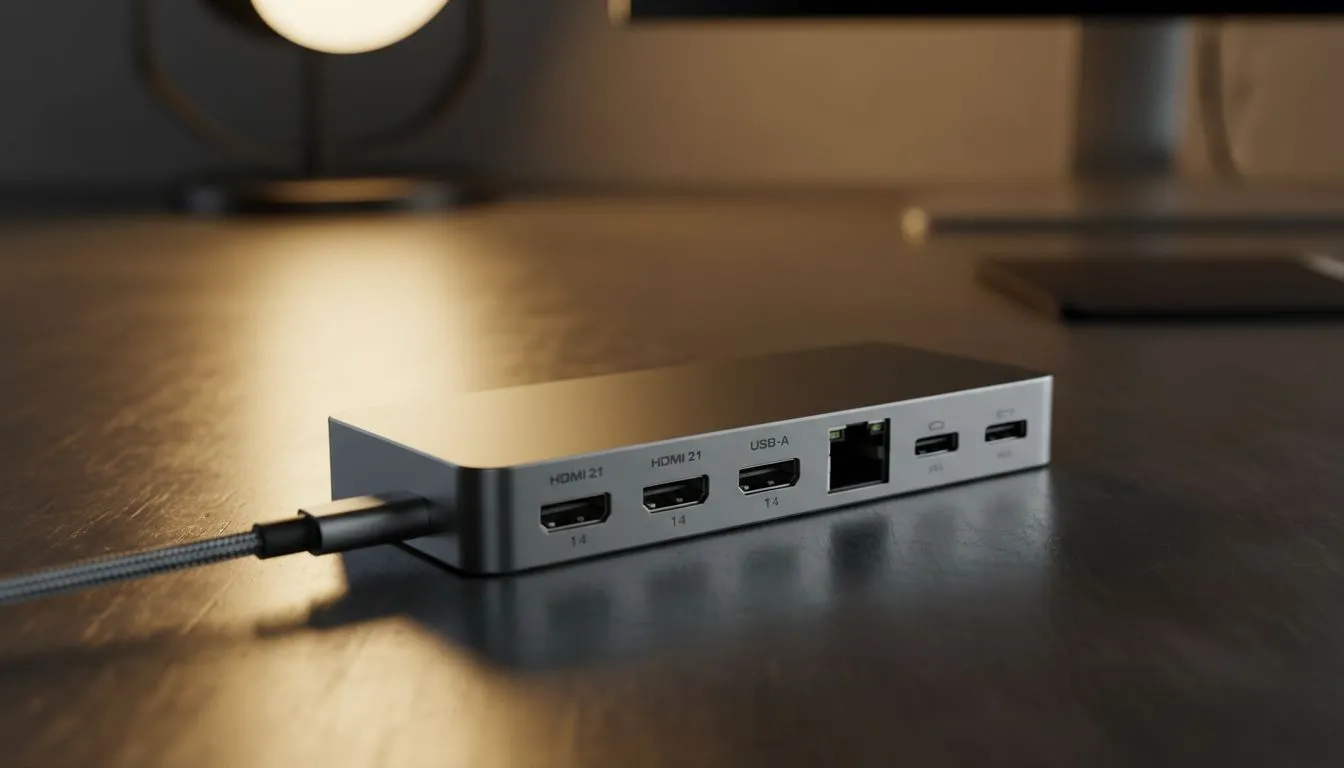
Once you confirm compatibility, you can transform your workspace. A single cable can handle your monitor, mouse, and keyboard. For those running high-resolution screens or dual-monitor setups, premium docking stations under R2000 offer the bandwidth needed for a flicker-free experience.
Reliability is key when dealing with high-speed data and video. We often suggest Promate docking solutions because they offer a great balance of ports and build quality for the local market. Whether you are editing video or grinding in your favourite RPG, a stable connection is essential. ⚡
Why Your Cable Choice Matters Too
Even with a compatible laptop, a cheap cable can ruin the experience. You need a cable rated for video delivery, not just phone charging. If you are struggling with a black screen, the cable is often the hidden culprit.
If you want to see all the options available for your specific needs, browse our full range of docking stations. This allows you to compare port counts and power delivery specs side-by-side. Remember... a good dock is an investment in your productivity and gaming comfort. ✨
Ready to Find Your Perfect Match? The USB-C ecosystem can be confusing, but the right gear makes all the difference for your South African gaming setup. Explore our massive range of docking stations and find the perfect hub to expand your laptop's potential.











