

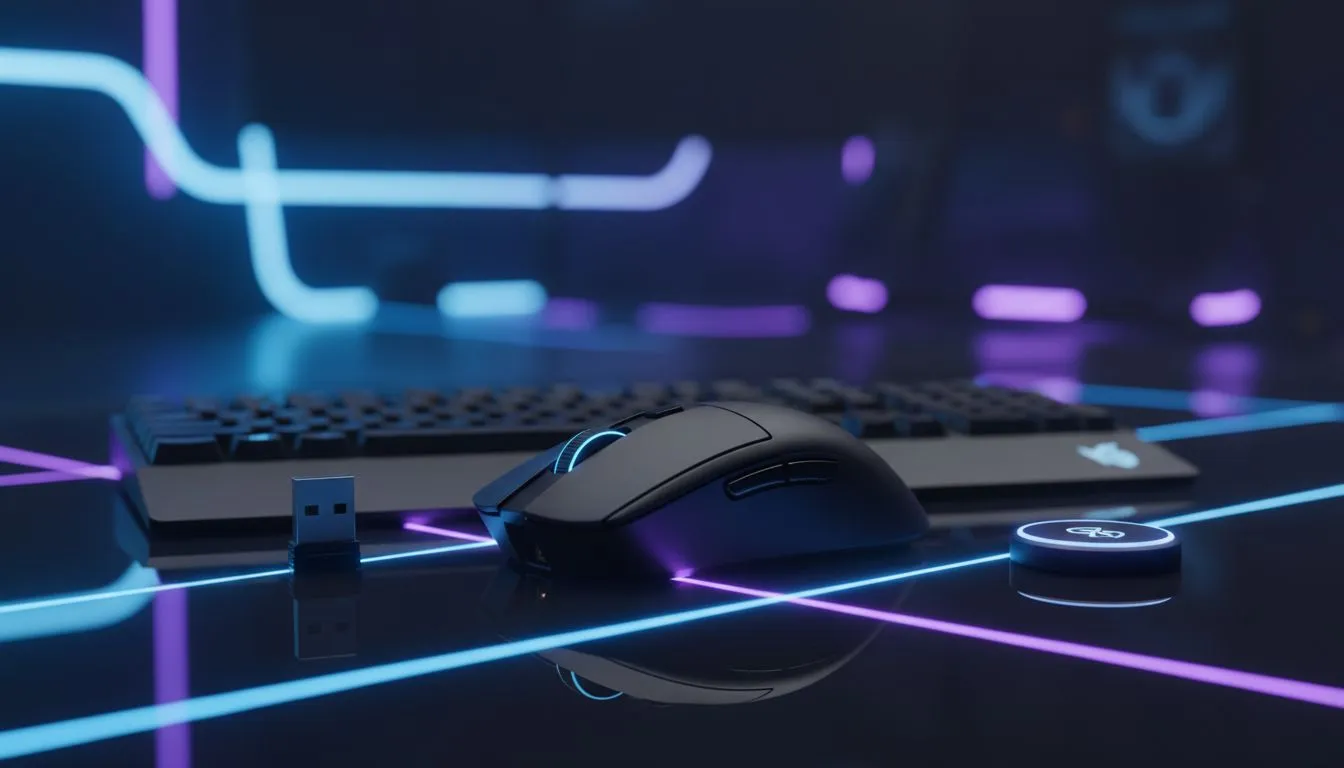
USB receiver vs Bluetooth — quick hook for SA gamers 🎮⚡
Choosing between a USB receiver or Bluetooth can feel like picking a favourite team. Are you chasing razor‑thin latency for CS:GO nights, or comfortable range and battery life for casual play? This guide unpacks real differences, South African pricing context, and direct links to Evetech options so you can decide with confidence.
USB receiver vs Bluetooth — latency, range and responsiveness
For competitive play, USB receivers (2.4GHz dongles) usually edge out Bluetooth on latency and stability. Many gaming keyboards and mice prioritise a proprietary 2.4GHz connection to hit lower input lag — see our curated gaming keyboard deals for models that advertise high polling rates and low latency. https://www.evetech.co.za/best-gaming-keyboard-deals/x/055.aspx
Bluetooth wins on universality and convenience. It pairs with laptops, tablets and phones without a dongle, but may suffer more interference in crowded Wi‑Fi environments. For a clear comparison of wired, wireless and Bluetooth options when shopping locally, check the wired filter and wireless filter on Evetech. https://www.evetech.co.za/components/buy-cheapest-gaming-keyboard-in-south-africa-52.aspx?attributes-connectivity=Wired
USB receiver vs Bluetooth — battery life, pairing and interference
Battery life differences depend on the device and its power profile. Bluetooth LE is optimised for low power, while some 2.4GHz gaming devices use power-hungry RGB and higher polling rates. If long battery life matters, browse wireless keyboards that emphasise longevity and low-power modes. https://www.evetech.co.za/components/buy-cheapest-gaming-keyboard-in-south-africa-52.aspx?attributes-connectivity=Wireless
Pairing is simpler with Bluetooth for multi-device setups. But a USB dongle can be plug‑and‑play for Windows rigs — useful in LAN cafés or when you need a no‑fuss connection.
Battery Saver Tip ⚡
Keep RGB off when you don't need it. Most wireless devices increase drain for lighting and polling. Set a smart sleep timer when idle to stretch a single charge across weeks.
USB receiver vs Bluetooth — practical choices and combos
If you want a tidy desk and multi‑device switching, Bluetooth is great. If you want the fastest, most consistent input on a Windows gaming PC, a USB receiver combo is often better. Looking for a bundled solution? Our keyboard and mouse combo range shows budget and premium options so you can compare latency vs features in one purchase. https://www.evetech.co.za/buy-keyboard-mouse-combo/x/1583.aspx
Thinking price and availability in South Africa? Deals and competition mean you can often find wireless kits under R2,000 during promos — check Evetech’s cheapest keyboard listings to see current ZAR pricing and stock. https://www.evetech.co.za/components/buy-cheapest-gaming-keyboard-in-south-africa-52.aspx
USB receiver vs Bluetooth — final recommendation for South Africans 🇿🇦✨
Short version: pick a USB receiver if you need the lowest latency and rock‑solid consistency for competitive gaming. Pick Bluetooth if you value device versatility, fewer dongles and decent battery life for everyday use. Want to test hands‑on? Start by comparing models in our gaming keyboard deals, then narrow to wired or wireless based on your workflow and budget. https://www.evetech.co.za/best-gaming-keyboard-deals/x/055.aspx
Ready to Find Your Perfect Match? Choosing between USB receiver vs Bluetooth? See wireless keyboard and mouse options and compare latency, battery life and price. Browse wireless keyboards and combos at Evetech











