

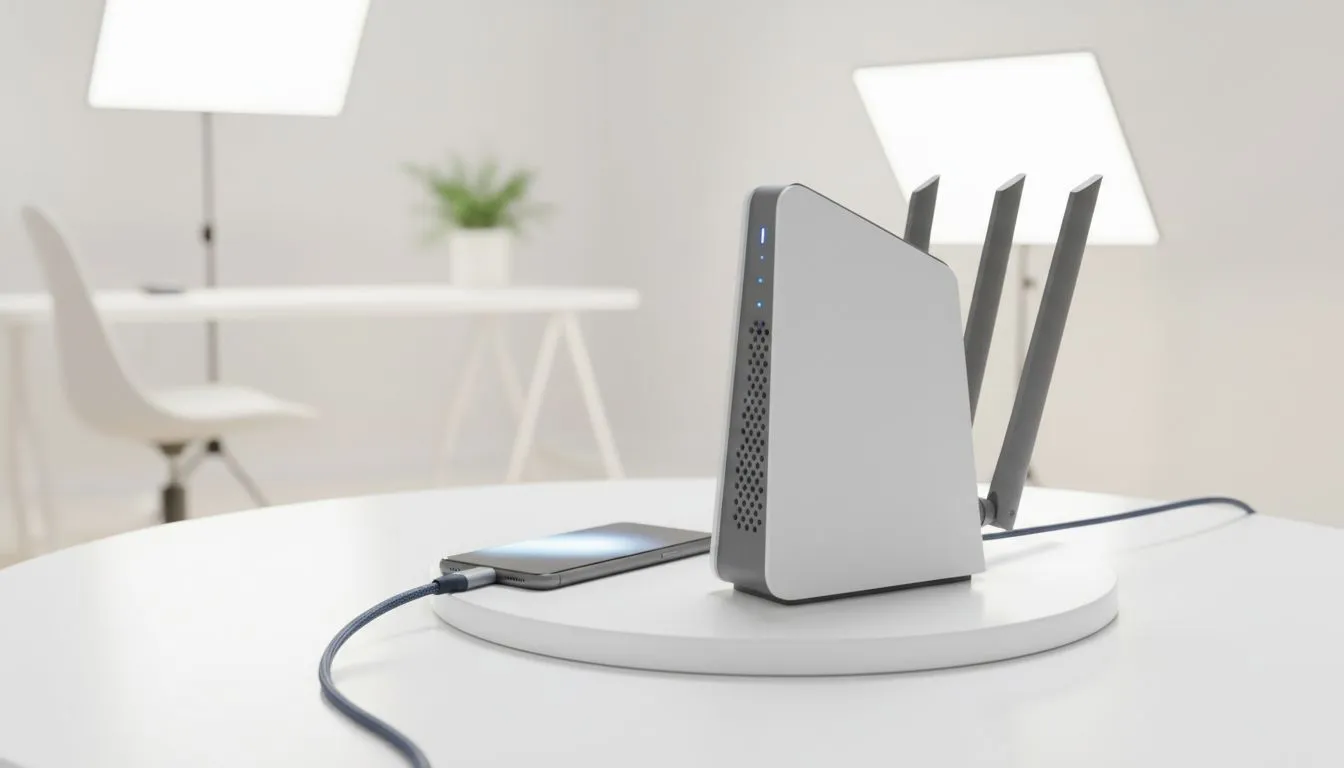
The lights flicker... then die. Your fibre connection is dead, your Discord call drops, and your competitive match is officially thrown. For South African gamers, this is the all-too-familiar pain of loadshedding. But what’s your backup plan? It often comes down to a choice: the simple convenience of your phone or a serious network upgrade. This guide breaks down the battle of USB tethering vs WiFi 7 to help you choose the best backup internet during loadshedding.
The Old Faithful: Understanding USB Tethering
When the power goes out, your first instinct is probably to reach for your phone. USB tethering lets you share your phone's mobile data connection with your PC or laptop via a simple USB cable. It’s the go-to quick fix for a reason.
By creating a direct, wired link, it avoids the potential wireless interference you might get from a standard mobile hotspot. This often results in a more stable connection with slightly lower latency... crucial for that clutch moment.
However, it’s not a perfect solution. Your PC is now leeching power and data from your phone, which can drain its battery at an alarming rate. 📱 Plus, you're limited to the device that's physically plugged in, and your internet speed is entirely dependent on the mobile signal quality in your room.
Data Saver Pro Tip ⚡
Before you start a long tethering session, check your mobile contract! Gaming, streaming, and especially Windows updates can chew through gigabytes of data surprisingly fast. Use your provider's app to monitor your usage in real-time to avoid a nasty surprise on your next bill.
The Future-Proof Powerhouse: What is WiFi 7?
On the other end of the spectrum is the next generation of wireless technology: WiFi 7 (802.11be). While your fibre might be down, a modern setup can use a 5G SIM card as a backup internet source, and a WiFi 7 router distributes that connection with incredible efficiency.
The real magic of WiFi 7 is its focus on speed and stability. It uses wider channels, more advanced data encoding, and a killer feature called Multi-Link Operation (MLO). MLO allows a device to connect to a router using multiple frequency bands at the same time, reducing latency and creating a rock-solid link that's perfect for gaming.
Of course, this power comes at a cost. To benefit, you’ll need one of the latest next-gen wireless routers and devices with compatible wireless adapters to take full advantage of the new standard.
USB Tethering vs WiFi 7: The Loadshedding Showdown
So, which one should you rely on when Eskom strikes again? The best choice depends entirely on your needs and budget.
For the Lone Wolf Gamer
If you just need to get your main gaming PC back online for a two-hour loadshedding slot, USB tethering is the practical choice. It's immediate, costs nothing but mobile data, and provides a decent, stable connection for one machine. No fuss, no extra hardware.
For the Connected Household 💻
If you need to keep multiple devices online—your PC, a console, a laptop for work, and your family's phones—a dedicated router is the only real answer. A modern 4G/5G router, especially one with WiFi 7 capabilities, acts as a central hub for everyone. It ensures the whole home stays connected, and you can even use wireless range extenders to eliminate any dead spots.
The Verdict: Which Backup is Right for You?
Choosing between USB tethering vs WiFi 7 is a classic case of immediate convenience versus long-term investment.
Tethering is your free, in-a-pinch emergency plan. It works, but it's limited.
Investing in a dedicated 5G/LTE router, especially a future-proof WiFi 7 model, is the ultimate loadshedding counter. It’s a permanent solution that provides a fast, stable backup for your entire home network, not just your gaming rig. By upgrading your wireless networking gear, you're not just preparing for the next outage... you're building a more resilient digital life. 🚀
Ready to Beat Loadshedding Lag? A stable connection is non-negotiable. Stop letting outages dictate your online life. Explore our powerful range of wireless routers and build a network that's ready for anything.











