

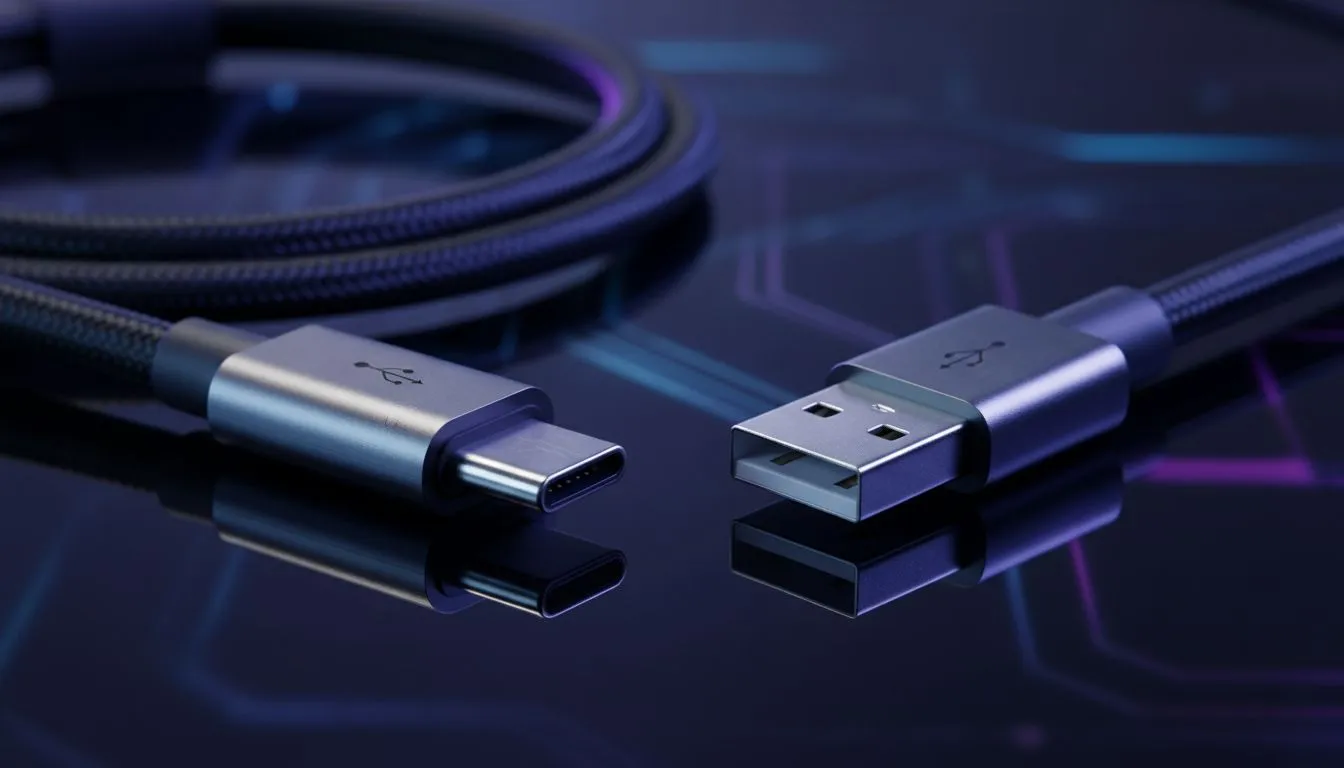
The Legacy of the USB Type-A Port
Ever tried plugging in a USB cable in the dark? It’s a South African rite of passage... usually taking three tries to get it right. As laptops become sleeker, the ports we use are evolving. Understanding the difference between USB Type-C vs Type-A is essential for anyone looking to upgrade their setup without needing a drawer full of expensive adapters.
For decades, the USB Type-A port has been the king of connectivity. It is the rectangular connector we all know, found on everything from keyboards to flash drives. While it’s incredibly reliable, its size is a limitation for modern, ultra-thin designs. If you are looking to buy gaming laptops under R20k, you will likely find a healthy mix of both port types, ensuring your older peripherals still have a home.
Why USB Type-C is Taking Over
The shift toward USB Type-C isn't just about the smaller, reversible connector... although not having a "wrong way up" is a massive win. Type-C is designed to be a universal standard, capable of carrying data, video signals, and high-wattage power simultaneously.
Many of the latest Intel laptops on special feature Thunderbolt 4 technology, which uses the Type-C physical connector to offer blistering transfer speeds of up to 40Gbps. Similarly, our current Ryzen laptop deals often include high-speed USB4 or USB 3.2 Gen 2 Type-C ports, perfect for connecting external NVMe drives or high-resolution monitors with a single cable ⚡.
Power Up via Type-C ⚡
Check if your laptop supports USB-C Power Delivery (PD). This allows you to use a single compact charger for your phone and your laptop, reducing the cable clutter in your bag when you're on the move between home and the office. It’s a massive convenience for South Africans frequently moving between load-shedding-ready workspaces.
Speed and Power Delivery Differences
When comparing USB Type-C vs Type-A, the performance gap can be significant. Standard Type-A ports usually max out at 5Gbps or 10Gbps. In contrast, Type-C ports are built for the future, supporting modern standards that handle much more data. This is vital for gamers who use external capture cards or high-refresh-rate displays.
If you browse the best gaming laptop deals currently available, you’ll notice that Type-C is becoming the primary port for high-end docking stations. This allows you to turn a portable machine into a full desktop powerhouse with just one plug. 🔧
Choosing the Right Port for Your Setup
Does the port type matter for raw gaming performance? Not directly, but it affects your expansion options. High-end GeForce RTX gaming laptops on special often use Type-C ports to support G-Sync compatible external monitors, providing a tear-free gaming experience that older Type-A connections simply cannot manage.
Ultimately, your next laptop should ideally have both. Type-A keeps your current mouse and headset connected, while Type-C ensures your rig is ready for the next five years of tech advancements 🚀.
Ready to Find Your Perfect Match? The USB Type-C vs Type-A debate is complex, but for maximum power, choice, and value in South Africa, having the right ports is essential. Explore our massive range of laptop specials and find the perfect machine to conquer your world.











