

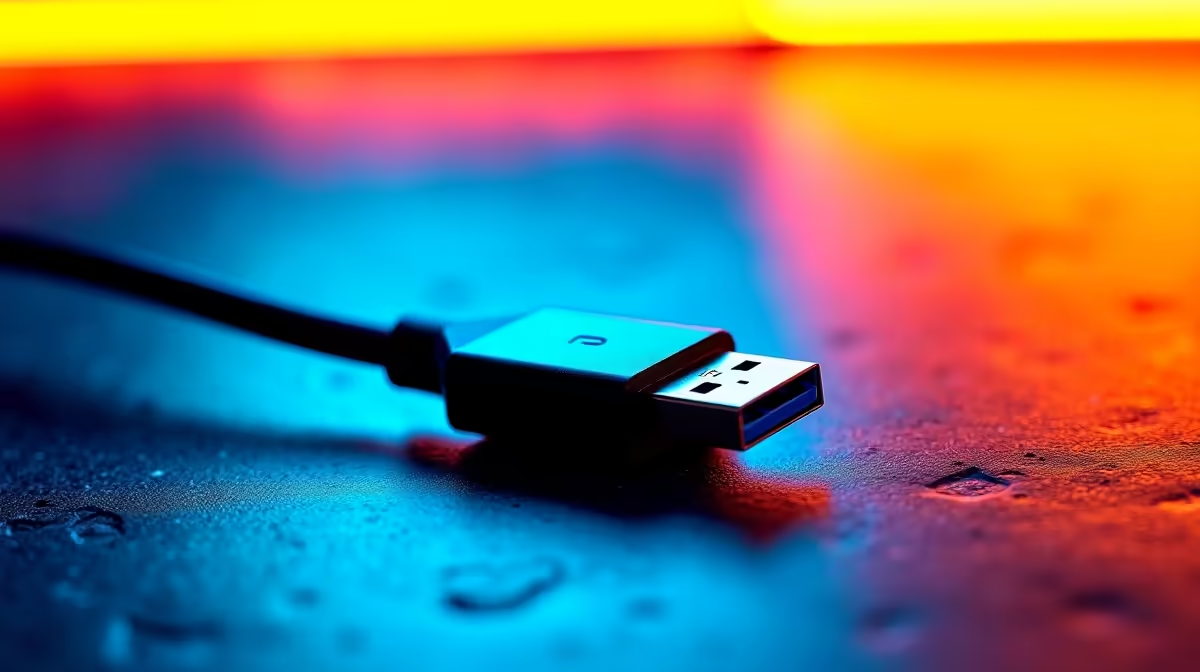
Understanding the USB4 Bandwidth Advantage
Ever tried plugging a premium 4K monitor into a laptop only to find it stuck at a laggy 30Hz? It is incredibly frustrating... especially when you have spent thousands of Rands on a high-end display. USB4 for High-Resolution Displays: How It Unlocks 4K/8K is the answer to these connectivity woes. This standard provides the massive 40Gbps bandwidth required to drive modern pixels without compromise. 🚀
Unlike older USB standards... USB4 uses dynamic bandwidth allocation. This means it intelligently shares data and video signals across the same cable. If your monitor needs more juice for a high refresh rate... the system prioritises that signal. For South African gamers and creators... this translates to smoother motion and zero flickering during intense sessions.
Unlocking 8K and Multi-Monitor Workstations
Can your current setup handle 8K? Most traditional ports simply lack the overhead. USB4 for high-resolution displays makes 8K at 60Hz a reality by utilizing DisplayPort Alt Mode 2.0. If you prefer a multi-screen setup... you can even daisy-chain two 4K monitors through a single port. This is a massive win for productivity.
Many users are now moving away from bulky towers. High-performance mini PCs often lead the way in adopting this tech. These compact units provide the same visual output as a full-sized desktop... provided they have the right port. It simplifies your desk layout while maintaining professional-grade visual fidelity. ✨
Cable Quality Matters 🔧
Not all USB-C cables are created equal. To truly unlock 4K or 8K via USB4, ensure your cable is certified for 40Gbps. Using a standard charging cable will often result in no signal or a downgraded resolution. Look for the "40" logo on the connector to ensure you are getting the full bandwidth you paid for.
Performance in Small Packages
The evolution of external connectivity means you no longer need a massive GPU just to drive a sharp screen. If you are currently browsing for a new mini PC... checking for USB4 support is essential for future-proofing. It ensures your device remains relevant as 8K monitors become more affordable in the local market.
Brands like Minisforum have embraced this standard early. Their units often feature full-bandwidth ports that allow for external GPU enclosures or high-speed storage arrays alongside your 4K display. It is about having the flexibility to expand your setup as your needs grow... without needing a screwdriver. ⚡
Ready to Upgrade Your Visual Experience? Don't let a slow port hold back your premium display. Whether you need 4K fluidness or 8K clarity, our range of USB4-ready hardware has you covered. Explore our latest Mini PC deals and unlock the true potential of your high-resolution monitor today.











