

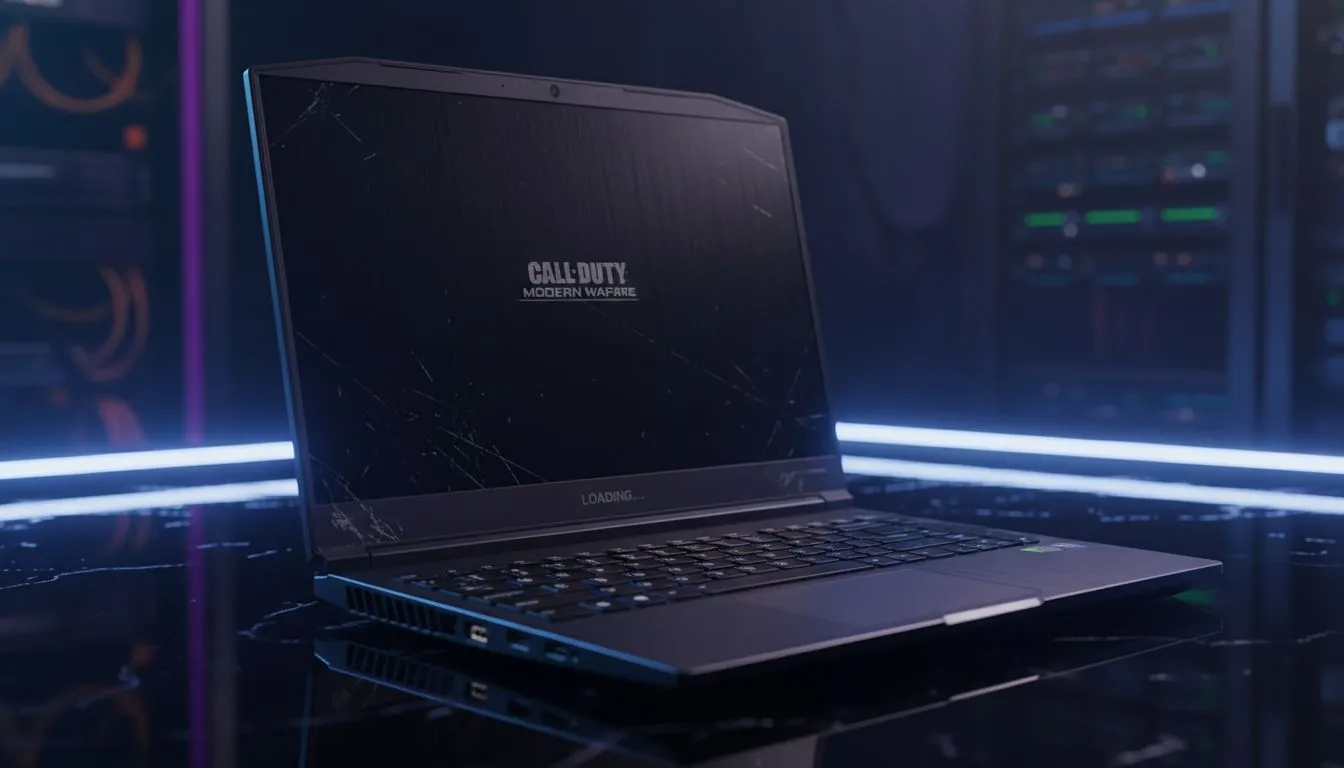
CS2 changed the game for South African budget gamers... and not just because of the smoke grenades. The higher system requirements mean that hunting for used laptops for CS2 requires more than just checking the price tag. If you are scouring the second-hand market for gaming machines, you need a solid checklist to ensure your R10,000 investment doesn't flicker out during a crucial 1v1 clutch at Mirage. 🔧
Inspecting the Hardware for Competitive Play
When looking at used laptops for CS2, the screen is your most important interface. You need to check for "ghosting" or dead pixels that could hide an enemy headshot. Ask the seller to run a screen test and check the refresh rate. A 60Hz panel is okay for casual play... but for competitive Counter-Strike, you really want 144Hz or higher. Before committing to a private sale, compare the asking price against the latest best gaming laptop deals to see if the discount is actually worth the lack of a warranty.
The Thermal Stress Test ⚡
Always ask to run a 15-minute stress test like Cinebench or Furmark before buying. If the laptop hits 95 degrees Celsius and throttles its clock speeds within minutes, the thermal paste is likely bone-dry or the fans are clogged with dust. This will cause massive FPS drops in the middle of a CS2 match.
Performance Benchmarks and Specs
CS2 is far more GPU-intensive than its predecessor. While an old GTX card might have survived Global Offensive... it will struggle with the new lighting and water effects. You should prioritise machines with dedicated graphics. Modern features like NVIDIA Reflex and DLSS are huge advantages... which are standard on Geforce RTX gaming laptops on special. These technologies reduce input lag, which is the difference between winning a duel or heading back to the spectator screen.
CPU performance is equally vital for maintaining high frame rates. Many older chips struggle with the new Source 2 engine. You might find better stability looking at Intel laptops on special which often feature higher single-core clock speeds. Alternatively, Ryzen laptop deals offer incredible efficiency and multi-threaded performance that helps if you like to keep Discord or a browser open while you play. 🚀
Why Buying New Might Be Safer
The "Facebook Marketplace" gamble is real in South Africa. If a second-hand deal seems too good to be true... it usually is. Issues like failing hinges or liquid damage might not show up during a five-minute meeting at a coffee shop. If the used machine is priced over R15,000, you are often better off looking at retail options. You can often buy gaming laptops under R20k that include a full manufacturer warranty and the latest architecture. This ensures you aren't stuck with a "lemon" that dies two weeks after the sale. ✨
When evaluating second-hand gaming machines, always check the battery health report in Windows. Gaming laptops are notorious for battery degradation... and replacing a proprietary battery in SA can be expensive and time-consuming. If the battery is swollen or barely holds a 30-minute charge, use that as leverage to drop the price by at least R1,500.
Ready to Find Your Perfect Match? Buying used is a risk, but getting a brand-new beast doesn't have to break the bank. For maximum power, choice, and a local South African warranty, check out our latest offers. Explore our massive range of laptop specials and find the perfect machine to conquer your world.











