

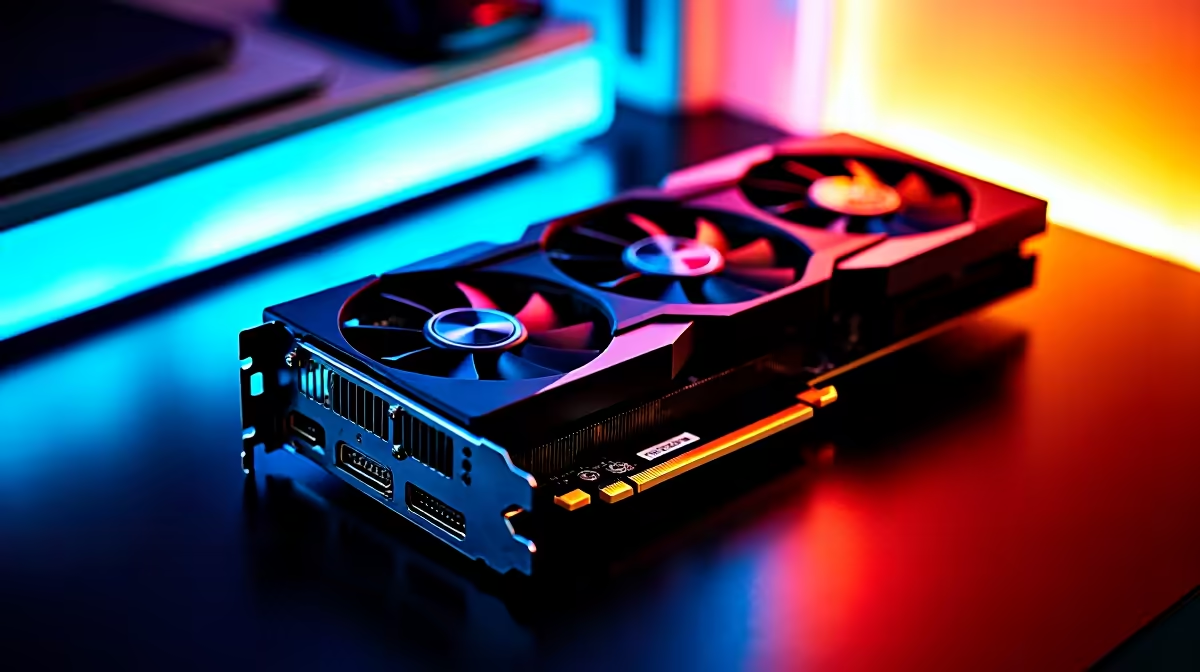
Unlocking Valorant Max Settings on RTX 4090 for South African Gamers ⚡
Ready to push your FPS and visuals to the max in Valorant with an RTX 4090? South African gamers know the thrill of flawless gameplay — but maxing out settings on this beasty GPU demands more than just hardware firepower. We'll break down how to optimise your setup, squeeze every frame, and maintain silky smooth action without compromise.
Why the RTX 4090 Excels for Valorant at Max Settings
Valorant’s tactical gameplay benefits hugely from high frame rates and crisp visuals. The RTX 4090, with its unmatched CUDA cores and ray tracing tech, can render Valorant at ultra settings with ease. But optimal performance depends on tuning your system, drivers, and settings just right.
Ever tweaked your graphics card and wondered why your FPS dips despite the specs? That’s where understanding your build matters. For South African buyers looking to build or upgrade, Evetech offers a wide array of graphics cards that can fit any budget and setup.
Step-by-step: Valorant Max Settings on RTX 4090
1. Update Nvidia Drivers & Use GeForce Experience
Nvidia regularly pushes updates that stabilise and optimise performance. Use GeForce Experience to auto-tune your settings for Valorant or configure manually for max detail.
2. Optimise In-Game Settings for Best FPS
Although the RTX 4090 handles ultra settings, start by maxing out textures, shadows, and effects. Use a 144Hz+ monitor to fully enjoy the high FPS.
3. Enable RTX Features Cautiously
Real-time ray tracing adds realism but can tax performance. Experiment with shadows and reflections, turning features off if you see drops below 240 FPS.
4. Fine-Tune Windows for Gaming
Switch to ‘Game Mode’ in Windows settings and disable unnecessary background apps to prioritise Valorant’s processing power.
5. Cooling and Power Settings Matter
Ensure your case airflow is optimised; hot GPUs throttle performance fast. Consider South African PC deals at Evetech to upgrade cooling solutions or pre-built rigs designed for gaming dominance, like those on best gaming PC deals and pre-built PC deals.
Pro Tip for Stable FPS
Dial down your fan curve by 5% to lower GPU temperatures by a couple degrees Celsius — your RTX 4090 stays cooler and quieter under pressure, keeping FPS consistent.
Accessories and Peripherals to Enhance Your Valorant Experience
A graphics card is the heart of your gaming rig, but pairing it with the right peripherals elevates gameplay. Consider high-refresh-rate gaming laptops or desktops available from Evetech’s notebooks section for mobility without sacrificing power.
Also, keep an eye on seasonal specials for deals on gaming gear and upgrades. South African tech buyers get unbeatable value when timing purchases right!
Recap: Perfecting Valorant Max Settings on RTX 4090
Maximising your Valorant experience on the RTX 4090 means more than flipping settings to ‘Ultra’. Proper driver updates, smart in-game tuning, effective cooling, and leveraging great hardware deals from Evetech combine to keep your gameplay smooth and sharp.
Ready to dominate the leaderboard with ultra visuals and top FPS? Your dream setup is just a few clicks away.
Elevate Your Gaming Performance Discover unbeatable graphics cards and gaming PCs at Evetech. Shop now at Evetech for performance that leaves lag in the dust.











