

Understanding the VESA Standard
Ever felt like your desk is shrinking? Between your keyboard, mousepad, and that massive plastic monitor stand, there is barely room for a coffee. Understanding a VESA Mount: What It Is and Why You Need One is the secret to reclaiming your space. It is a universal standard that lets you ditch the bulky base for a sleek, adjustable arm... giving you the ultimate professional setup.
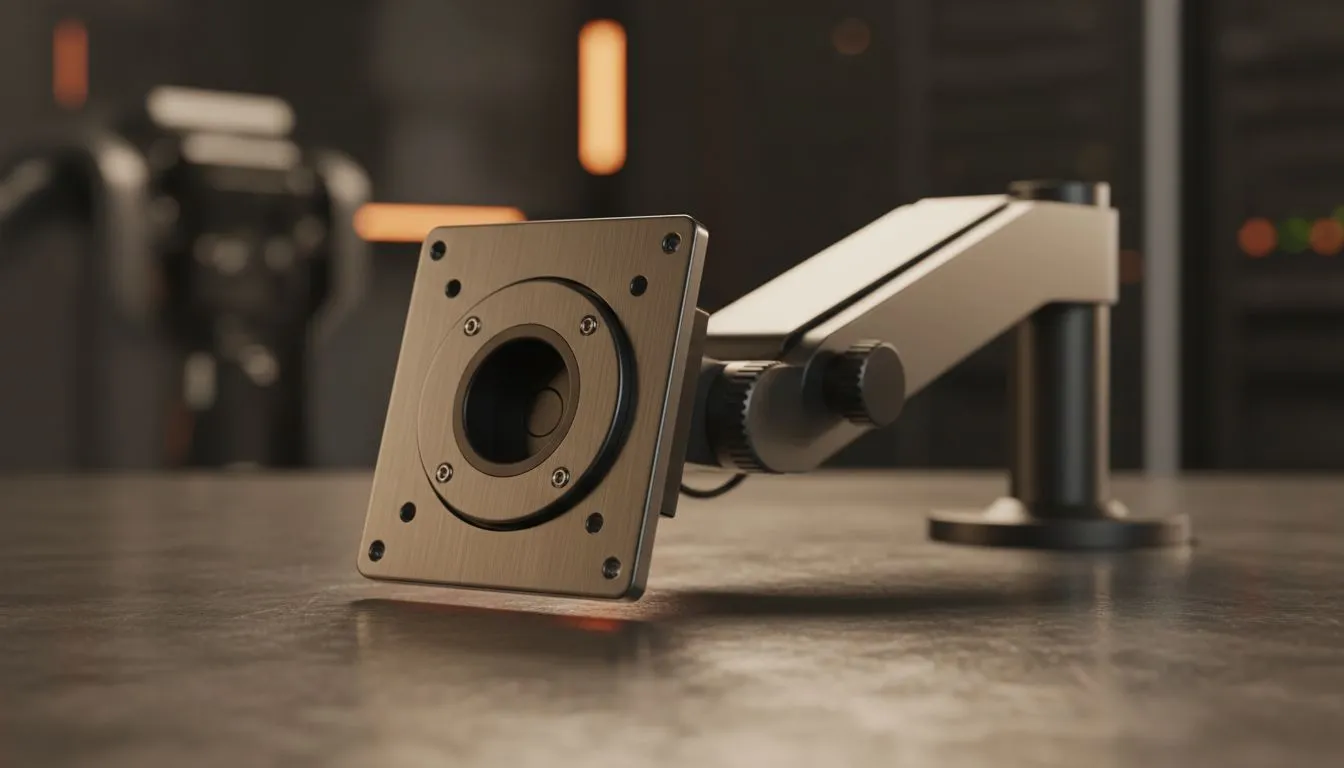
At its core, VESA is a set of standards for mounting flat-panel displays. If you look at the back of most PC monitors, you will see four screw holes in a square or rectangular pattern. These holes are the mounting points. The most common sizes are 75x75mm or 100x100mm. By using these points, you can attach your screen to walls or desk arms instead of relying on the factory stand.
Why You Should Switch to a VESA Mount
The biggest benefit is ergonomics. A standard stand often sits too low... forcing you to hunch over. This leads to neck pain and poor posture during long gaming sessions. A VESA arm allows you to raise the screen to eye level. You can also tilt, swivel, and rotate your display. This flexibility is vital for creators and gamers alike.
Productivity Pro Tip ⚡
On Windows, use the PowerToys FancyZones utility to create custom snap layouts for your windows. It's a lifesaver for managing multiple apps on an ultrawide monitor, letting you organise your timeline, preview window, and asset folders perfectly for video editing.
Another reason is desk real estate. Removing the large plastic base frees up room for your peripherals. If you are using flat monitors in a multi-screen configuration, a dual-arm mount keeps them perfectly aligned. It looks cleaner and feels more organised.
Finding the Right Screen for Your Mount
Not all screens are created equal. When choosing a new display, you should consider the panel and shape. Many gamers prefer curved monitors for better immersion... but ensure the mount you choose can handle the depth of the curve.
For those who value colour accuracy and wide viewing angles, IPS panels are the gold standard. Mounting an IPS screen allows you to tilt it perfectly to avoid glare from South African sunlight. Always check the weight of the monitor before buying an arm. High-end screens can be heavy... and you don't want your investment sagging toward the desk.
Technical Compatibility and Sync Tech
When you optimise your setup with a VESA arm, you are likely looking for the best performance too. Modern displays often feature Adaptive Sync to prevent screen tearing. This technology ensures your monitor refreshes at the same rate as your GPU.
If you use an AMD graphics card, look for screens with FreeSync (AMD) support. NVIDIA users should prioritise G-Sync (NVIDIA) compatibility. Combining a mounted, ergonomic position with smooth, tear-free visuals creates the best possible gaming environment. Whether you are in Cape Town or Pretoria, a clean VESA setup is the mark of a serious enthusiast. 🔧 ✨
Ready to Find Your Perfect Match? A VESA mount is only as good as the screen it holds. For the best selection of gaming displays and mounting-ready screens in South Africa, we have you covered. Explore our massive range of monitor specials and find the perfect machine to conquer your world.











