

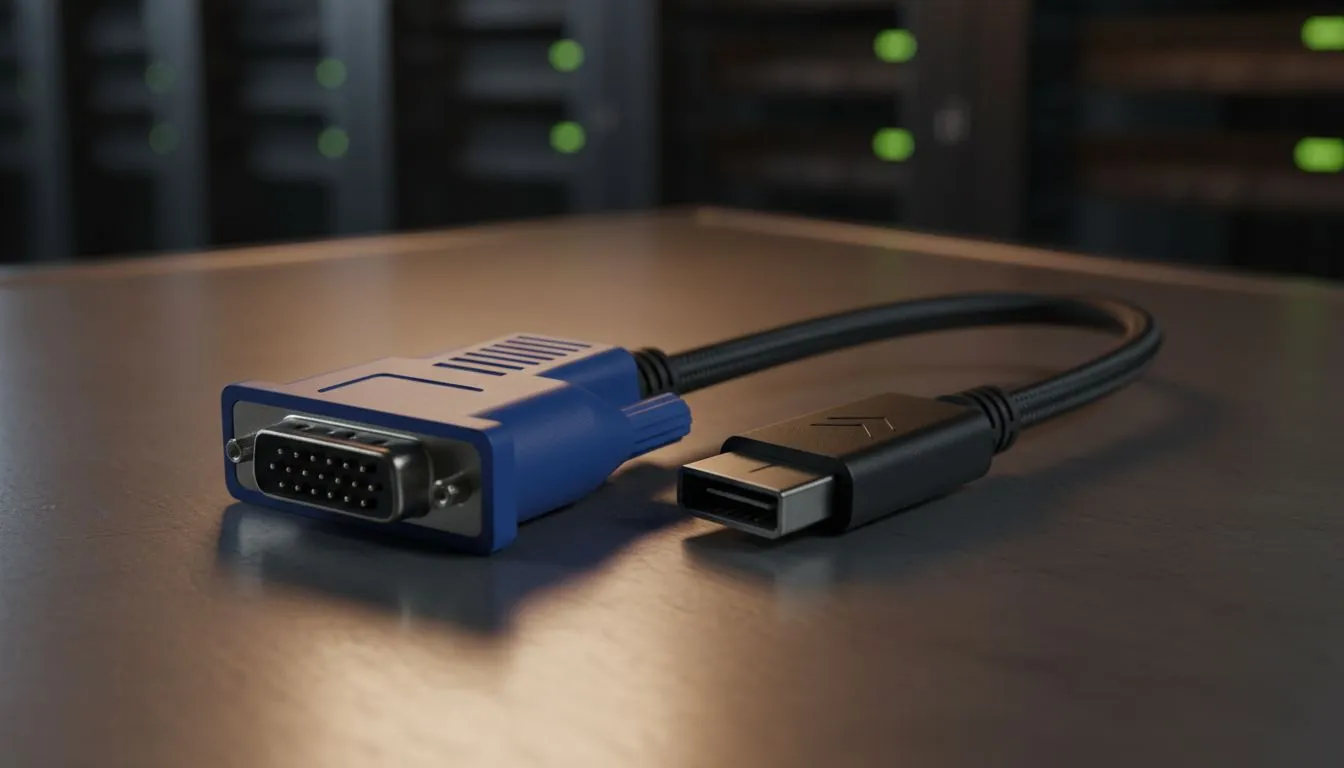
You’ve just unboxed a sleek new screen, but there it is... that familiar blue D-sub connector staring back at you. While HDMI and DisplayPort rule the roost, seeing VGA in modern monitors isn't just a nostalgia trip. In South Africa, we often repurpose older hardware for second screens. Understanding why legacy ports still matter can save you money and technical headaches. 🔧
The Practical Side of Analog Connectivity
Many local small businesses and home offices still rely on older PCs. Sometimes you just need a display that works without expensive adapters. If you are browsing the full range of pc monitors, you will notice many budget-friendly models keep this port alive. It ensures compatibility with legacy GPUs that lack digital outputs.
It also acts as a vital fail-safe. Have you ever had a GPU driver crash that disabled your HDMI output? A VGA connection often bypasses these digital handshake issues. This makes it perfect for BIOS troubleshooting or server maintenance.
Choosing the Right Panel and Form Factor
Choosing a monitor involves more than just checking the ports. For creative work, many South African professionals prefer an IPS panel. These screens offer superior colour accuracy and wide viewing angles.
Whether you prefer a traditional flat screen for precise design work or a curved display for gaming immersion, legacy support remains useful. It allows you to hook up an older laptop as a dedicated music or chat window while you work on your primary display.
Legacy Connection Tip ⚡
If your modern GPU doesn't have a VGA port but your secondary monitor does, use an active HDMI to VGA converter. Passive cables often fail because they cannot convert the digital signal to analogue. This is a cheap way to extend your desktop real estate using older gear without spending thousands of ZAR on a new screen.
Gaming Features and Modern Standards
Modern gaming demands more than just a basic connection. While VGA is limited to analogue signals, your primary gaming screen should leverage Adaptive Sync to eliminate screen tearing. This technology synchronises your monitor's refresh rate with your GPU's output. 🚀
If you are rocking a Team Red setup, look for displays featuring FreeSync (AMD) for smooth frames. Conversely, NVIDIA users will want to hunt for G-Sync (NVIDIA) compatible monitors. Even if your main rig uses these high-tech digital ports, that legacy VGA port remains a hero for connecting older consoles or diagnostic tools in a pinch. It provides a level of versatility that purely digital monitors sometimes lack. ✨
Ready to Find Your Perfect Match? Whether you need the latest high-refresh panels or a reliable screen with legacy support, Evetech has the best deals in South Africa. Explore our massive range of PC monitors and find the perfect display to upgrade your setup today.











