

Maintaining Crystal Clear Comms When the Lights Go Out
We all know the dread... the lights flicker, the UPS beeps, and suddenly your high-end rig is on a timer. Maintaining voice clarity during loadshedding isn't just about survival... it is about keeping your team coordinated when the grid fails. If your comms sound like a gravel pit every time the power cuts, it is time to rethink your power-safe audio setup.
Choosing the Right Hardware for Power-Safe Audio
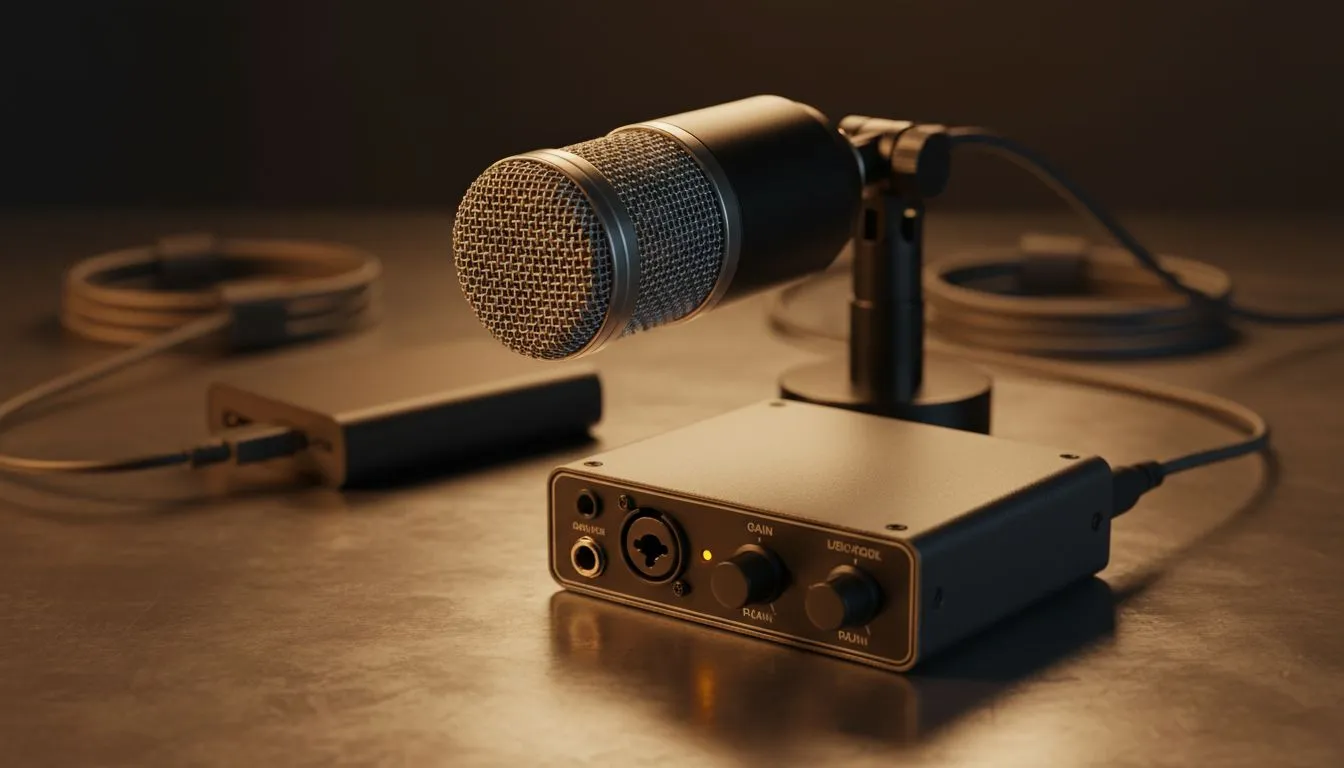
When the power is out, every watt counts. High-fidelity XLR microphones and massive audio interfaces can be surprisingly thirsty. To keep your stream or Discord call alive without draining your inverter in minutes, you should look at streaming essentials that prioritise efficiency over flashy RGB. USB-powered condenser mics are often the best bet because they pull minimal power directly from your device.
Brands like CORSAIR offer headsets with incredible battery life and low-latency wireless tech, ensuring your voice stays crisp even when the wall socket is dead. Using a wireless headset also means one less cable to worry about in the dark.
Power-Saving Pro Tip ⚡
Turn off all RGB lighting on your peripherals when running on a UPS or inverter. While a single LED doesn't use much, a fully lit keyboard and mouse can shave 10 to 15 minutes off your backup runtime during a long Stage 6 session.
Eliminating Electrical Noise and Interference
A common issue with a power-safe audio setup is the "hum" introduced by cheap inverters. Modified sine wave inverters often create electrical interference that your microphone picks up as a constant buzz.
To combat this, ensure your audio cables are shielded and kept away from power bricks. While audio is king, poor lighting can make your webcam struggle in the dark, forcing it to increase gain and create digital noise. Low-power Cololight modules are perfect for adding a bit of ambient glow without killing your battery backup.
If you are using a laptop to save power, upgrading to dedicated webcams can actually reduce the load on your CPU compared to built-in modules that lack hardware encoding, which indirectly helps maintain voice clarity by preventing system lag.
Optimising Software for Battery Efficiency
Software-based noise suppression like NVIDIA Broadcast or Krisp is fantastic for voice clarity during loadshedding... but they use GPU and CPU cycles. If you are trying to stretch your UPS to the three-hour mark, consider using the "Standard" noise suppression in Discord instead. It is less taxing on your hardware and still does a decent job of hiding the sound of your neighbour’s generator.
Remember to keep your gains low. It is better to have a slightly quieter, clean signal than a loud, distorted one caused by your audio interface struggling with inconsistent voltage.
Ready to Stay Online During the Blackouts? Don't let the grid dictate your performance. Whether you need an energy-efficient mic or a headset that lasts through Stage 6, we have the gear to keep you loud and clear. Explore our massive range of streaming essentials and find the perfect machine to conquer your world.











