

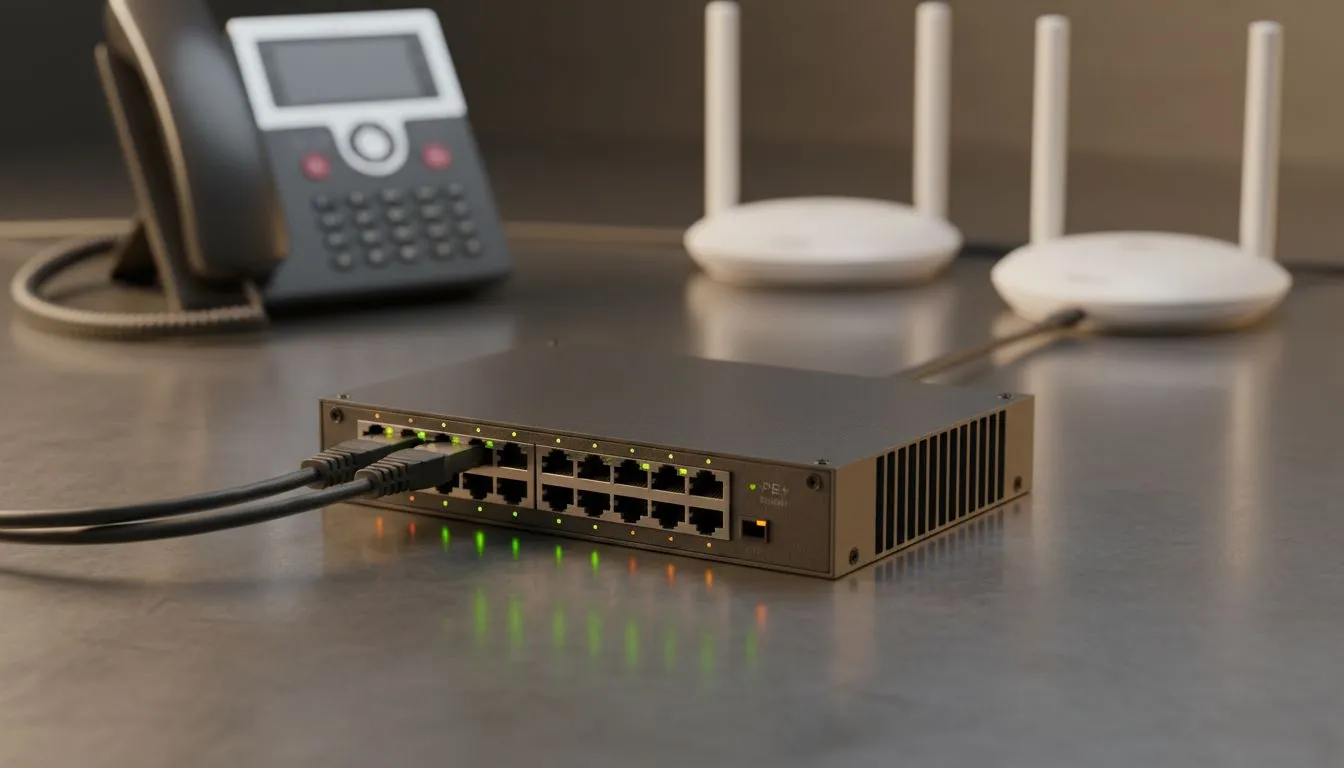
Nothing kills office productivity faster than a "dead" desk phone. In South Africa, where power surges and load shedding are part of life, VoIP phone power issues are common. Whether your handset is flickering or won't boot at all, the culprit is usually your PoE setup or a faulty PSU. Let's get your comms back online without the technical headache.
Identifying Common VoIP Phone Power Issues
Before you bin your hardware, you need to isolate the problem. Is it the network delivering the power or the phone receiving it? Most modern offices in South Africa use Power over Ethernet (PoE) to keep desks clutter-free. However, if your switch is over-taxed, your phones will be the first to drop off.
Start by checking the status lights on your phone. If there is no light at all, the power path is broken. If the light flashes and then dies, you likely have a voltage drop. This often happens when you use cheap, thin cables over long distances. To fix this, you might need to upgrade your infrastructure by browsing our latest networking switches to ensure your power budget meets your hardware demands.
Troubleshooting PoE and PSU Hardware
If your phone uses a dedicated Power Supply Unit (PSU) instead of PoE, the fix is often simpler. These small "bricks" are sensitive to the frequent power cycles we experience locally. A PSU can fail silently... providing just enough voltage to light an LED but not enough to boot the phone's processor.
For those using PoE, ensure your switch supports the correct standard (802.3af or 802.3at). Using reputable Cudy switches can eliminate these compatibility headaches. These units are designed to handle the specific handshake required to negotiate power safely with your VoIP handsets.
Cable Quality Matters ⚡
Always use high-quality copper Cat6 cables for PoE setups. Cheap copper-clad aluminium (CCA) cables have higher resistance. This causes significant power loss over distance, which often leads to intermittent VoIP phone power issues and dropped calls during peak usage.
Scaling Your VoIP Network Safely
As your business grows, so does your power requirement. Adding just two or three more phones to an entry-level switch can push it past its limit. When a switch exceeds its "PoE Budget," it will randomly shut down ports to protect itself. This looks like a hardware failure but is actually just a lack of resources.
If you are running a busy call centre or a large office, you should look at high-performance Cudy hardware that offers a higher total wattage. Investing a few extra Rand now prevents the massive cost of downtime later. Always check the total PoE budget (measured in Watts) against the "Max Power Consumption" listed on the back of your VoIP phones.
Final Hardware Checks
Still having trouble? Try the "Port Swap" test. Plug the "dead" phone into a port that is currently working for another phone. If it powers up, your switch port or the cable is the problem. If it stays dead, the phone's internal power circuit has likely fried. Given the cost of professional VoIP handsets in ZAR, protecting them with a decent UPS or a high-quality managed switch is the smartest move you can make for your office.
Ready to Power Up Your Office? Don't let poor connectivity disconnect your business. Whether you need a simple desktop switch or a high-capacity PoE solution, we have the gear to keep you talking. Explore our massive range of networking switches and find the perfect fit for your VoIP setup today.











