

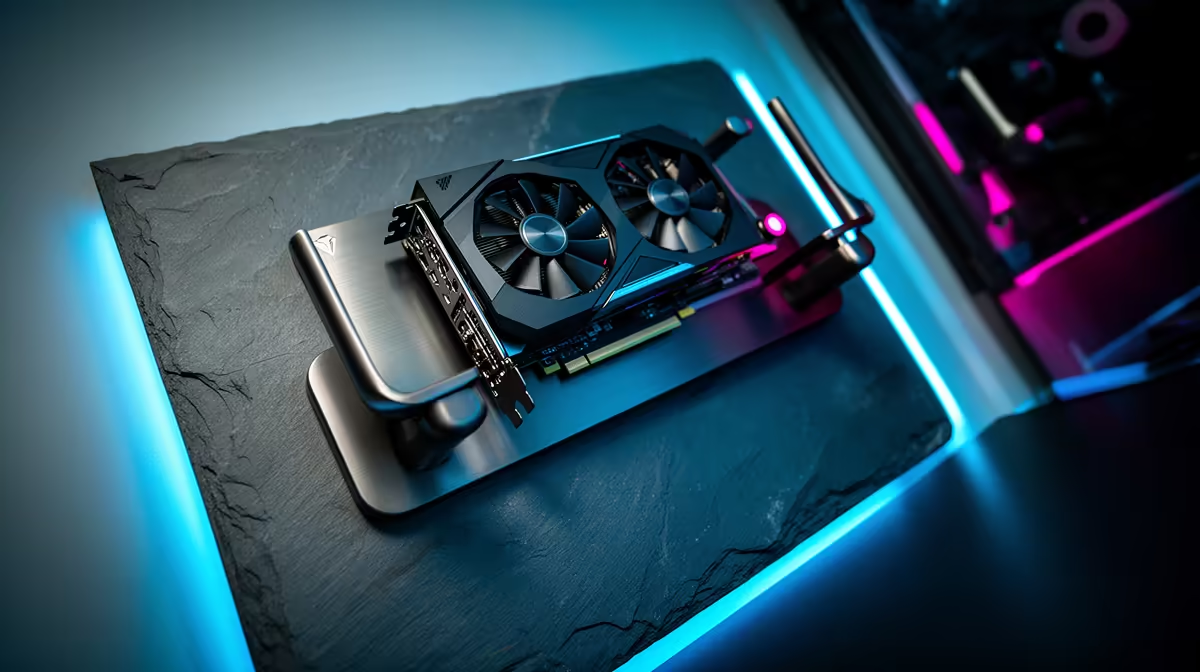
Tired of that bulky PC case taking up precious desk real estate? Or maybe you’re just looking for a way to make your rig the true centrepiece of your room. Imagine your powerful components displayed like a work of art. Wall-mounting PC components isn't just about saving space; it's about creating a clean, futuristic setup that shows off your hardware and keeps things cool. It's the ultimate PC enthusiast flex, and it’s more achievable than you think.
Why Consider Wall-Mounting Your PC Components?
Let's be honest, a standard PC tower, while functional, can be a bit... boring. Taking your build to the wall elevates it from a tool to a statement piece. ✨ The primary benefits of a wall-mounted PC setup are clear:
- Aesthetic Appeal: It showcases your carefully chosen motherboard, GPU, and custom cooling in a way no case ever could. Add some RGB, and you've got a dynamic piece of art.
- Superior Airflow: With components exposed to open air, cooling is often dramatically improved. Say goodbye to heat-trapped cases and hello to lower temps.
- Space Saving: Freeing up your desk or floor space is a massive win, especially in smaller rooms or apartments.
- Easy Access: Need to swap a RAM stick or plug in a new drive? With everything accessible, tinkering and upgrades become a breeze.
Getting Started: What You'll Need
Embarking on a wall-mount PC build requires a bit of planning, but the core gear is straightforward. You're not reinventing the wheel, just changing where it sits.
The Frame & Mount
Your first decision is how you'll attach everything to the wall. You can buy pre-made open-air frames or "wall-mountable chassis" from various brands. Alternatively, the DIY route using a custom-cut panel of wood or acrylic gives you total creative freedom. Just make sure it's secured properly to wall studs!
The Components & Power
Standard PC parts work perfectly. However, since they'll be on display, aesthetics matter more. Think about the colour of your motherboard, braided PSU cables, and of course, RGB lighting to make your build pop.
A setup this beautiful also deserves protection, especially with load shedding being a daily reality. An exposed system is vulnerable to power surges. Investing in a reliable Uninterruptible Power Supply (UPS) is non-negotiable. For a solid workhorse, you can't go wrong with a quality Titan UPS to keep your components safe during an outage. ⚡
The Wall-Mounting Process: A Quick Guide 🔧
While every build is unique, the process for mounting your PC components on the wall follows a few key steps.
- Plan Your Layout: Before drilling any holes, lay your components out on the floor or a large table. Arrange them how you want them to look on the wall. This is crucial for figuring out cable lengths and routing paths.
- Secure the Mount: Find the studs in your wall. We can't stress this enough. Drywall alone won't hold the weight of your precious hardware. Securely fasten your frame or backplate to these studs.
- Install the Components: Mount your motherboard, GPU (using a riser cable), PSU, and storage onto the frame. This part feels just like a regular PC build, only vertical.
- Master Your Cables: This is what separates a good build from a great one. Route your cables neatly behind the backplate or use cable combs and sleeves to create clean lines. The goal is to make the cables part of the aesthetic, not a chaotic mess.
Pro Tip: Cable Planning
Use string to measure your cable routes during the planning phase. Run the string from the PSU port to the motherboard port, for example. This tells you exactly what length of custom-sleeved cables you'll need to order for that ultra-clean look. No guesswork needed!
Don't Forget Power Stability
We mentioned it before, but it's worth its own section. A wall-mounted PC is a significant investment in time and money. The last thing you want is a power surge from the grid frying your motherboard or GPU. A good UPS not only gives you time to save your work during an outage but also cleans the power, protecting against spikes and dips. You don't have to break the bank either; there are plenty of affordable UPS options under R1300 that offer excellent protection for a standard gaming rig. 🚀
Protect Your Masterpiece Your wall-mounted PC is more than just a computer; it's a statement. Keep it safe from unpredictable power with a reliable UPS. Browse our full range of UPS solutions and give your build the protection it deserves.











