

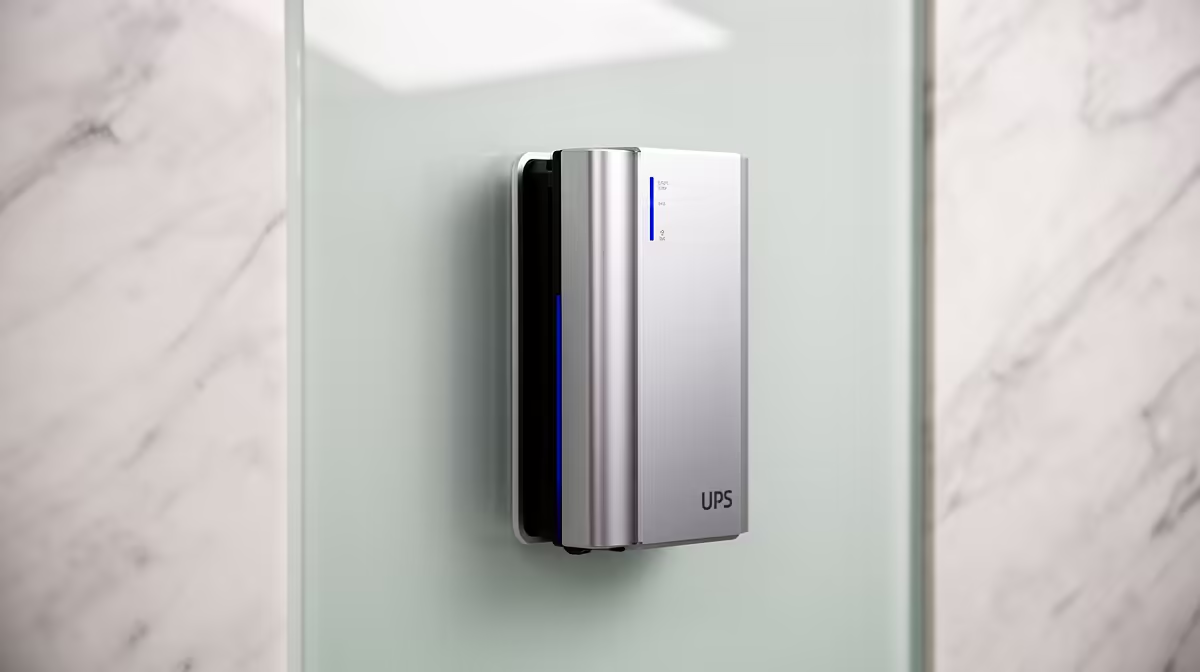
Stage 6 load shedding hits. The lights die, your fans spin down, and you're booted from a ranked match… again. It’s a uniquely South African frustration. But what if the solution wasn’t another bulky box cluttering your floor? A wall mounted UPS system offers silent, seamless power protection that’s as sleek as your setup. It’s time to reclaim your uptime without sacrificing precious floor space or aesthetics. ⚡
Why a Wall Mounted UPS System Makes Sense
Forget tripping over a clunky black box under your desk. The primary advantage of a wall mounted UPS system is its space-saving design. By elevating your power backup, you create a cleaner, more organised gaming or work environment. It's an elegant solution that keeps critical hardware safe from kids, pets, and the occasional clumsy foot.
But it's not just about space. These units are often designed for silence, making them perfect for bedrooms, home offices, or media centres where the hum of a traditional UPS would be a distraction. They blend into your environment, providing uninterrupted power without the noise pollution.
Key Features for Your Setup
Choosing the right uninterruptible power supply means looking beyond the form factor. Here’s what matters most for a modern South African tech user:
Capacity and Runtime
Measured in Volt-Amps (VA) and Watts (W), capacity determines how much gear your UPS can support. A typical gaming rig, monitor, and router might need a 1000VA / 600W unit to provide a few minutes of runtime—enough to save your game and shut down safely. Don't aim to play for an hour; aim to survive the switchover.
Clean Power and Surge Protection
Load shedding isn't just about blackouts. The power returning can cause surges that fry sensitive electronics. A good wall mounted UPS system provides clean, stable power, acting as a shield for your expensive components. It's non-negotiable for protecting your investment. A clean setup with a wall-mounted UPS pairs beautifully with the minimalist design of modern compact PCs, like the surprisingly powerful Minisforum Mini PCs.
Pro Cable Management Tip
Use velcro ties and a cable raceway painted the same colour as your wall. It makes your wall mounted UPS system look like a deliberate, professional installation, not an afterthought. A clean setup is a happy setup! ✨
Installation and Placement 🔧
Mounting your UPS is simpler than it sounds. The goal is to secure it to a wall stud for maximum stability. Most units come with a mounting template and hardware.
- Find a Stud: Use a stud finder to locate a wooden stud in your wall.
- Mark & Drill: Use the template to mark your drill holes.
- Mount Securely: Install the screws, leaving them slightly proud of the wall to hang the UPS.
- Connect & Tidy: Hang the unit, plug it in, connect your devices, and manage your cables.
This kind of tidy, off-the-floor solution is ideal for protecting not just full-sized towers but also the growing range of versatile mini PCs that power so many home offices and entertainment centres across Mzansi.
Beyond the Gaming Rig
While protecting your PC is the main goal, a reliable power solution safeguards your entire digital life. Think about what else drops during an outage:
- Your Router: Keep your internet connection alive for mobile devices.
- Your TV & Console: Prevent sudden shutdowns that can corrupt data.
- Your Smart Home Hub: Ensure your smart devices stay online.
A wall-mounted power solution is a central part of any modern tech ecosystem, just as crucial as selecting the right PC components and mini PCs for your specific needs. It's the silent guardian of your digital world. 🚀
Ready for Uninterrupted Power? Don't let load shedding dictate your uptime. A clean, wall-mounted setup ensures you're always ready for work or play. Explore our range of compact PCs that pair perfectly with an uninterrupted power solution.











